Teams Governance
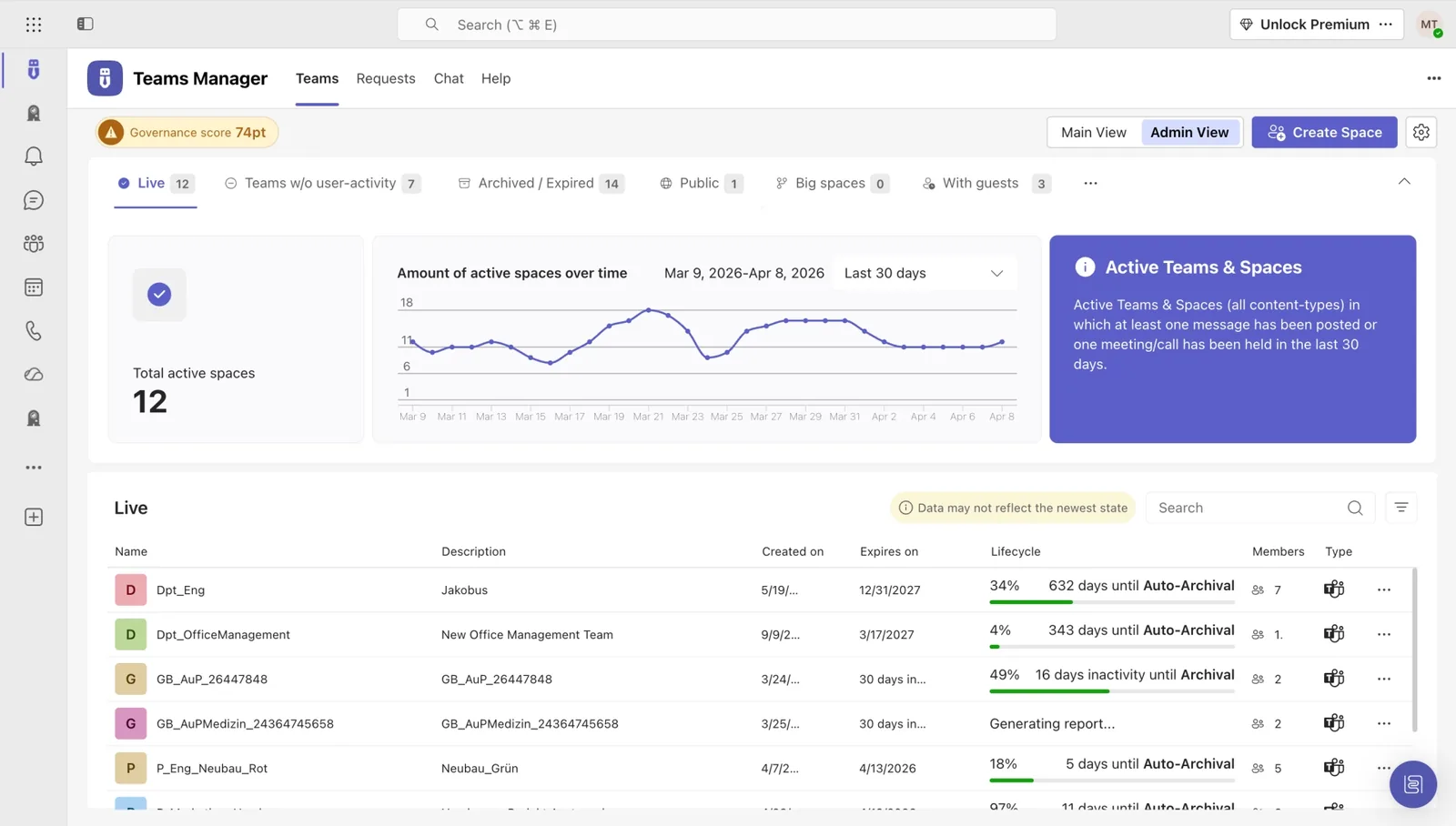
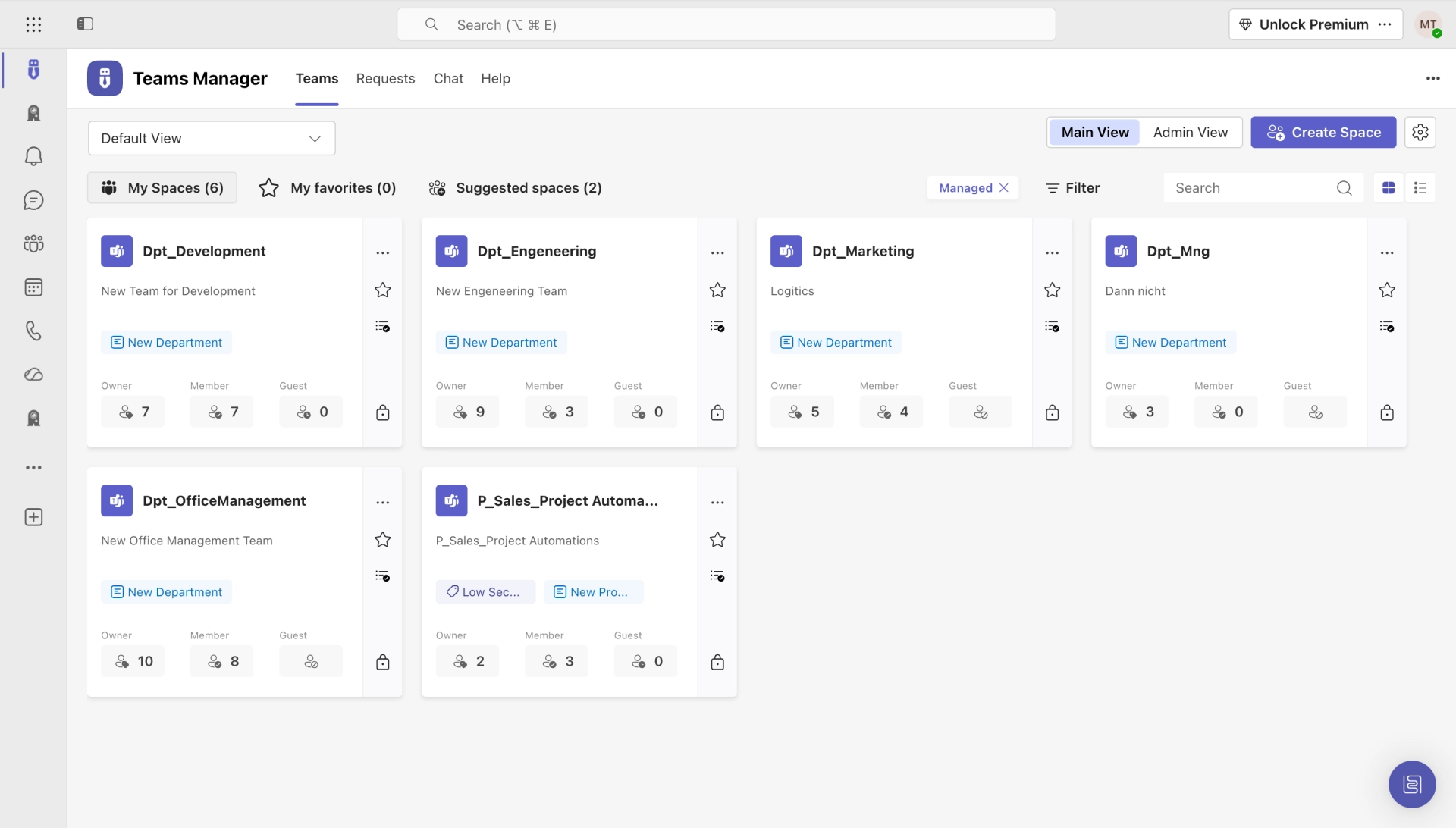
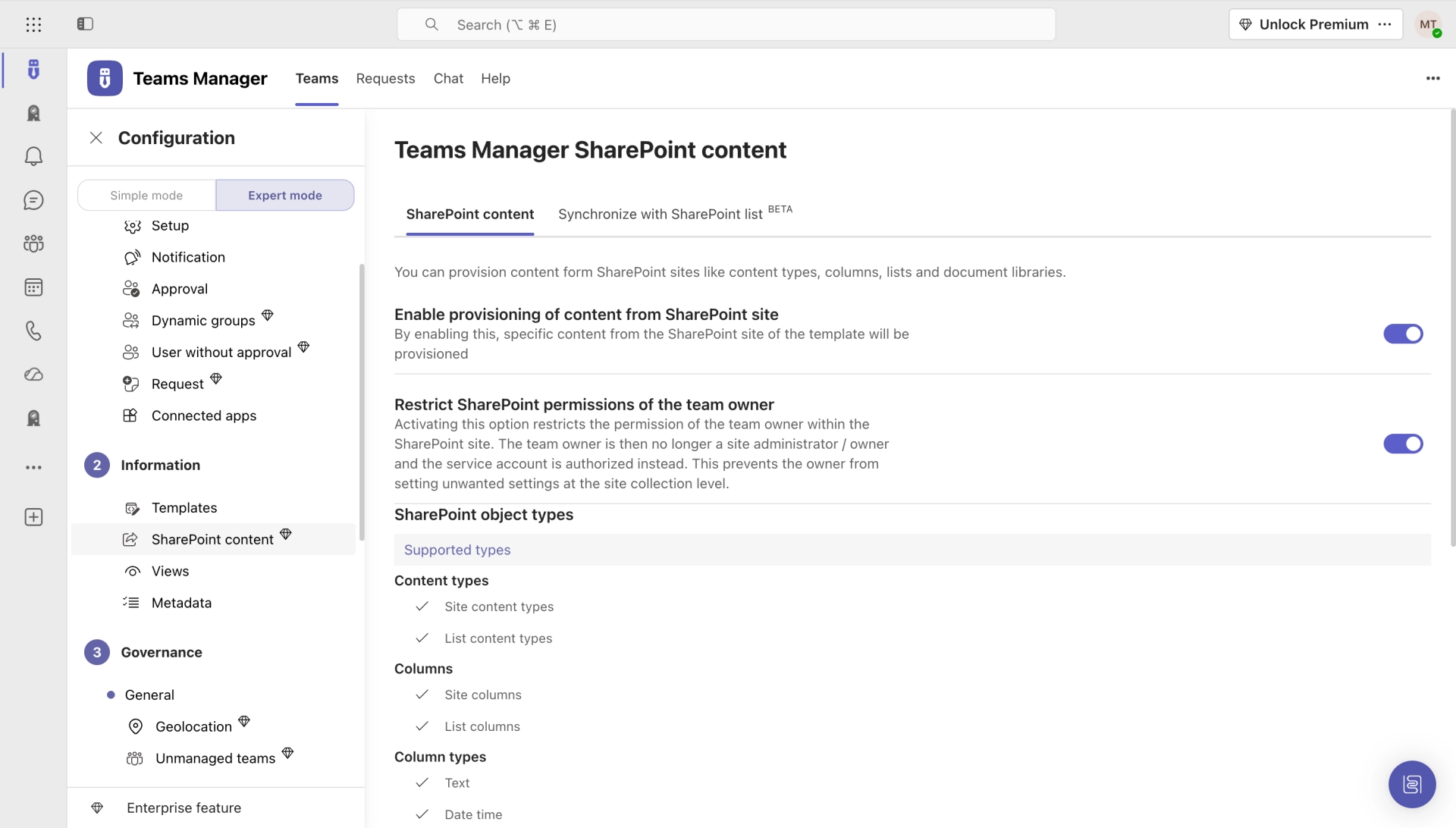
Teams Manager
Govern & manage Teams lifecycle
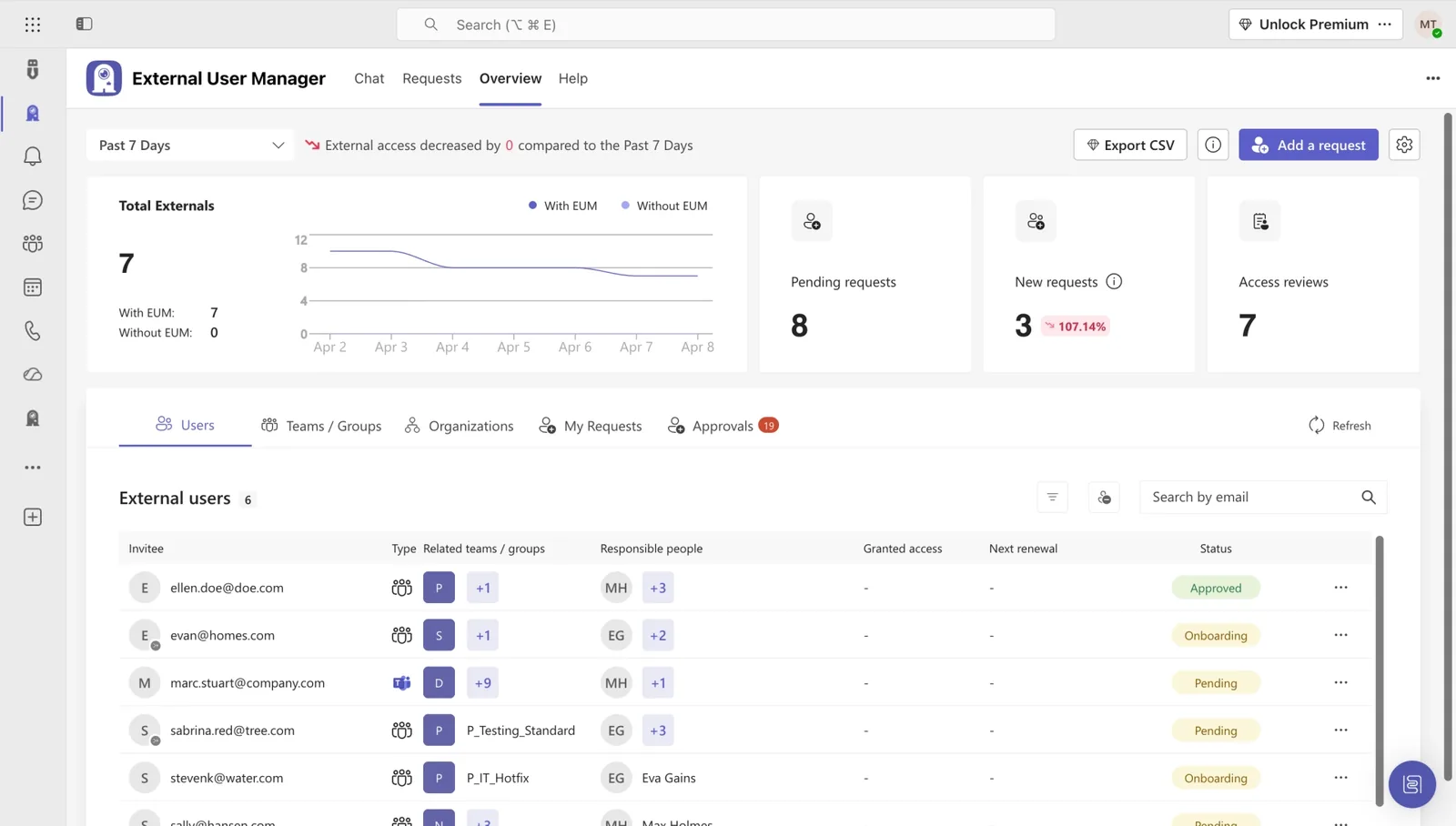
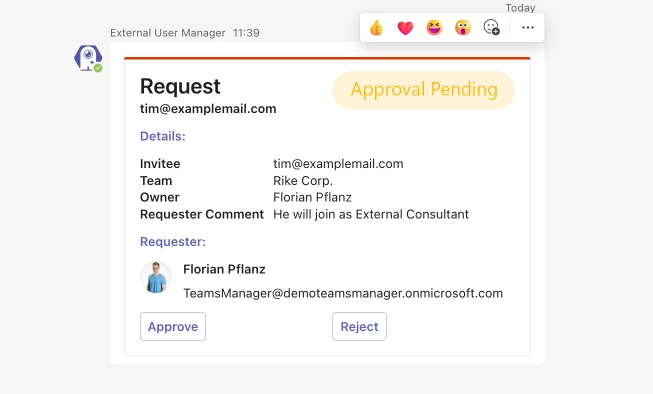
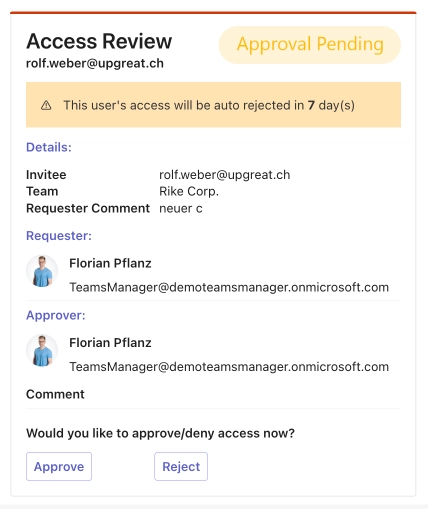
External User Manager
Control external guest access
Project Management
Projects in Teams
Plan & track projects in Teams
Microsoft SharePoint
SharePoint Site Templates
Standardize SharePoint provisioning
Templater (On-Premises)
On-premises template engine
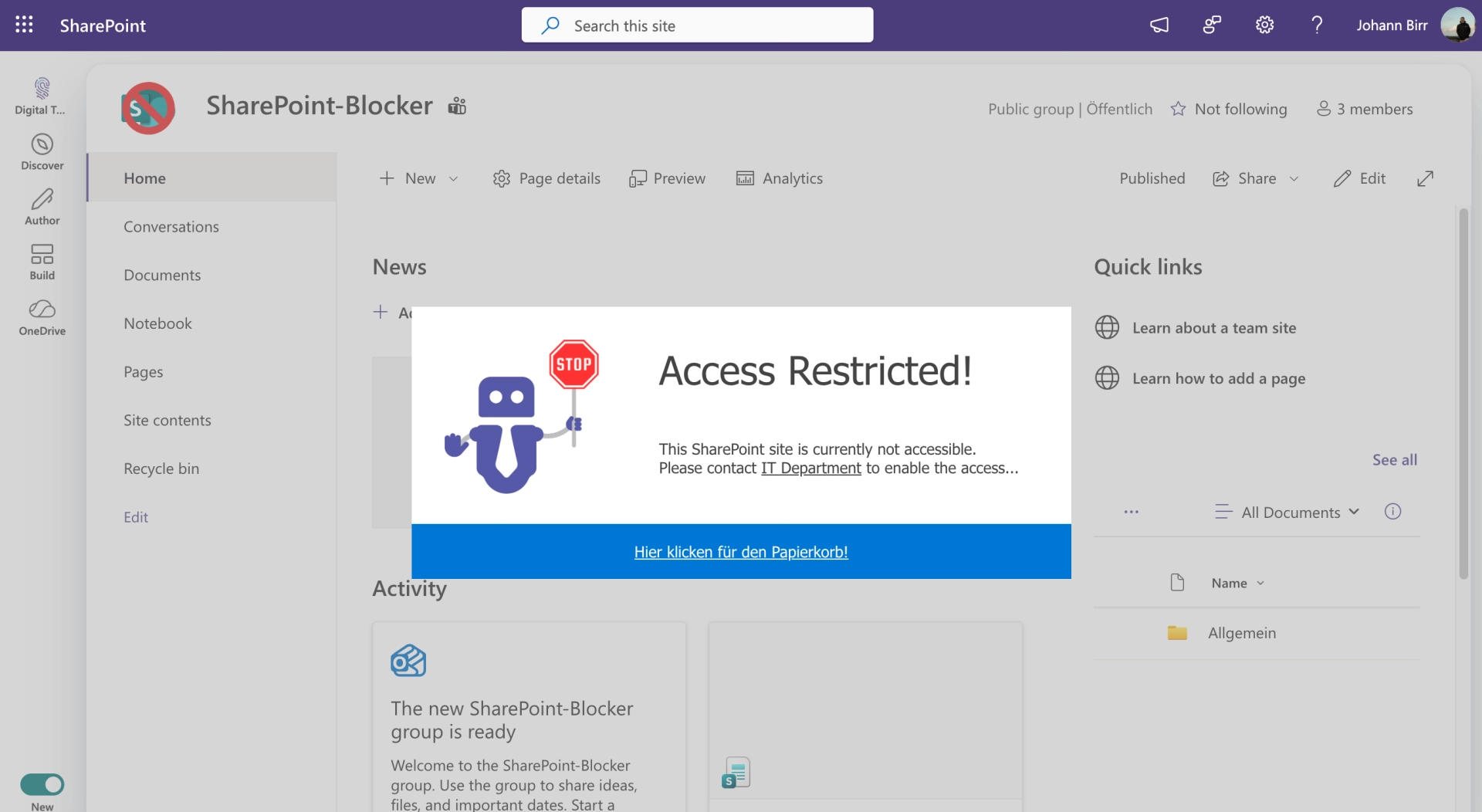
Blocker for SharePoint
Control SharePoint creation
View all products →
Browse all four Microsoft 365 governance products
Teams Governance
Stop Teams sprawl & enforce policies
External User Management
Control external guest access
M365 Compliance
Ensure Microsoft 365 compliance
Project Management
Structure projects in Teams
SharePoint Provisioning
Standardize SharePoint sites
View all solutions →

Browse all five Microsoft 365 governance solutions

So IT teams keep Microsoft 365 in check, not the other way around. One suite, four products, complete control.


IT teams waste hundreds of hours on manual governance tasks. We automate it all, from Teams provisioning to guest access control.
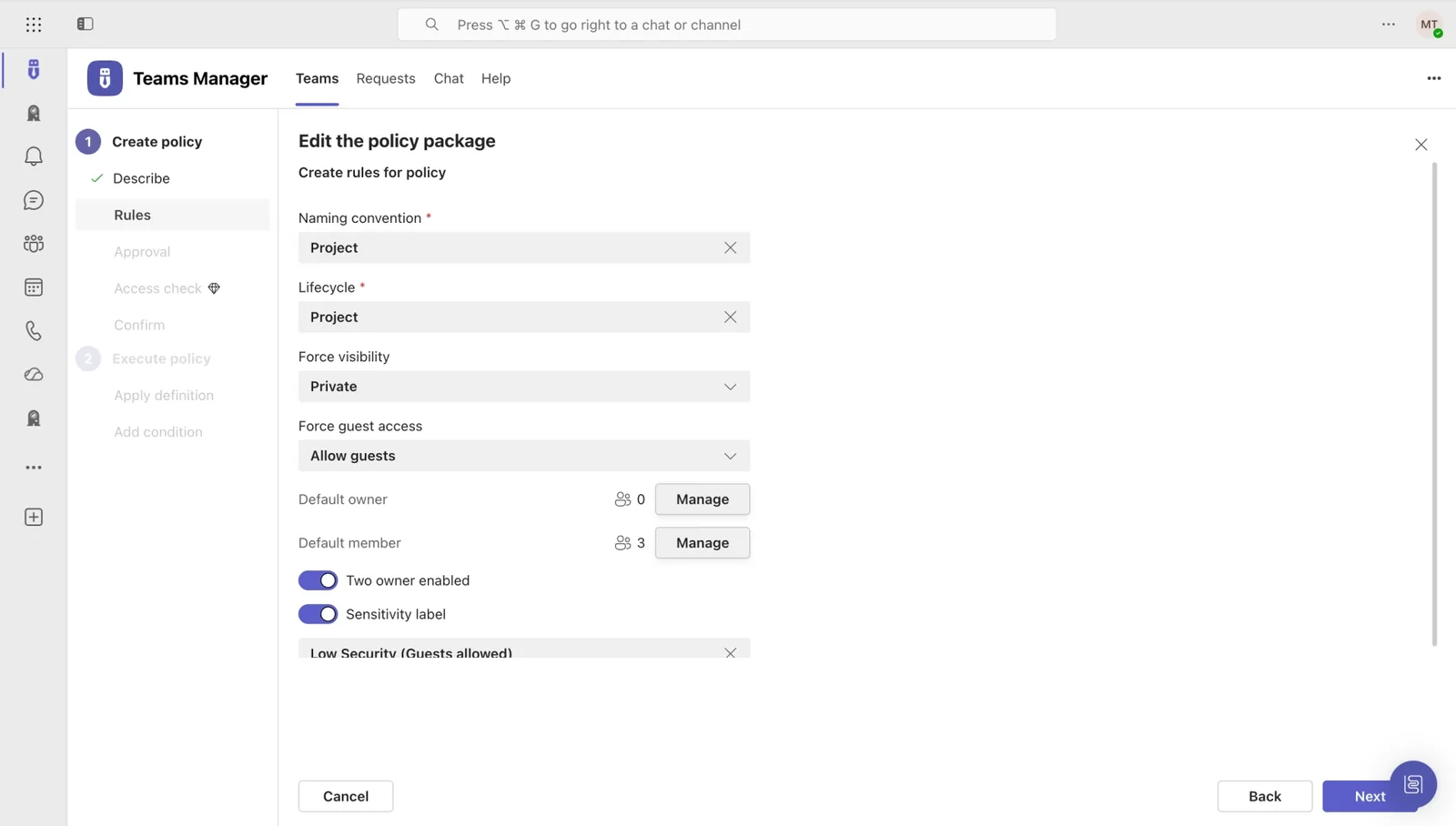
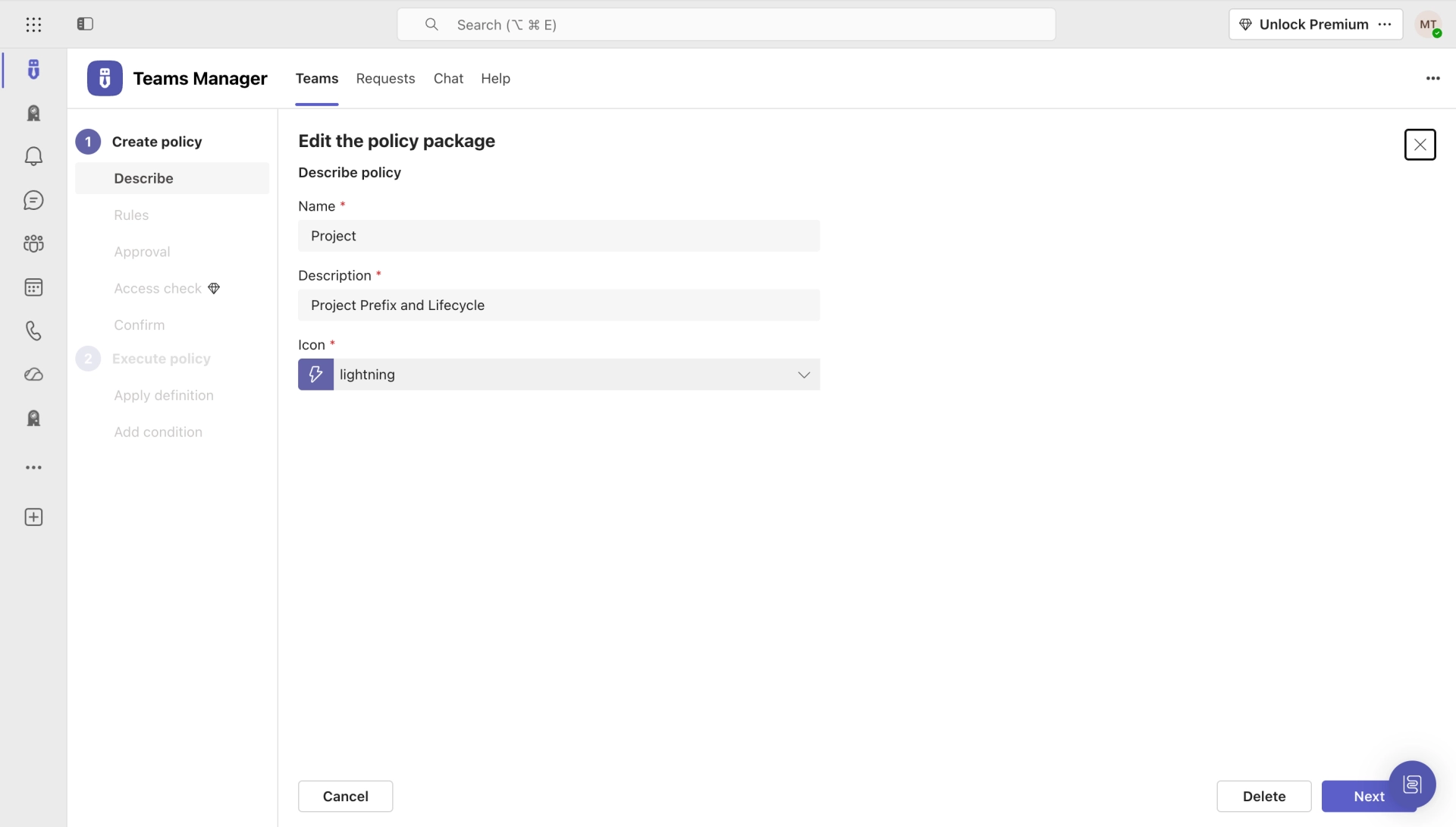
Stop drowning in manual Teams administration. Automate provisioning, enforce naming conventions, and archive inactive teams. No PowerShell required.
Learn more →Ex-employees still accessing your data? Automate guest lifecycle with expiration dates, access reviews, and audit-ready compliance reports.
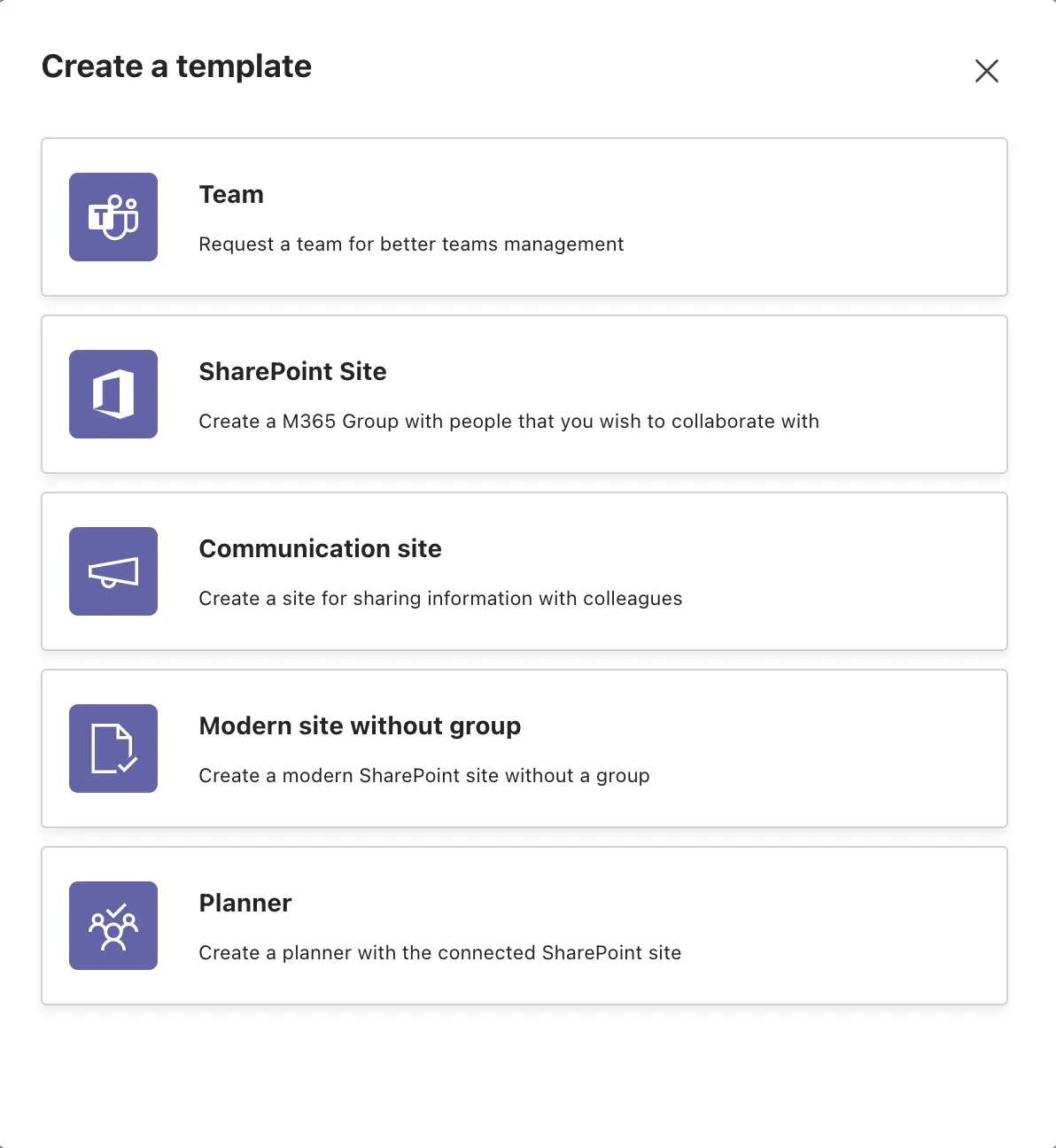
Learn more →Still building SharePoint sites from scratch? Deploy standardized, governance-compliant sites from templates, saving hours while enforcing consistency.
Learn more →Run every project inside Microsoft Teams, with structured tasks, milestones, and real-time progress. Turn Teams into your project management hub, without leaving M365.
Learn more →Spin up governance-ready SharePoint sites in seconds. Pre-configured templates with permissions, structure, and branding, consistent across every project and department.
Learn more →


See how IT teams across industries use Solutions2Share to take control of Microsoft 365.

riha WeserGold saves 50% time in team and guest management with Teams Manager and External User Manager, automating approval processes and external access control.
Read Story →
Ernsting's family migrated from a competing governance tool to Teams Manager and External User Manager for more intuitive M365 governance.
Read Story →
Bioland manages 332 teams and 643 guests with Teams Manager and External User Manager, enforcing naming conventions and controlling guest access in Microsoft Teams.
Read Story →Feedback from IT admins and decision-makers who run Microsoft 365 with our apps.
Teams Manager is the perfect complement to our governance and adoption strategy for teams. It provides a way for us to intelligently apply naming conventions, metadata, and lifecycles to teams without a request process and maintain freedom for the teams facility for trained users.

The price is unbeatable! And in contrast to other providers, Teams Manager can be installed directly via the Microsoft Teams Store, which is a great solution. In just 10 minutes we were ready to go.

We are saving a considerable amount of time in daily business (creating/configuring SiteCollections) and thus are able to focus on new projects and innovations.

There are always customers who need a better and more controllable way for guests in their tenant. Especially when the responsible person for a guest is not in IT. External User Manager provides a quick and easy set of features that helps many customers with their requirements.

We immediately realized that this was exactly what we needed because we were looking for a manager that offered an automated approval process and clear reporting.

With External User Manager, we know exactly which guest users have access to which channels and files. The approval process helps us keep a better overview. And the onboarding portal allows us to comply with company regulations by having our guest users sign an NDA beforehand.

Recognized certifications and awards that stand for quality and security.

Stay informed about the latest trends and tips for Microsoft 365.
We combine our four products into two governance pillars for Microsoft 365.
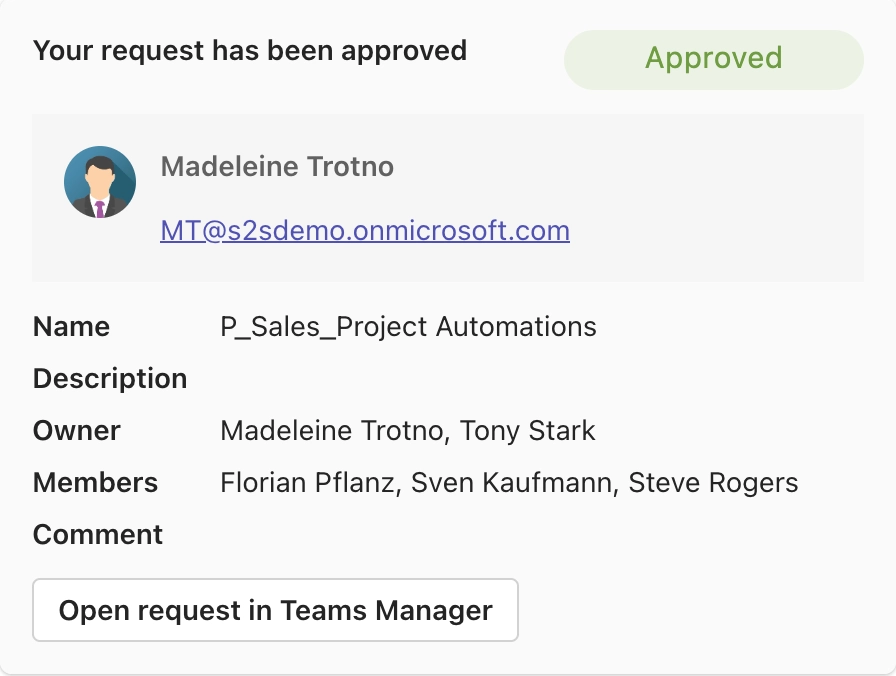
Provisioning, approval workflows, and automated lifecycle management for Teams & SharePoint.
Teams Manager
Templater
Blocker for SharePoint
Secure external collaboration and controlled guest access across your Microsoft 365 environment.
External User Manager


See how 500+ IT teams regained control of their Microsoft 365 environment, in a free 30-minute demo.
BOOK A FREE DEMOFind answers to the most common questions about Solutions2Share and our apps.
Solutions2Share develops software solutions for Microsoft 365 and SharePoint that help IT admins manage their environment efficiently. Our apps cover areas like Teams management, external user governance, templates, and compliance, all from a single vendor.
Yes, each product is licensed separately, so you only pay for what you actually need. For bundle requests, contact our sales team and we'll find the right solution for you.
Most of our apps are ready to use within minutes. Install the app from Microsoft AppSource, connect it to your tenant, and start right away. No complex setup required.
Absolutely. Our solutions are hosted on Microsoft Azure and meet strict security standards. We're ISO 27001 certified and fully GDPR compliant. Your data stays in the EU, protected at all times.

Yes. We offer a free trial for all our apps. Take your time to see if it fits your needs, completely risk-free.
We provide support via email and our ticket system. You'll also find detailed guides and how-tos in our Knowledge Base. Enterprise customers can request personalized onboarding.
Microsoft 365 governance and productivity solutions for modern workplaces.