Home »
SharePoint Collaboration
The best tips and tools, helpful articles and video tutorials for your Microsoft SharePoint Collaboration

Microsoft SharePoint Collaboration
Make SharePoint Collaboration as easy as possible. We’ll show you what tips, tricks and tools you can use to get the most out of SharePoint Collaboration.
Everything for your SharePoint Collaboration
1 – What is SharePoint Collaboration, and why is it important for me?
Microsoft SharePoint is used by many companies for their intranet or collaboration purposes. SharePoint collaboration features include versioning of files, co-authoring on documents, provisioning of pre-set templates, content management, powerful document libraries and more.
Compared to Microsoft Teams, SharePoint is much more powerful in the number and depth of its features – and more complex because of it.
2 – Tools for Microsoft SharePoint Collaboration
These tools provide SharePoint collaboration features that improve your collaboration in SharePoint.
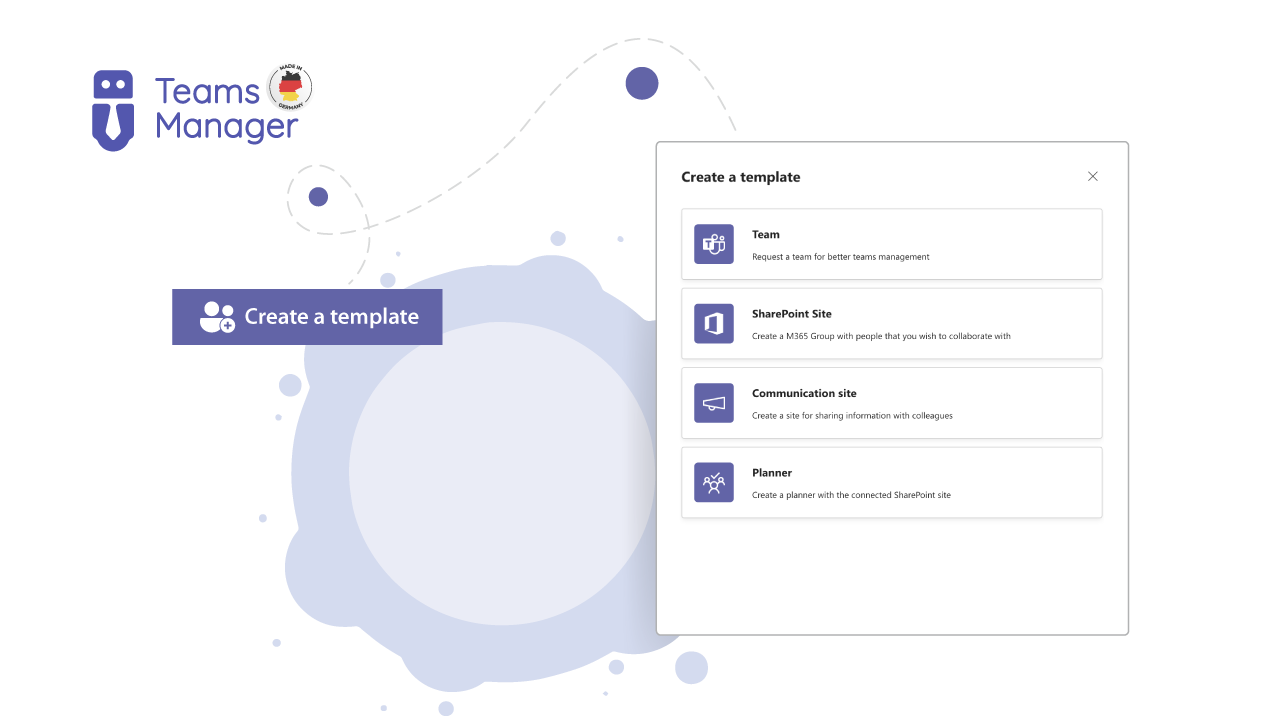
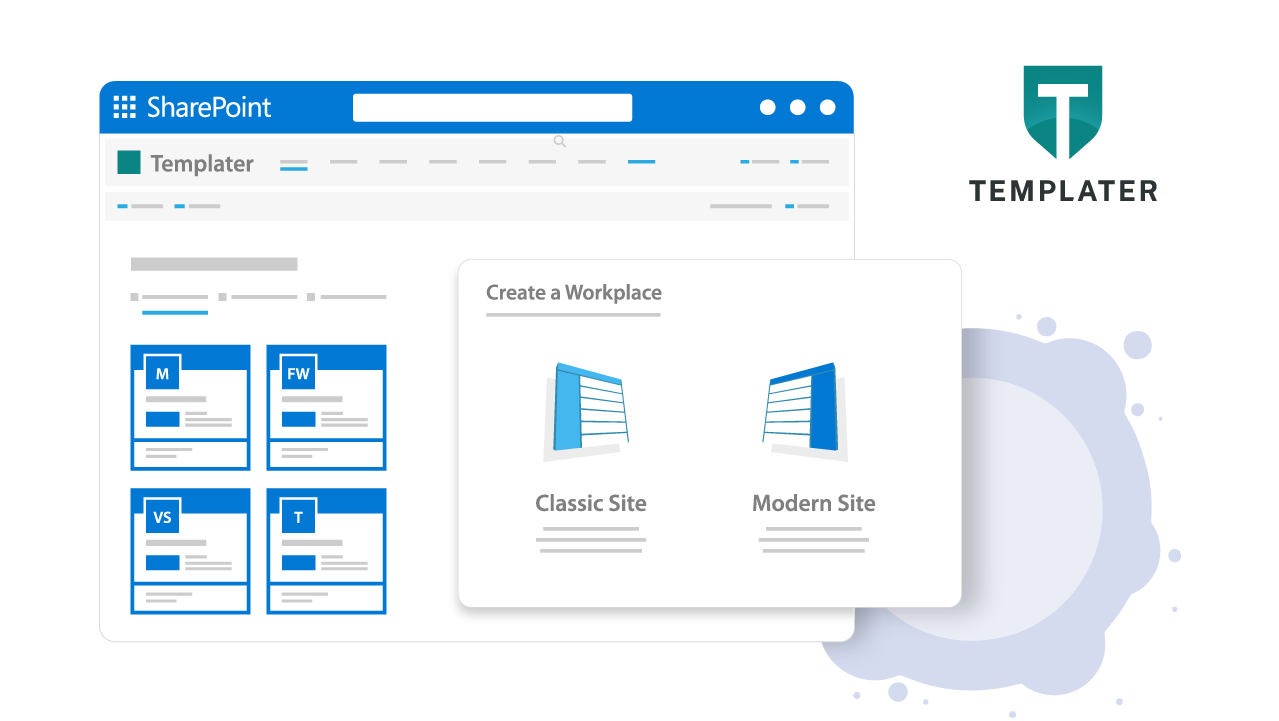
Better SharePoint Collaboration with Provisioning for Sites, Groups and Teams and Approval Workflow
3 – Video-Tutorials for Microsoft SharePoint Collaboration
Filter by product and discover video tutorials that can help you with your Microsoft SharePoint Collaboration.
4 – SharePoint Collaboration Examples – Case Studies
Ever wanted to know how to best use SharePoint for collaboration? Check out our case studies now and see for yourself!

Project portal for real estate construction in SharePoint Online for STRENGER (german)
The new portal makes work easier for employees and external parties: searching for a plan is easy thanks to naming conventions and metadata.

Pieris Pharmaceuticals GmbH: Modern intranet and secure collaboration
Separate filing systems, complex coordination processes and time-consuming searches. Like many others, Pieris faced these problems.

SharePoint Knowledge Management at affilinet
To ensure clear organization, quick retrieval and rapid processing of documents in the future, affilinet opted for a new document management system.
5 – SharePoint Collaboration Frequently Asked Questions (FAQ)
Here you will find the most frequently asked questions about SharePoint Collaboration.
What is a SharePoint collaboration site?
SharePoint collaboration sites are the standard site type in SharePoint, intended to share content, information and resources within a team (which is why collaboration sites are also called team sites). Another type are SharePoint communication sites, which are meant for announcements and a top-down information flow.
What are some SharePoint best practices for team collaboration sites?
Decide on the purpose and content of your team collaboration site first, then build the site around it. Make sure to check visibility on mobile devices as well. Pay attention to your navigation and links – customize them to provide the best possible experience for your users.
How can I use SharePoint to collaborate on a document?
SharePoint document collaboration is a powerful feature. Co-authoring with two or more persons on a document allows you to work more efficiently. There are no doubts about which version of a document is the latest, current version.
One thing is important to know about SharePoint file collaboration: In SharePoint, files are “checked out” when you want to work on them. Whether it is an Excel file with multiple users, or a PowerPoint collaboration, there can only be one user actively working on the file at any time. This user needs to “check out” the file to work on it, and check it in after they are finished. This prevents any synchronization problems.
Can I use SharePoint for external collaboration?
Yes, using SharePoint for external collaboration is possible. There are options for external sharing of documents or sites, with detailed setting options for user rights.
Want to start with Microsoft SharePoint Collaboration?
We will answer all your questions and show you possibilities in SharePoint for your Collaboration. Just book your free demo here!