BOOK A DEMO

Book your free demo

Pick the app below and get a live, no-pressure walkthrough with a Microsoft 365 specialist, tailored to your environment.

Teams Manager app icon, the robot mascot with a tie

Teams Manager

Govern Teams sprawl, automate lifecycle, and provision workspaces with approval workflows.

Book a free demo
External User Manager app icon, the one eyed mascot with a guest badge

External User Manager

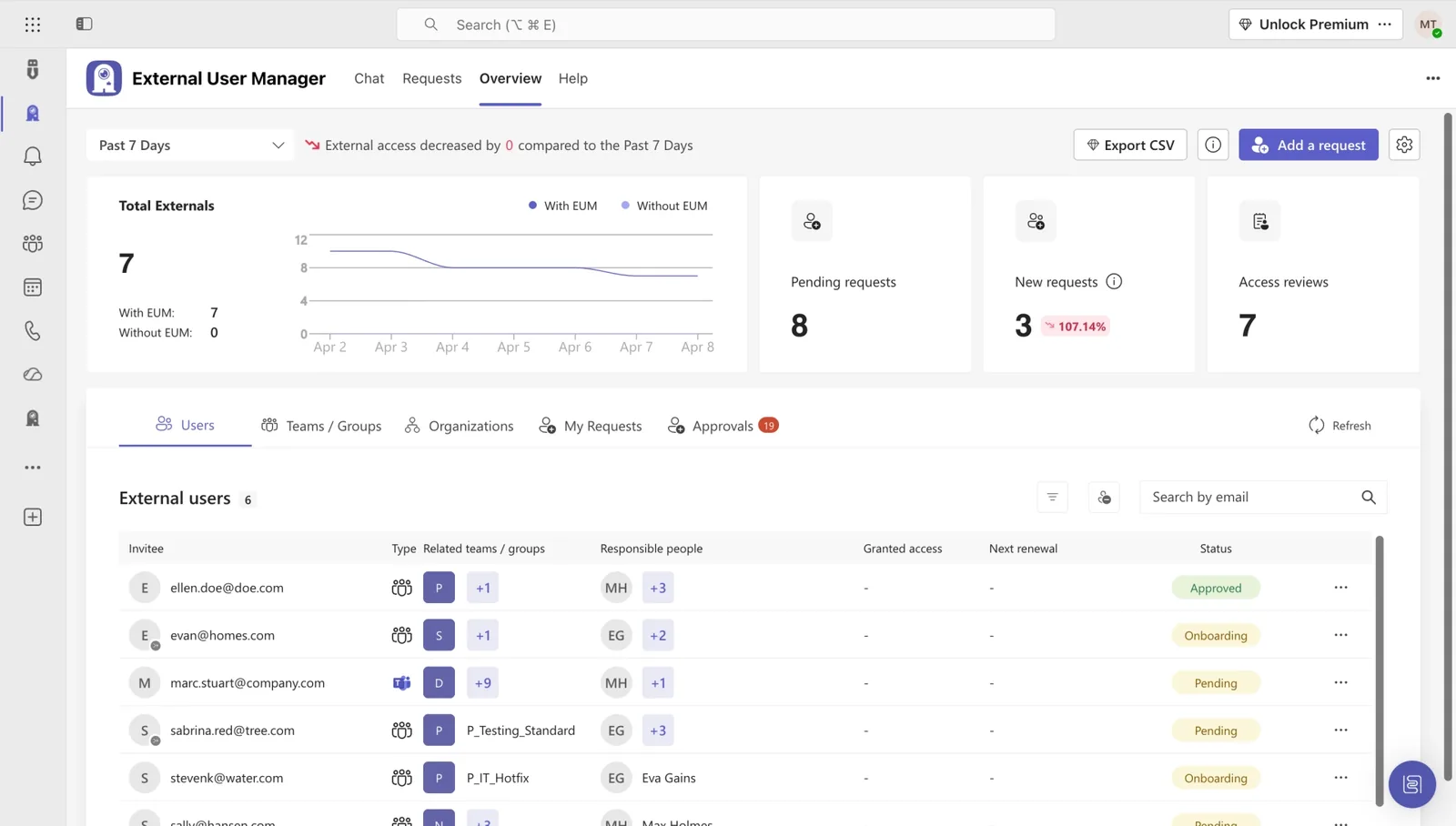
Keep guest access under control: approvals, time-limited access, and full audit trails.

Book a free demo
Templater app icon, a teal shield with the letter T

Templater

Standardize SharePoint on-premises site provisioning with templates and permission control.

Book a free demo
Teams Manager app icon, the robot mascot with a tie

Projects in Teams

Standardize project rooms in Microsoft Teams with templates, naming rules, and automatic lifecycle management.

Book a free demo

TRUSTED & CERTIFIED

Recognized certifications, independent audits, and awards that stand for quality and security.

Solutions2Share badges: Microsoft 365 Certified, ISO/IEC 27001:2022, G2 Users Love Us, and G2 Easiest To UseAICPA SOC for Service Organizations logo
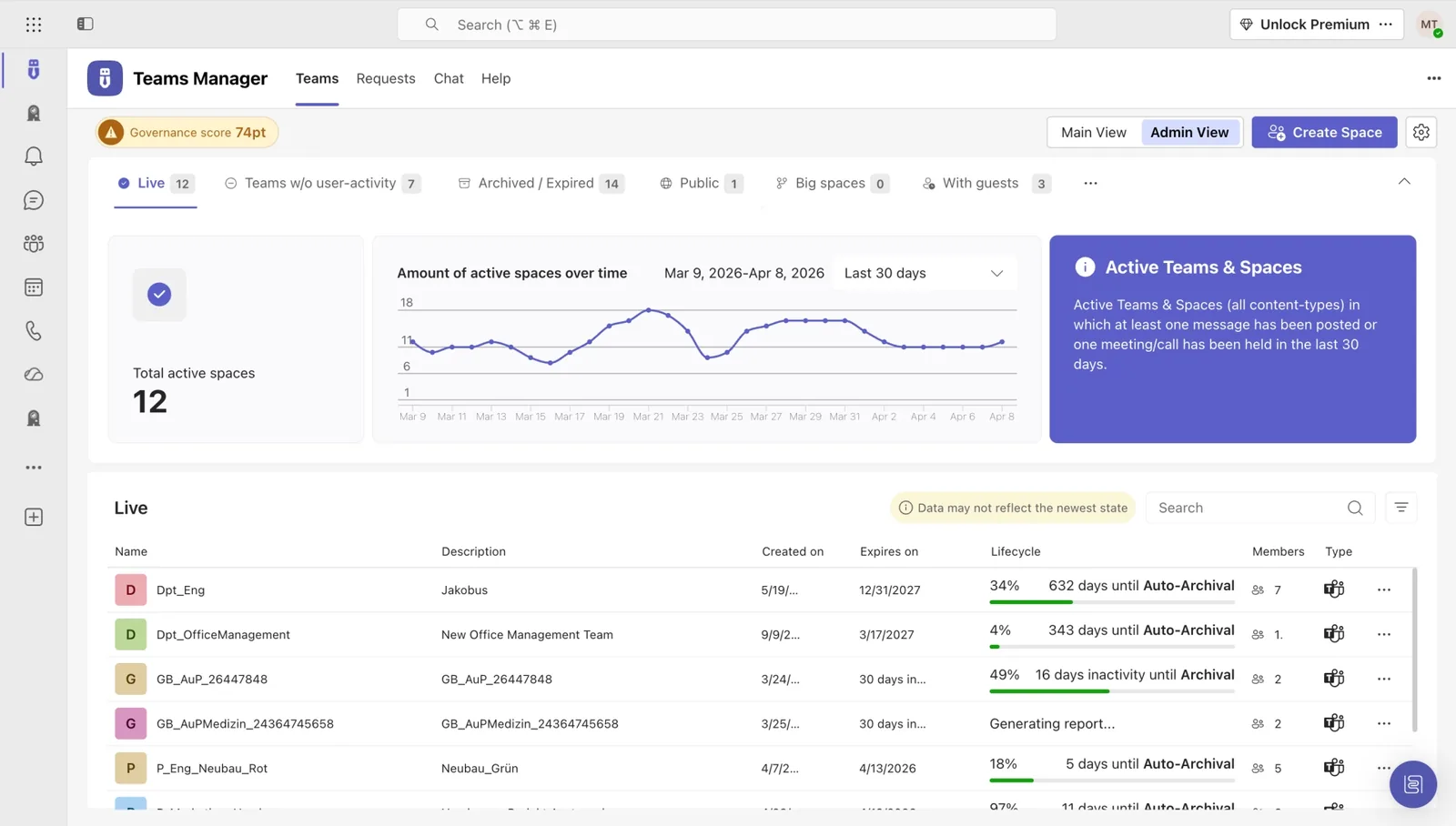
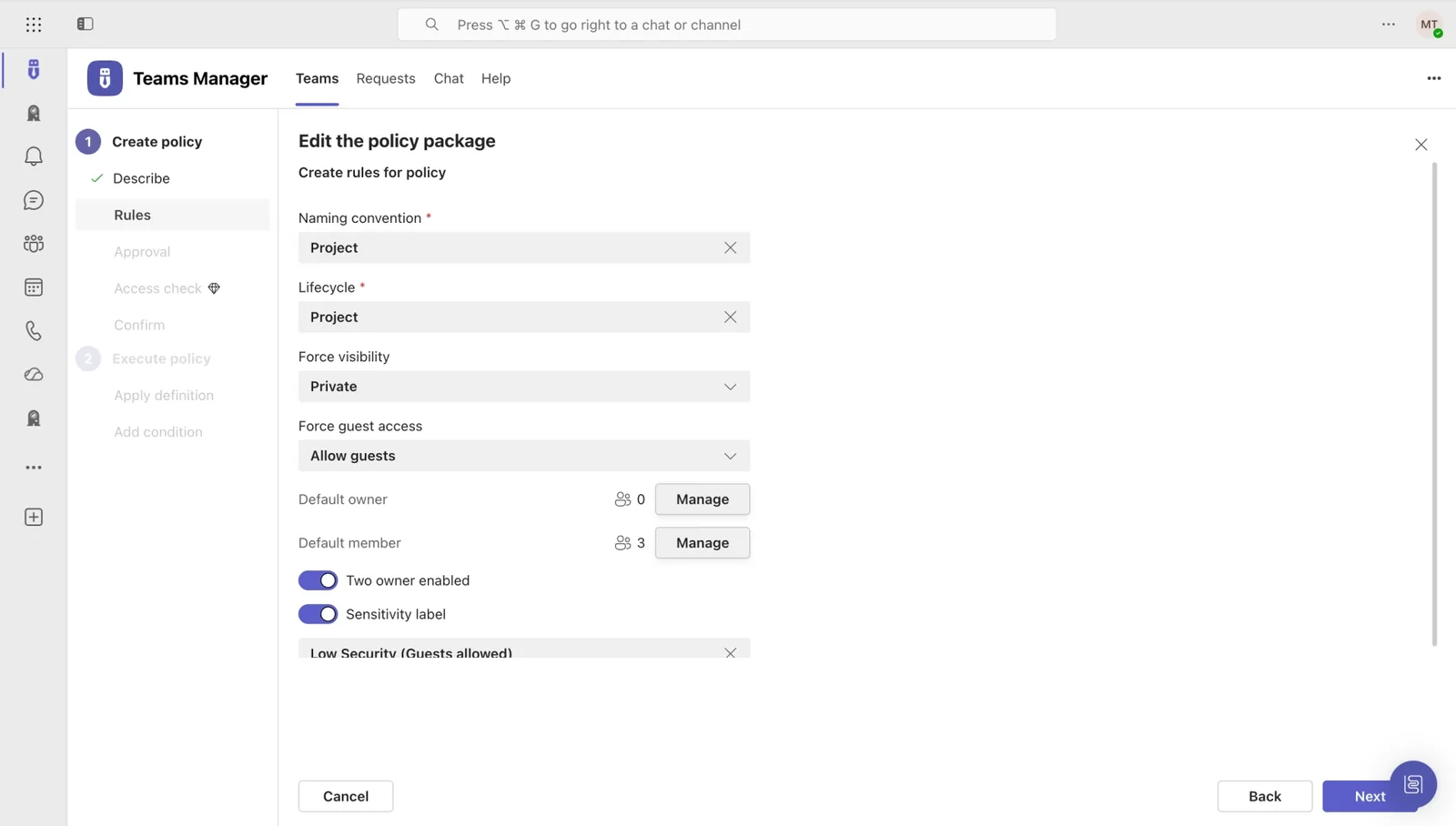
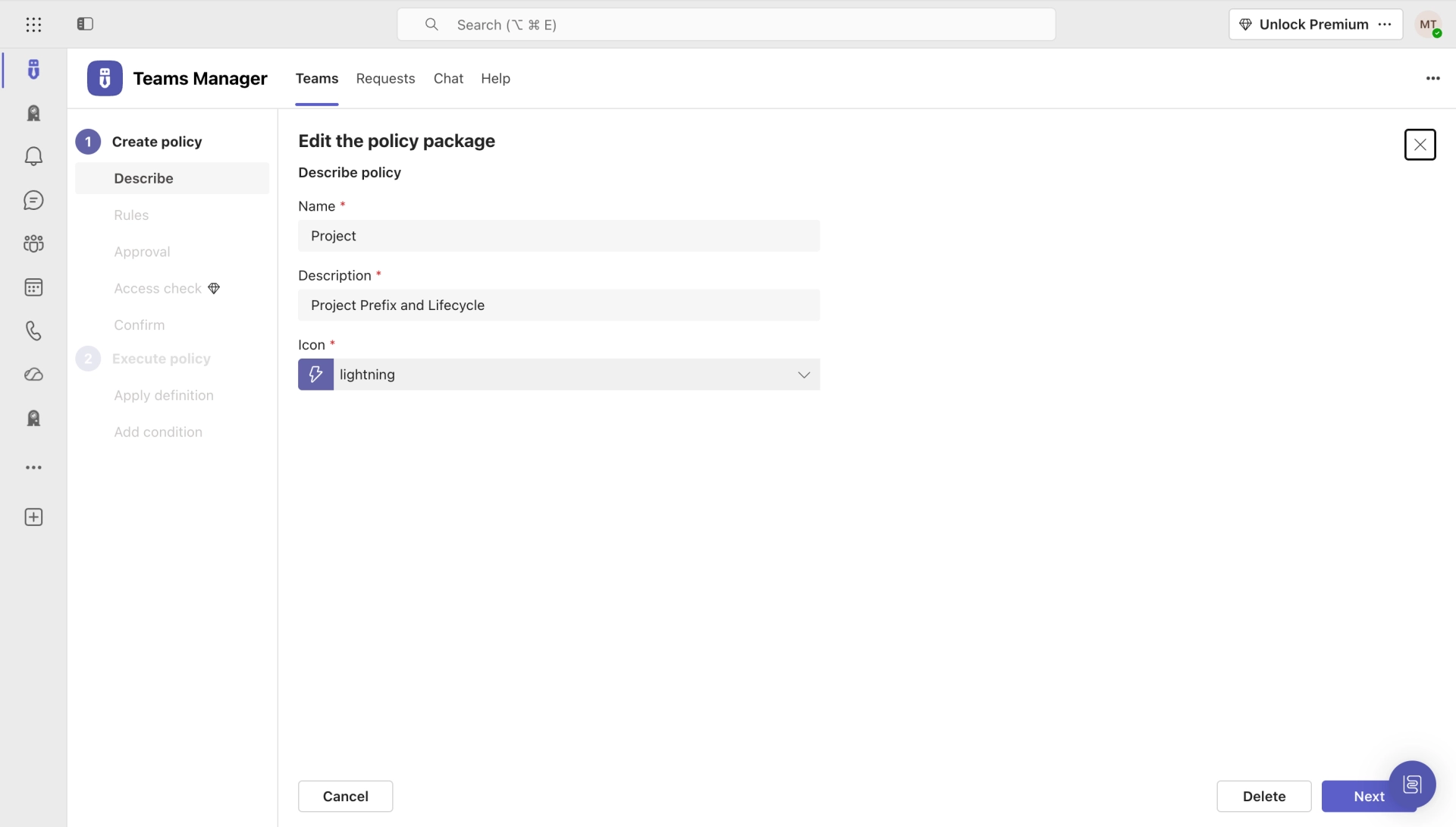
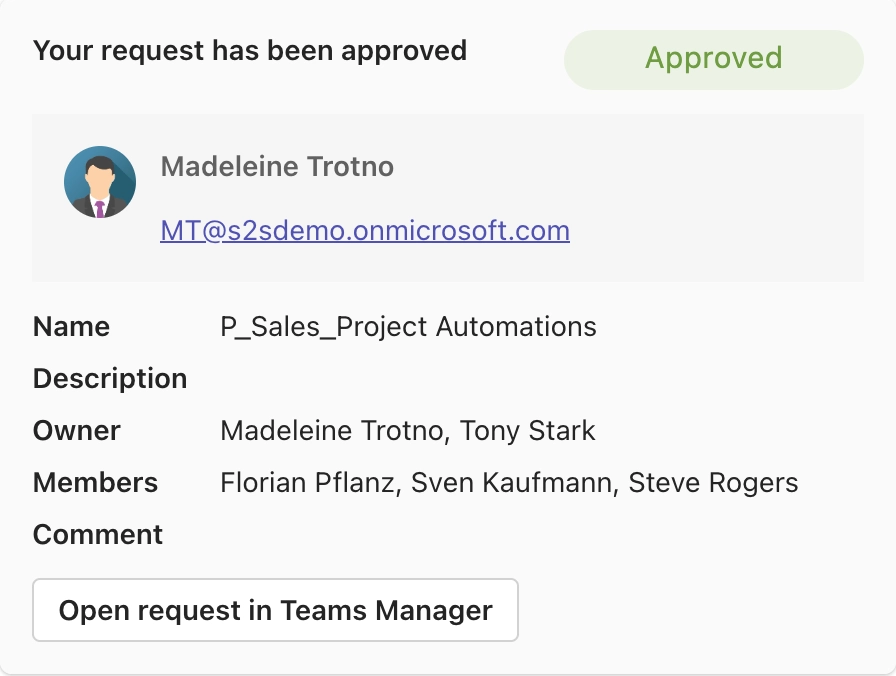
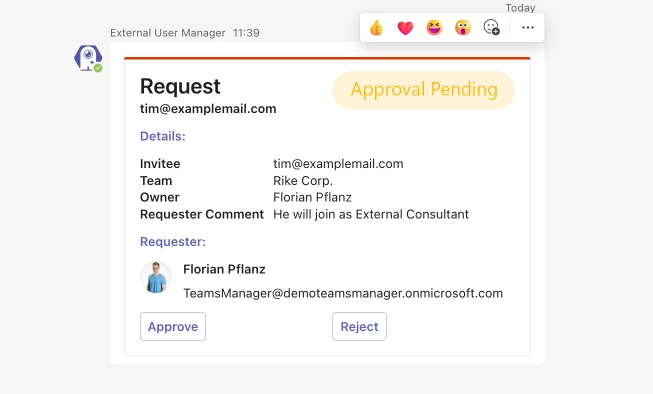
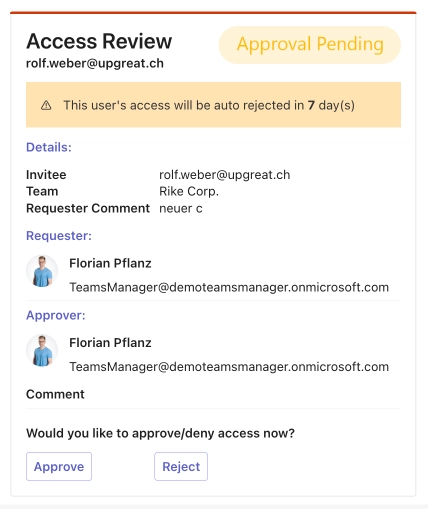
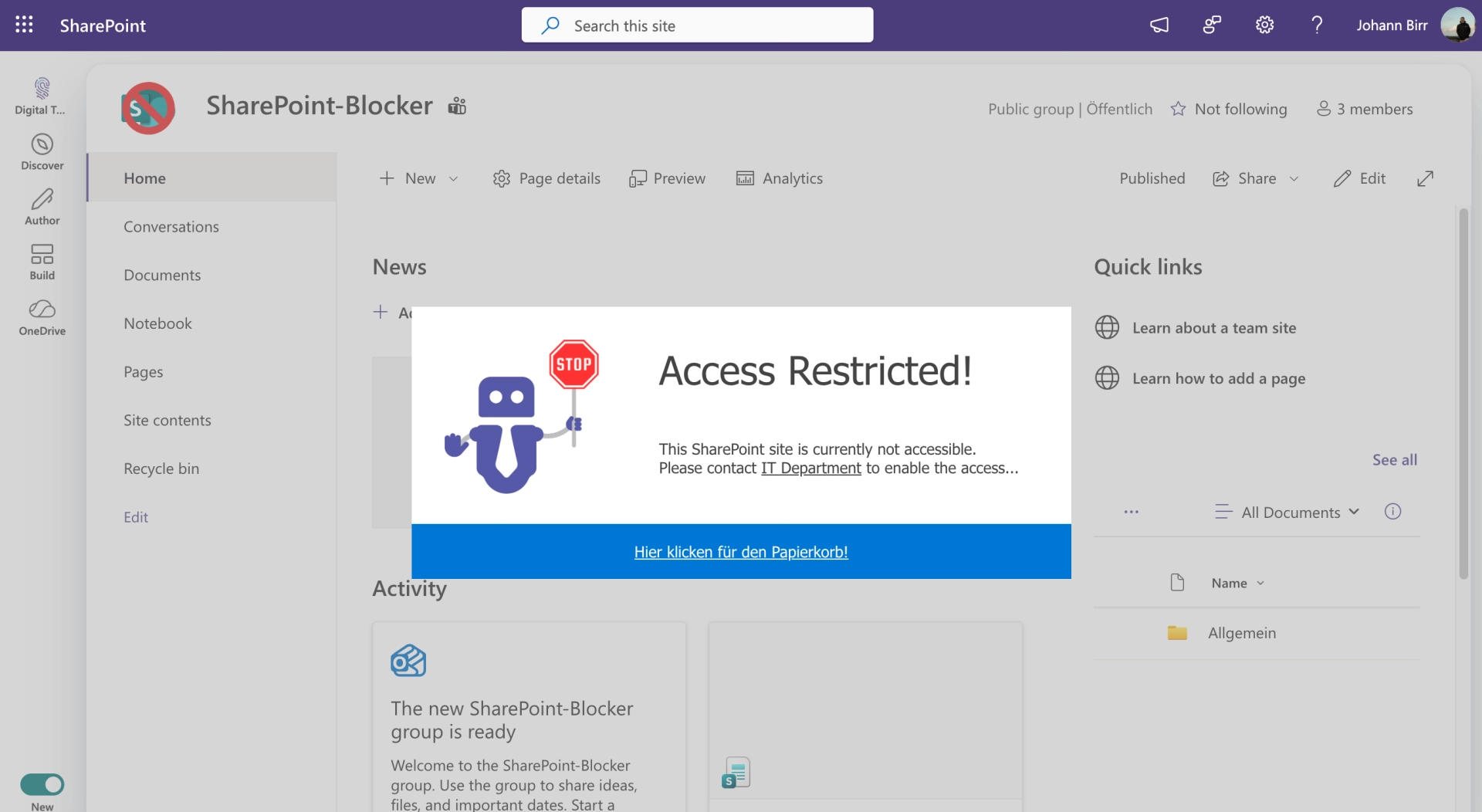
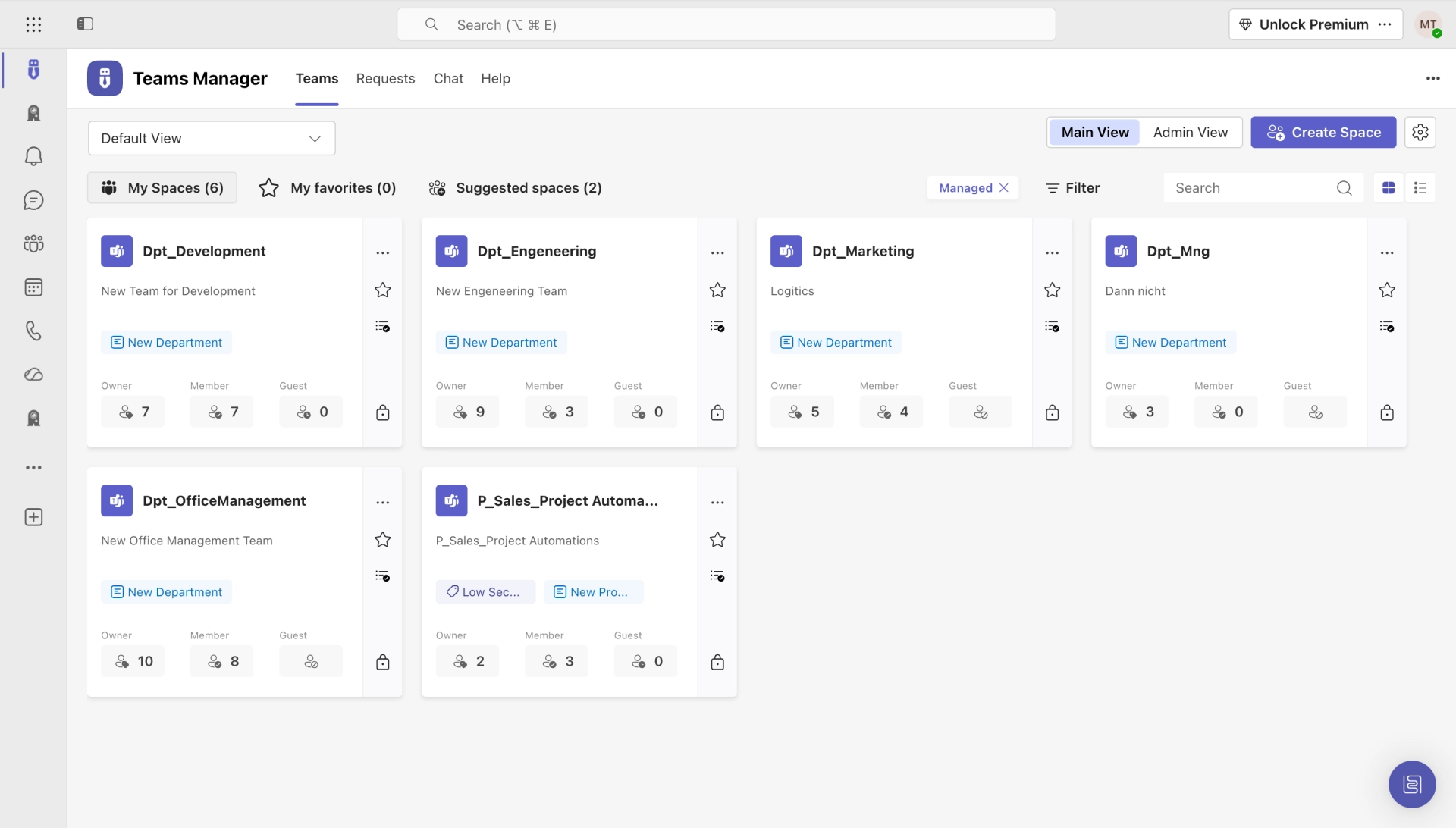
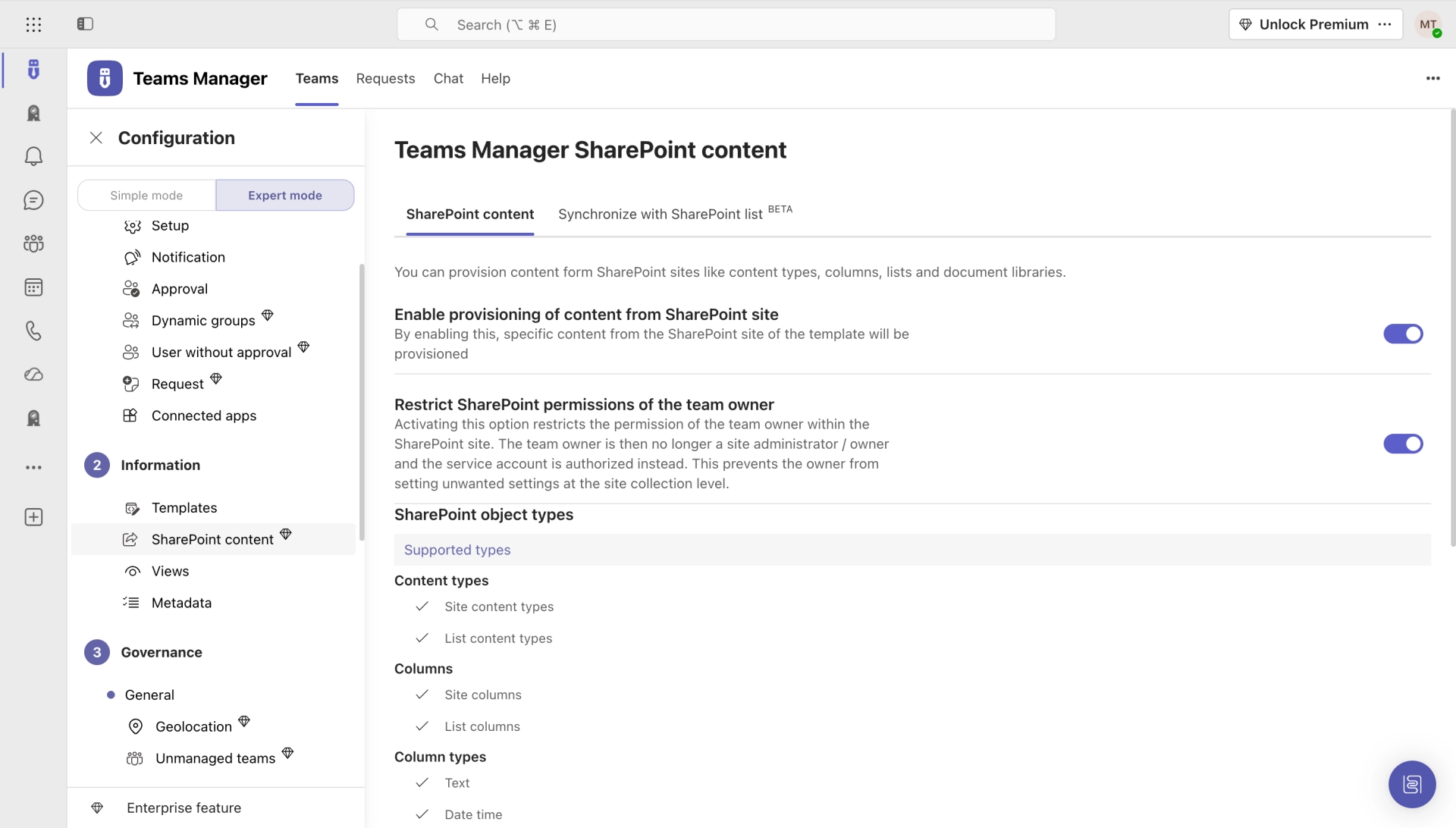
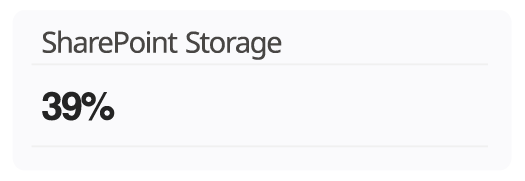
Governance score and active spaces in the Teams Manager admin dashboardTeams Manager logo, the app mascot next to the product nameRules of a Teams Manager policy package: naming, lifecycle, visibility, guest accessRocket icon in a yellow circle next to the label RolloutCreating a policy package in Teams Manager for naming convention and lifecycleClock icon with an arrow in a yellow circle next to the label End Of LifecycleApproval workflow in Teams Manager, the card confirming a team requestHand holding a checked document in a yellow circle next to the label ApprovalGuest access under control with External User Manager, overview of externalsExternal User Manager logo, the app mascot next to the product nameApproving guest requests inside Microsoft Teams with External User ManagerPerson icon with a plus sign in a yellow circle next to the label InvitationAccess review in External User Manager, guest access expires without a replyBadge icon in a yellow circle next to the label OnboardingSharePoint site locked by Blocker for SharePoint, showing the Access Restricted noticeKey icon in a yellow circle next to the label AccessProject spaces in Microsoft Teams, listed with their members in Teams ManagerGroup of people icon in a yellow circle next to the label Request of SpaceSharePoint site templates in Teams Manager, with provisioning and permission optionsCard showing SharePoint storage usage at 39 percent

Still have questions?

Not sure which app fits? Tell us what you need and we'll connect you with the right specialist.

Contact us