Teams Governance
Teams Manager
Govern & manage Teams lifecycle
External User Manager
Control external guest access
Project Management
Projects in Teams
Plan & track projects in Teams
Microsoft SharePoint
SharePoint Site Templates
Standardize SharePoint provisioning
Templater (On-Premises)
On-premises template engine
Blocker for SharePoint
Control SharePoint creation
View all products →
Browse all four Microsoft 365 governance products
Teams Governance
Stop Teams sprawl & enforce policies
External User Management
Control external guest access
M365 Compliance
Ensure Microsoft 365 compliance
Project Management
Structure projects in Teams
SharePoint Provisioning
Standardize SharePoint sites
View all solutions →
Browse all five Microsoft 365 governance solutions

Self-service provisioning for SharePoint sites, groups, and Teams with customizable templates, approval workflows, and governance policies, powered by Teams Manager.


Looking for on-premises provisioning?
Check out Templater for SharePoint →Built for IT teams provisioning SharePoint sites at scale


IT creates SharePoint sites one by one, configuring lists, libraries, permissions, and metadata from scratch every time. It's slow, error-prone, and doesn't scale.
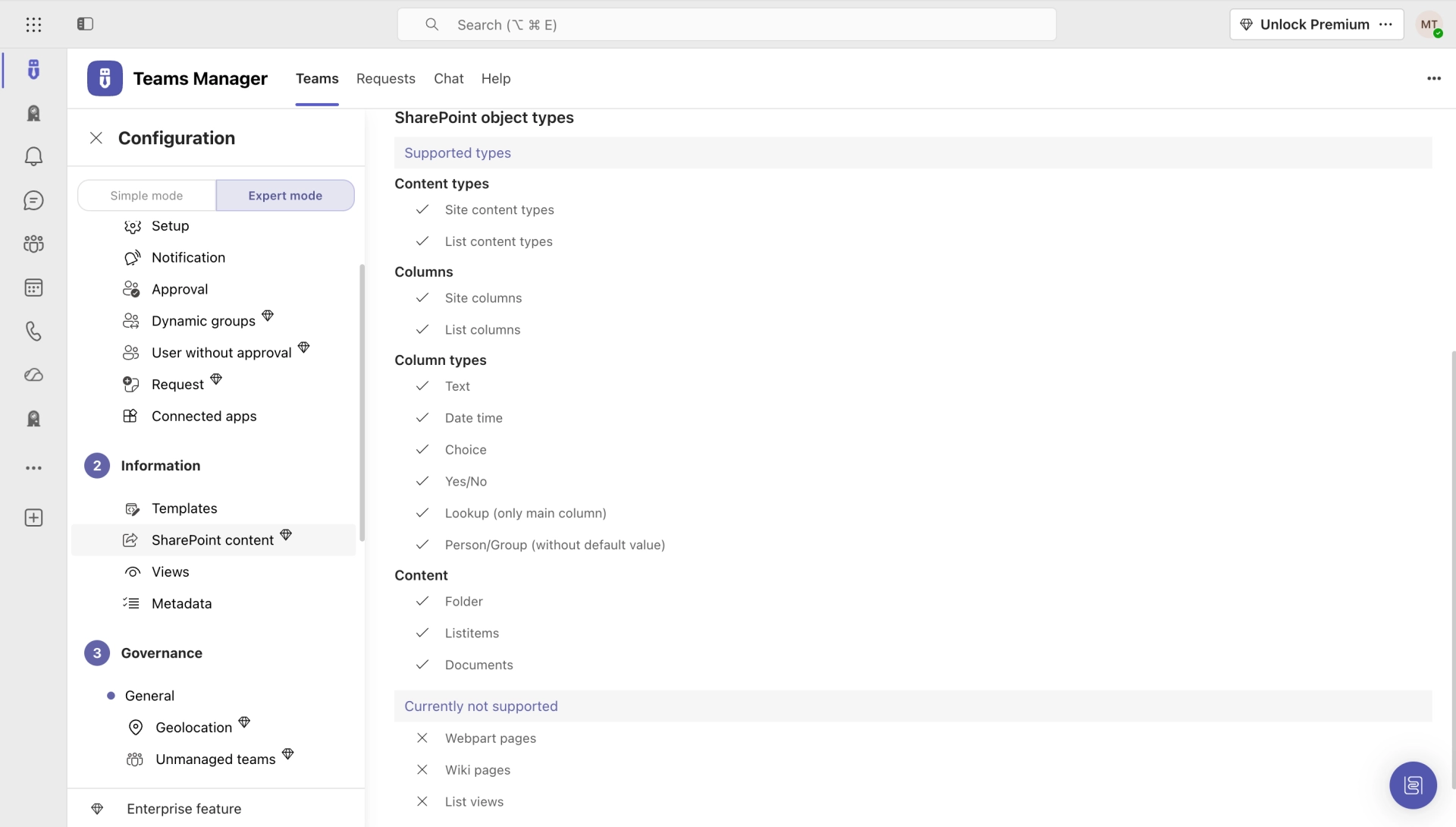
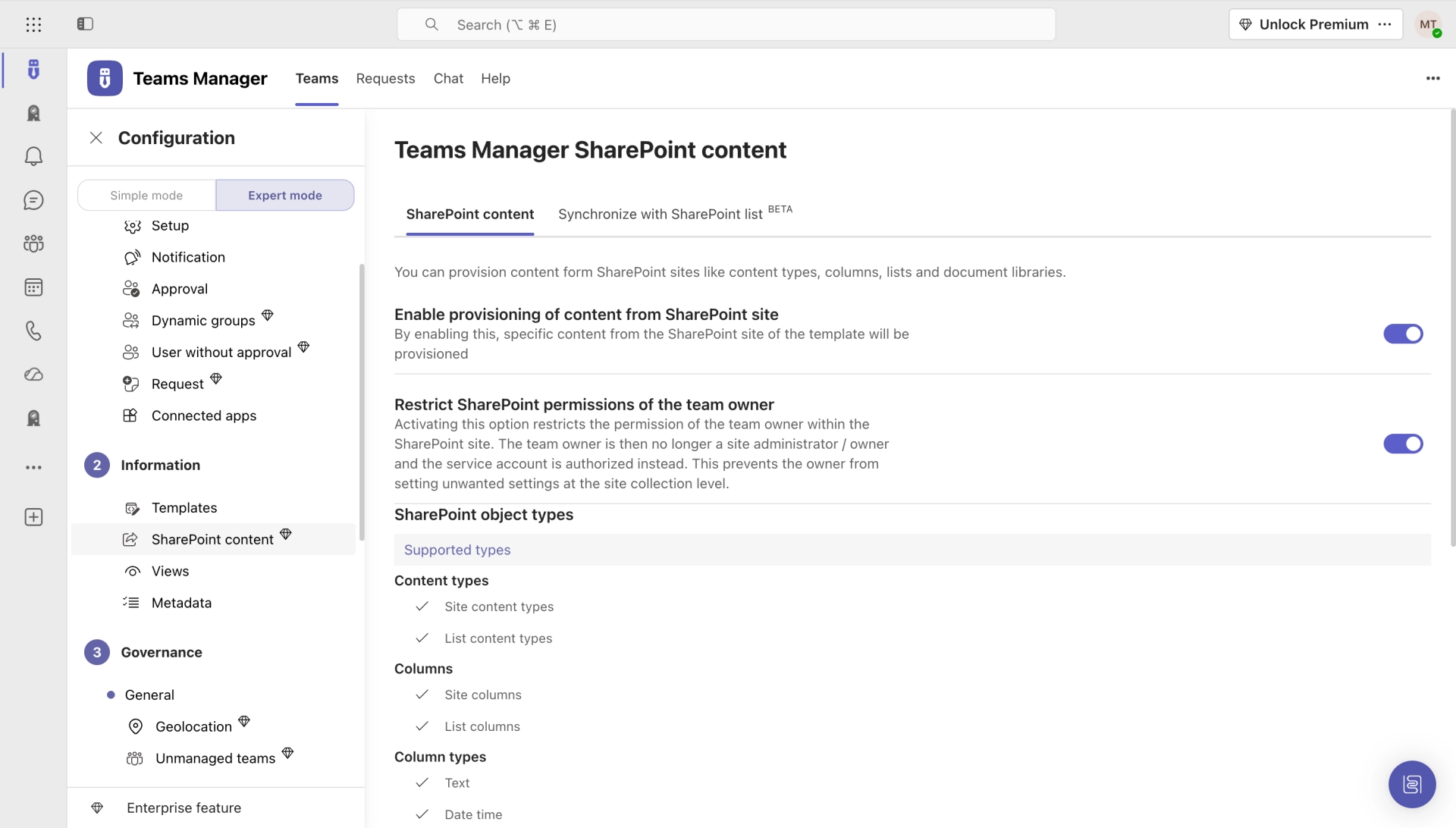
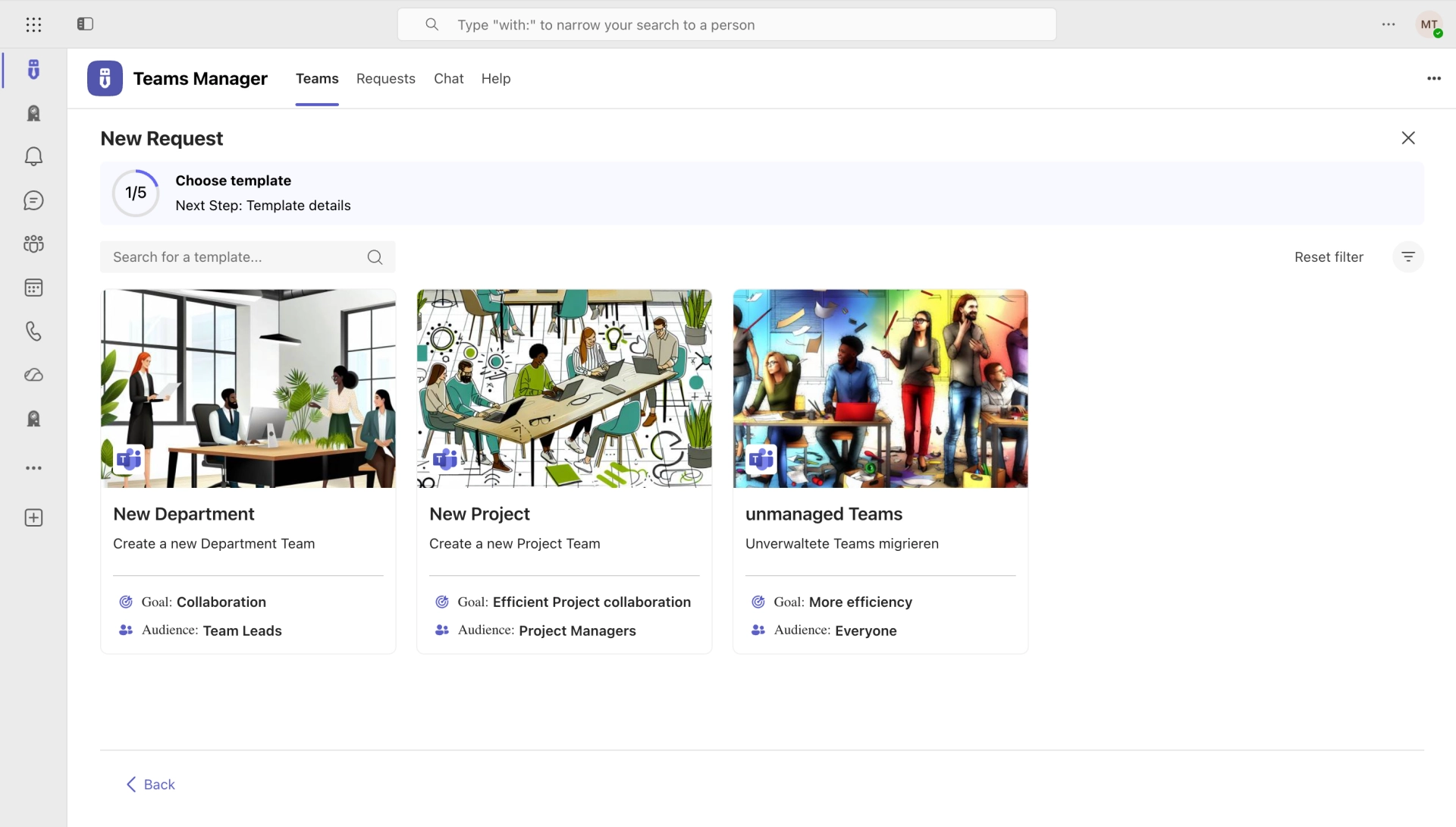
Build reusable templates with lists, libraries, columns, permissions, and content. Roll out standardized SharePoint sites with one click, complete with metadata and approval workflows.
See all features →

Anyone can create SharePoint sites, with no review, no standards, no control. The result: site sprawl, inconsistent structures, and wasted storage.
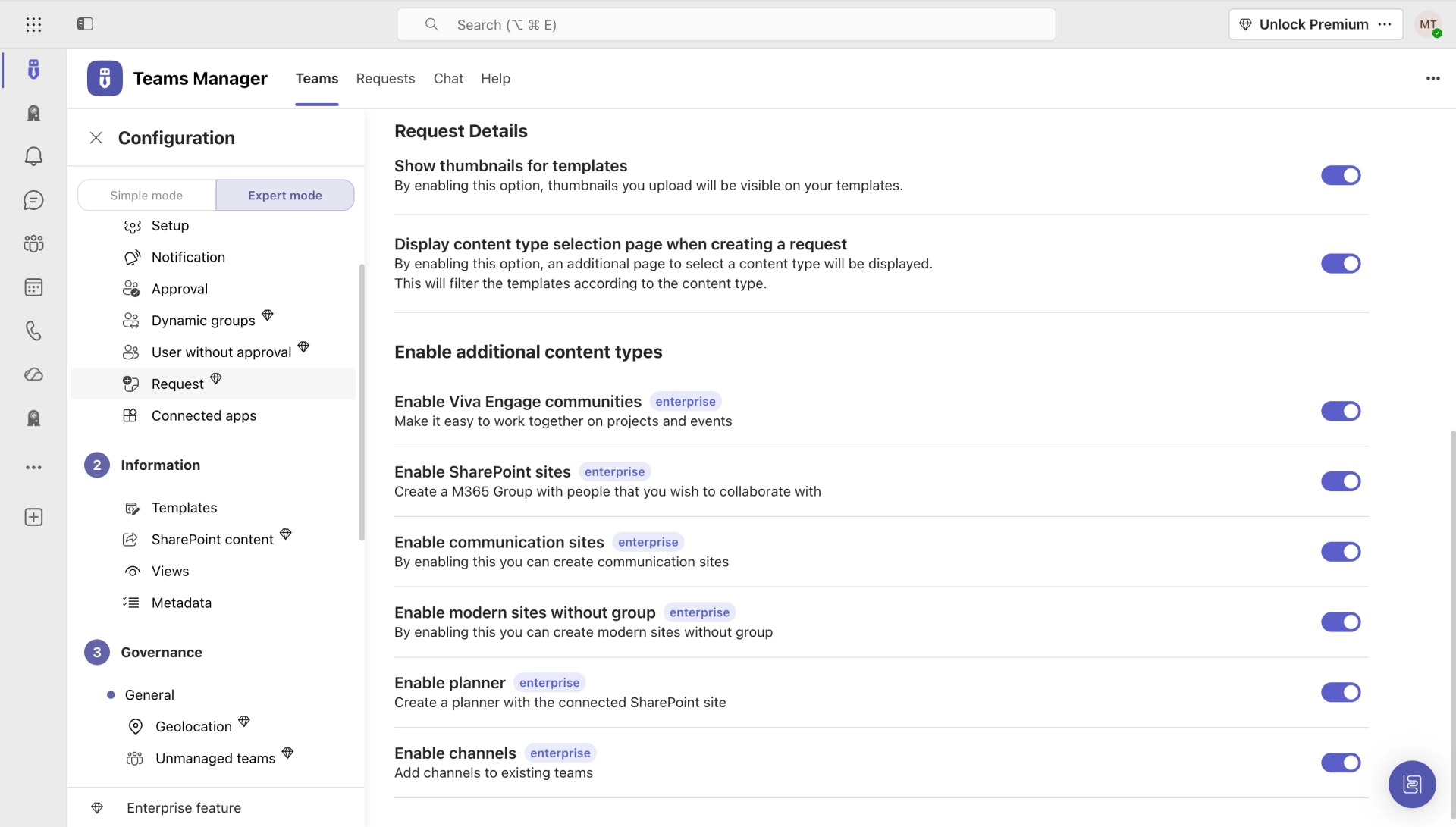
Users request new sites through a guided form with metadata. IT reviews and approves before provisioning. Controlled self-service that scales.
How it works →SharePoint sites are created without naming rules, retention policies, or consistent metadata. Finding the right site becomes guesswork.
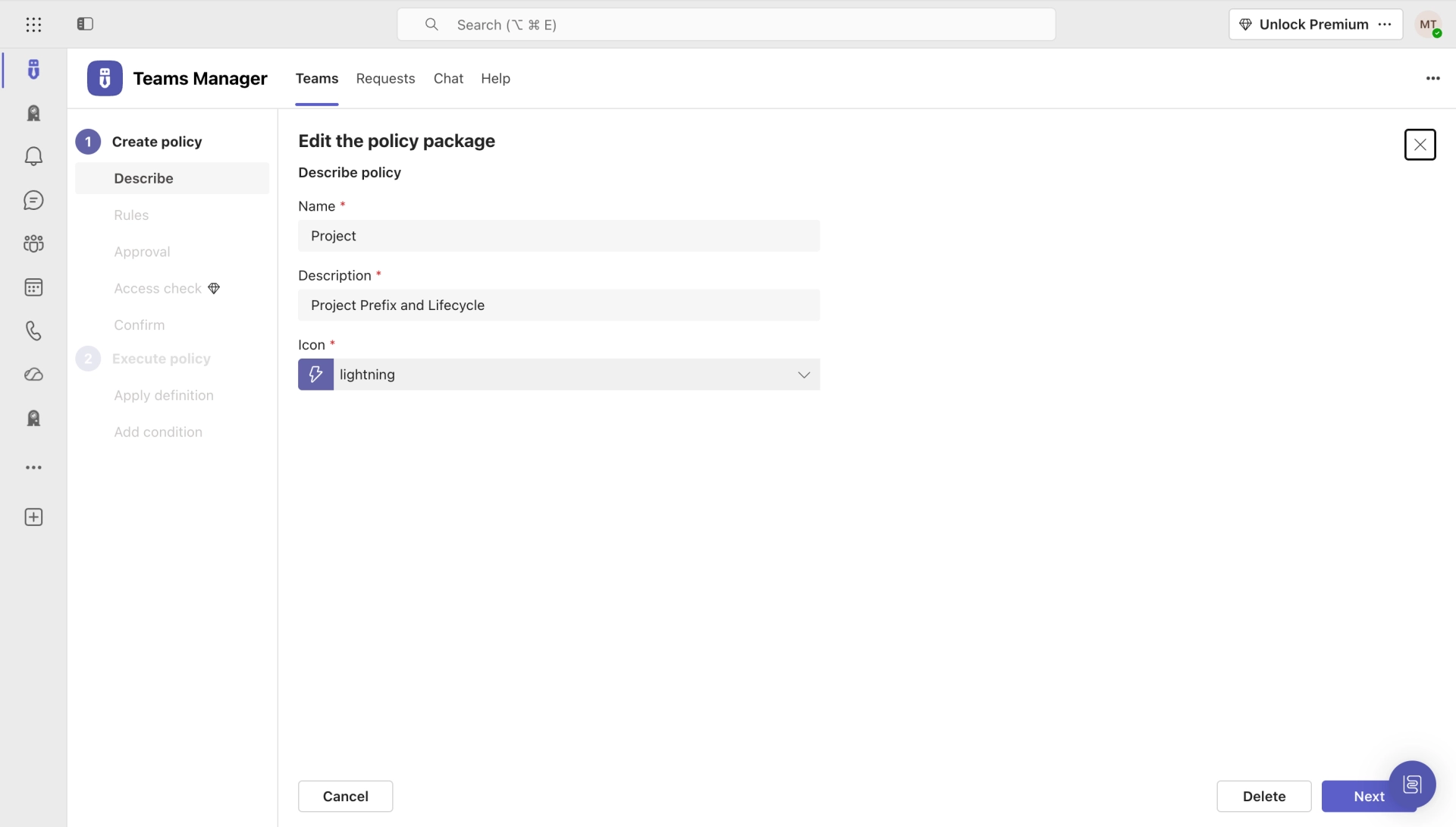
Enforce naming conventions, retention policies, and classification. Every provisioned site follows your governance rules automatically.
Explore governance features →

You update a template, but existing sites stay on the old version. Rolling out changes manually across dozens of sites is impractical.
Update a template once and synchronize the structure to all existing sites based on that template. Lists, libraries, columns, and content stay consistent across your environment.
More on template sync →Create and manage SharePoint sites, groups, and Teams with a complete template engine, governance automation, and self-service provisioning.
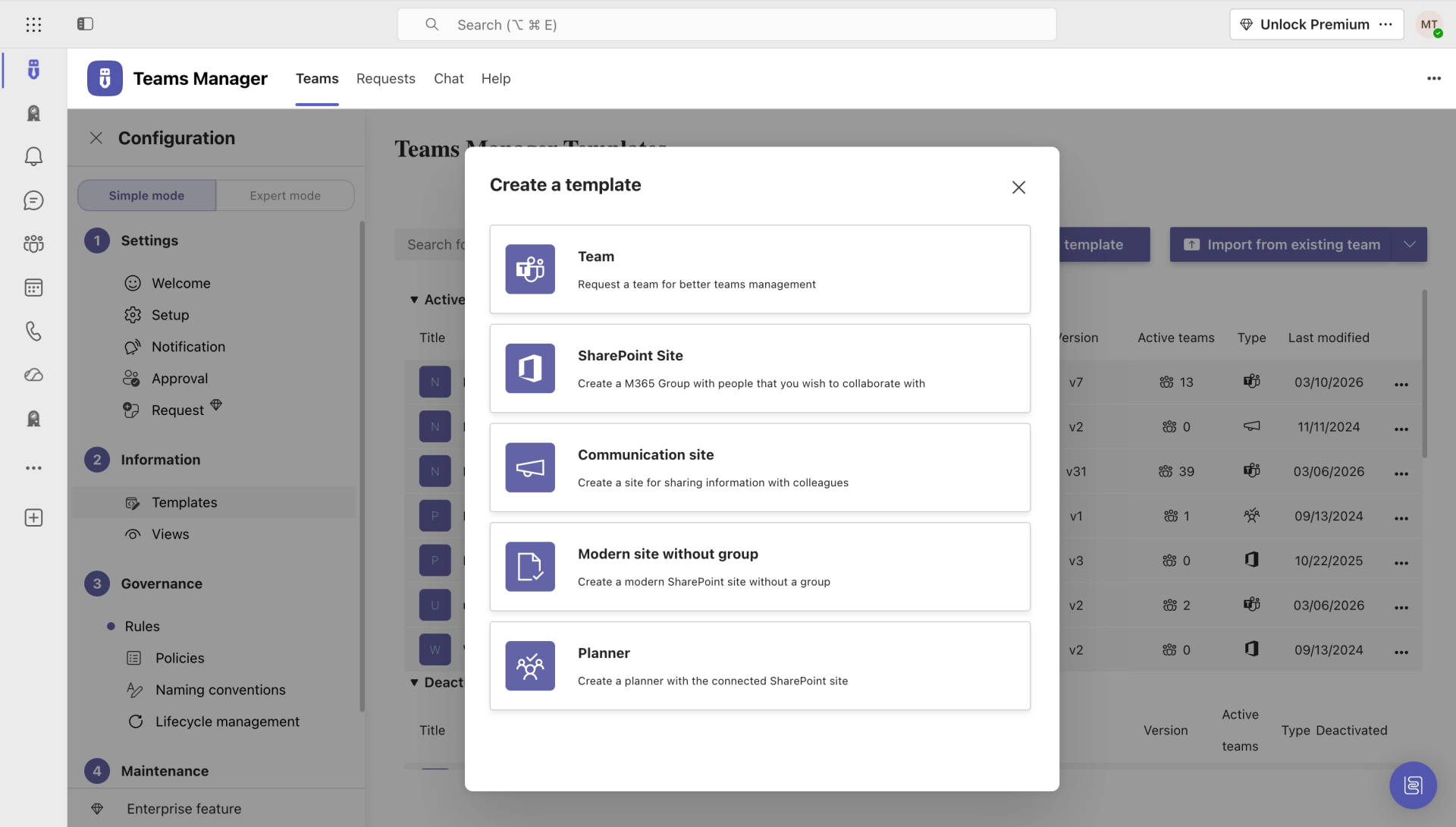
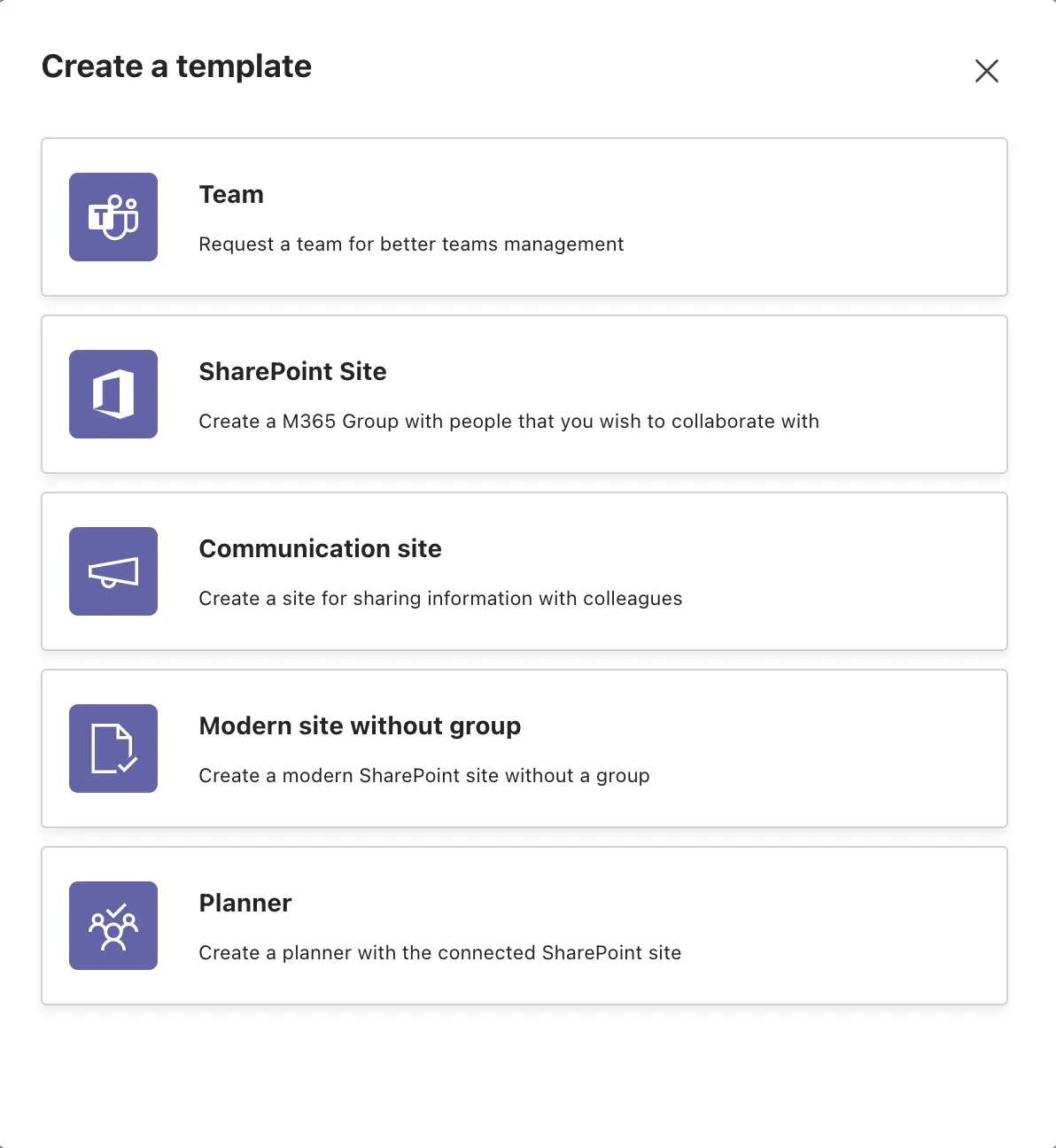
Build custom templates for Team Sites, Communication Sites, Groups, and Teams, with lists, libraries, columns, and content.
Users request new sites through a guided form with metadata. Approval workflows ensure IT stays in control.
Enforce consistent site naming with prefixes, dynamic variables, and metadata-based patterns across your environment.
Route site creation requests through configurable approval chains before provisioning. No rogue sites.
Update a template and push changes to all existing sites. Lists, columns, and structure stay consistent.
Provision Team Sites, Communication Sites, Classic Sites, Office 365 Groups, Microsoft Teams, and Yammer Communities.
Custom metadata, dashboard views, filtering, and full-text search across all provisioned sites and groups.
REST API, PowerAutomate, PowerApp integration. Supports third-party solutions and multi-language templates.
Get a walkthrough of how SharePoint Site Templates can standardize your SharePoint provisioning.
Hear from organizations who use SharePoint Site Templates to standardize provisioning across their Microsoft 365 environment.
Teams Manager covers exactly what we had in mind. Everything that can be automated is now automated. I can also highly recommend the kick-off workshop.

The price is unbeatable! And in contrast to other providers, Teams Manager can be installed directly via the Microsoft Teams Store, which is a great solution. In just 10 minutes we were ready to go.

Thanks to automatic site provisioning with different templates, the collaboration and project portal is now super easy to use.

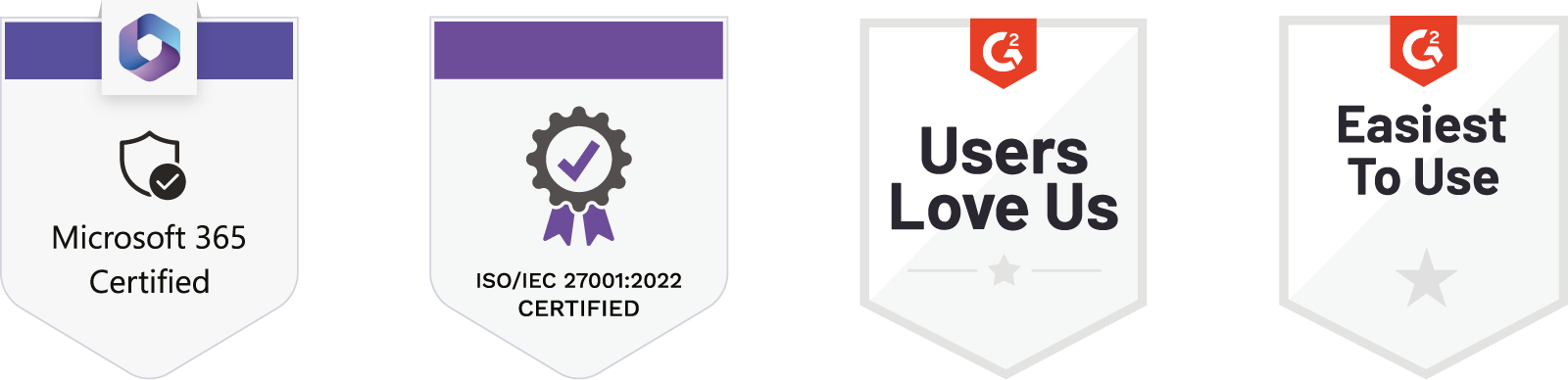
Recognized certifications and awards that stand for quality and security.

Install Teams Manager from the Microsoft Teams App Store and start provisioning standardized SharePoint sites with templates, approval workflows, and governance. Free for 14 days.
See what users say about Teams Manager on the major review platforms.


Common questions about SharePoint Site Templates and provisioning with Teams Manager.
You can provision Team Sites, Communication Sites, Classic Sites, Office 365 Groups, Microsoft Teams, and Yammer Communities, all from customizable templates with predefined content and structure.
SharePoint Site Templates is a feature of Teams Manager. Install Teams Manager to get full access to the template engine, approval workflows, and all provisioning capabilities.
Yes. When you update a template, you can push the structural changes (lists, libraries, columns) to all existing sites based on that template. This keeps your environment consistent without manual effort.
No. Templates are created using SharePoint's native functionality, no scripting or PowerShell required. Customize lists, libraries, columns, permissions, and content through the familiar SharePoint interface.
Yes. For on-premises SharePoint environments (2013, 2016, 2019, Subscription Edition), we offer Templater for SharePoint, a dedicated on-premises provisioning solution.
SharePoint Site Templates is included in every Teams Manager license. Start with a free 14-day trial to see how it works for your organization.
Create consistent SharePoint sites with customizable templates, approval workflows, and governance policies, powered by Teams Manager.
Microsoft 365 governance and productivity solutions for modern workplaces.

© 2026 Solutions2Share GmbH. All rights reserved.
Fill out the form and we will send you the access to your trial!