Teams Governance
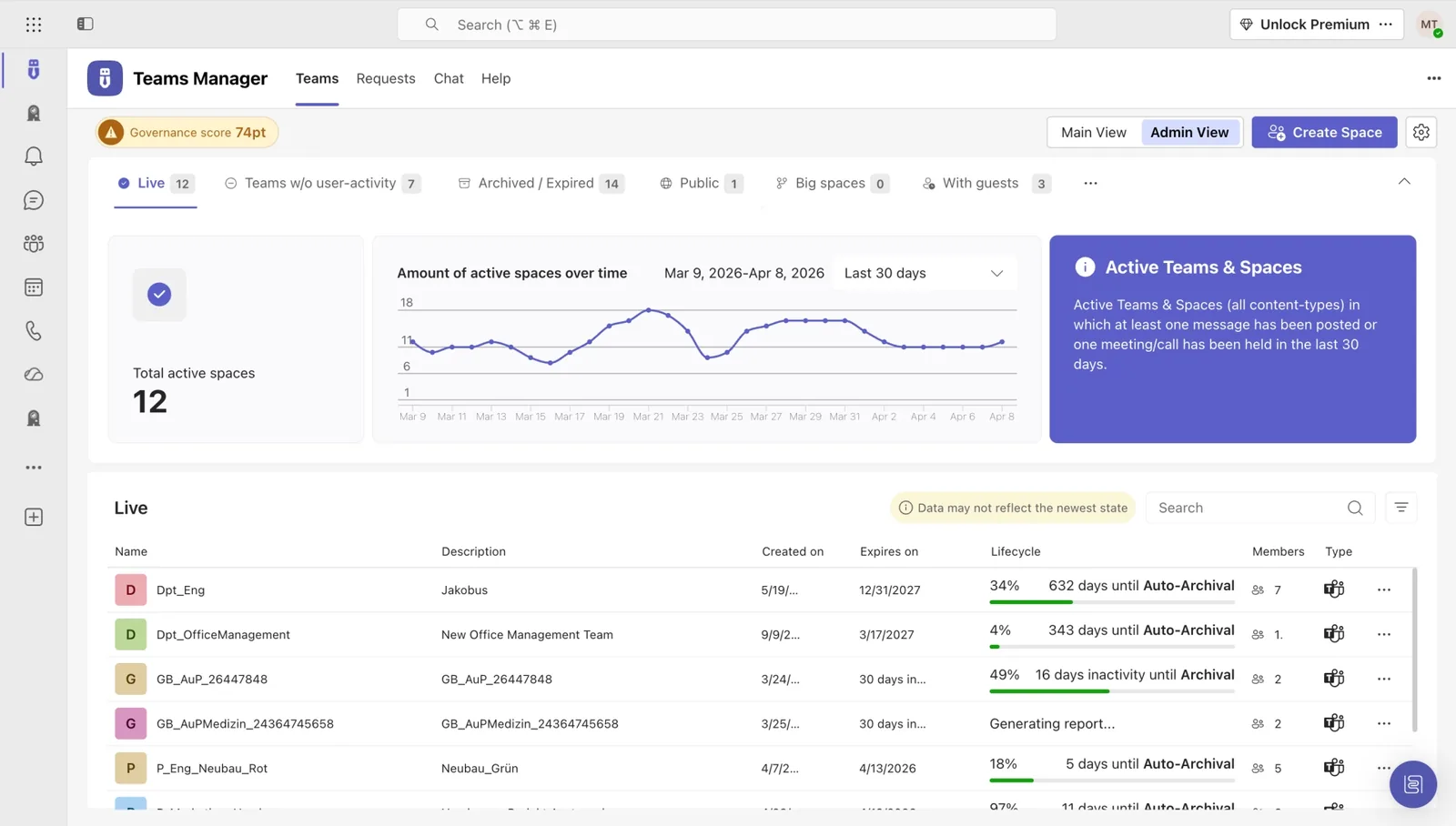
Teams Manager
Govern & manage Teams lifecycle
External User Manager
Control external guest access
Project Management
Projects in Teams
Plan & track projects in Teams
Microsoft SharePoint
SharePoint Site Templates
Standardize SharePoint provisioning
Templater (On-Premises)
On-premises template engine
Blocker for SharePoint
Control SharePoint creation
View all products →
Browse all four Microsoft 365 governance products
Teams Governance
Stop Teams sprawl & enforce policies
External User Management
Control external guest access
M365 Compliance
Ensure Microsoft 365 compliance
Project Management
Structure projects in Teams
SharePoint Provisioning
Standardize SharePoint sites
View all solutions →
Browse all five Microsoft 365 governance solutions
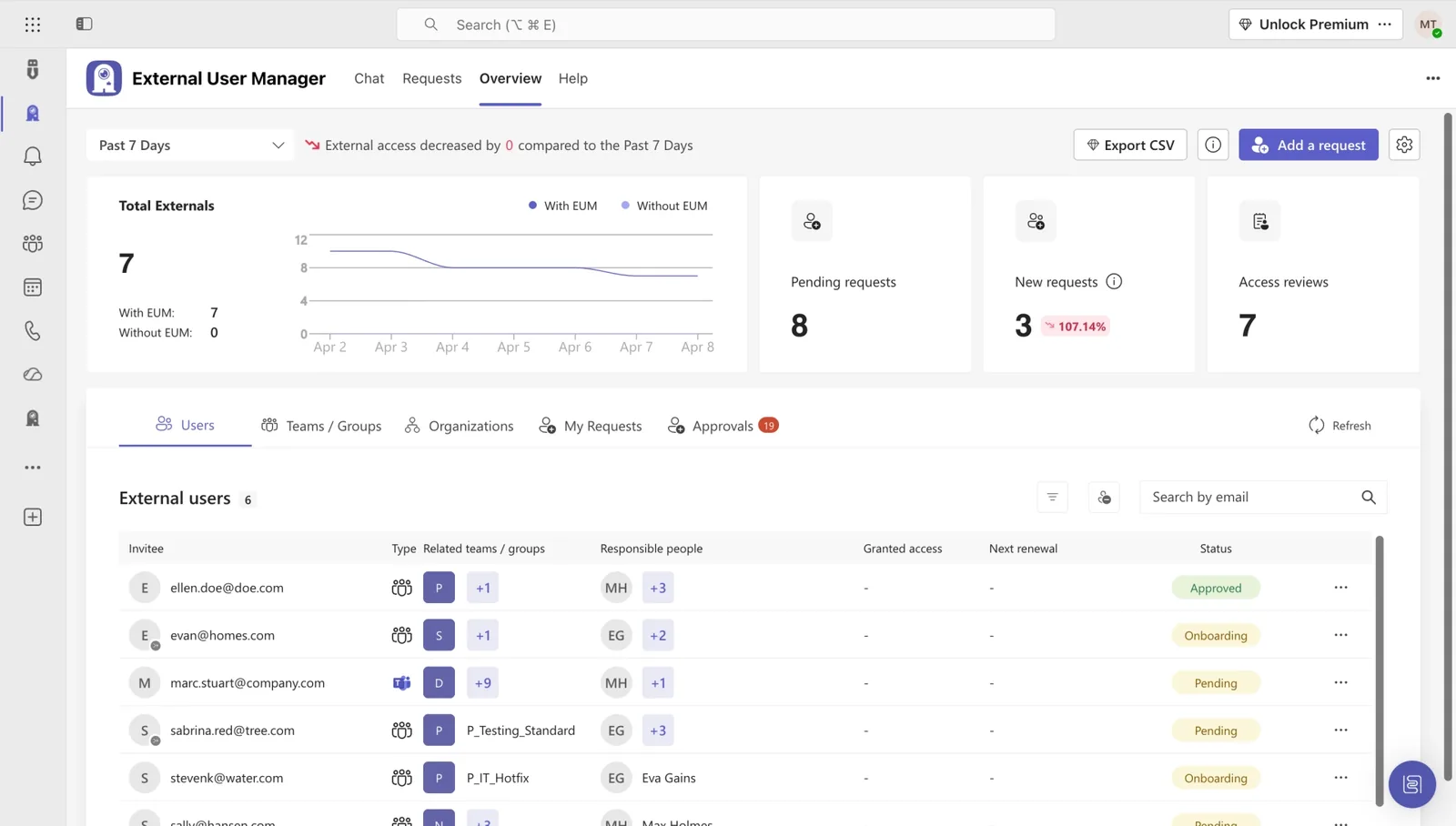
Track every external invitation, expire access automatically, and prove compliance with one click. No Excel sheets, no Entra ID gymnastics.
Vendors, contractors, partners all need access for a while, then never again. But Entra ID doesn't know that. Without governance, guest accounts pile up, permissions linger, and your next audit becomes an Excel manhunt.
Pain: Ex-vendors and former contractors still hold access months after their project ended.
Consequence: Unmanaged identities are a top GDPR red flag and the first thing auditors ask about.
Pain: Hundreds of guests spread across Teams, SharePoint, and channels, with no central overview and no way to filter by domain or activity.
Consequence: When IT needs to answer 'who has access to what?', the answer takes days of manual reconciliation in spreadsheets.
Pain: Entra ID guest policies are too coarse. You can't enforce domain rules, project-based expiry, or audit-ready reporting at scale.
Consequence: IT either over-blocks and frustrates project teams, or under-blocks and risks compliance findings. Both lose.
Self-service for project owners. Automatic expiry. Audit-ready by default.
Project owners send invitations through approved templates. IT defines domain rules, expiry, and approval, applied automatically.
Every guest gets an end date. When the project ends, access ends. No manual cleanup, no forgotten accounts.
Generate full reports of every external user, their access, and activity, ready for any compliance review.
A practical guide to inviting, tracking, expiring, and auditing every external user across Microsoft 365, from 10+ years of customer rollouts.
The governance foundation: Teams Manager governs the broader Teams environment (provisioning, naming, lifecycle) alongside structured guest access.

Know exactly who from outside your tenant has access to what, and revoke it automatically when projects end.


Hear from organizations that replaced their guest-management spreadsheets with structured external user governance.
With External User Manager, we know exactly which guest users have access to which channels and files. The approval process helps us keep a better overview. And the onboarding portal allows us to comply with company regulations by having our guest users sign an NDA beforehand.

There are always customers who need a better and more controllable way for guests in their tenant. Especially when the responsible person for a guest is not in IT. External User Manager provides a quick and easy set of features that helps many customers with their requirements.

External User Manager is very easy to use, super fast to install and a great addition to an extensive governance strategy even for SMBs. It is our GO TO application when it comes to guest management in Microsoft 365.

With Teams Manager and External User Manager, managing Microsoft Teams runs on autopilot. We don't have to worry about anything and still have full overview and control over all guests and teams.
We immediately realized that this was exactly what we needed because we were looking for a manager that offered an automated approval process and clear reporting.

Teams Manager has been helping us keep our Microsoft 365 environment organized and clean for 3 years. Since 2022 we also have External User Manager on board for our guest management. We are completely satisfied with Solutions2Share and the Teams apps.

See how IT teams across industries use Solutions2Share to take control of Microsoft 365.

riha WeserGold saves 50% time in team and guest management with Teams Manager and External User Manager, automating approval processes and external access control.
Read Story →
Ernsting's family migrated from a competing governance tool to Teams Manager and External User Manager for more intuitive M365 governance.
Read Story →
Bioland manages 332 teams and 643 guests with Teams Manager and External User Manager, enforcing naming conventions and controlling guest access in Microsoft Teams.
Read Story →A library of practical, IT-tested resources for managing external users in Microsoft 365 at scale.

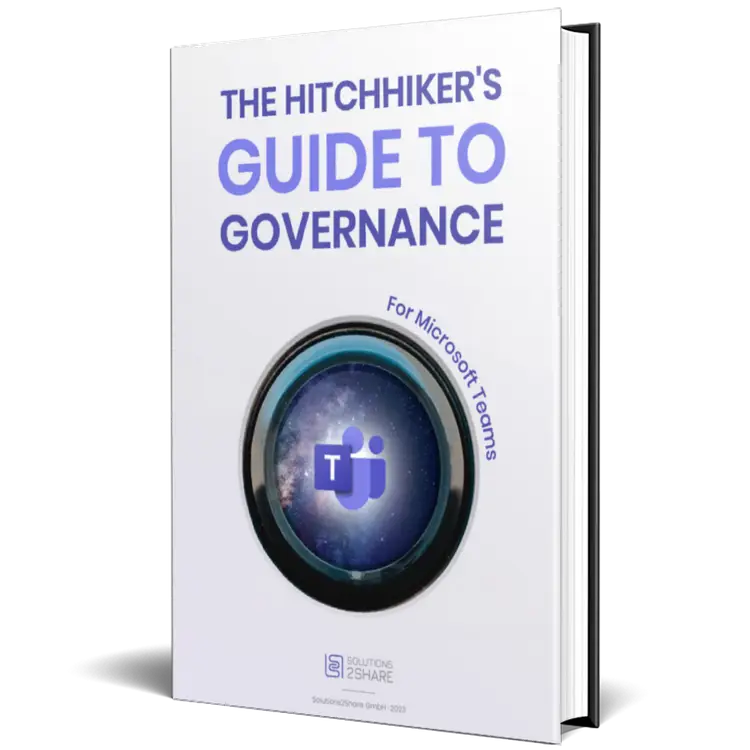
30-page playbook on provisioning, lifecycle, naming and Copilot prep.
Read the Guide →
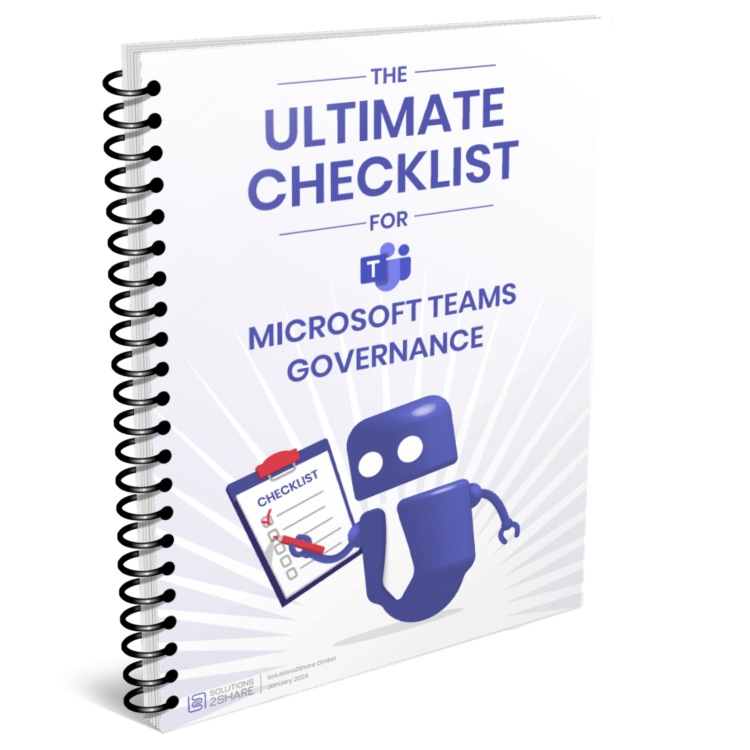
Audit-ready checklist with every governance control you need in place.
Get the Checklist →
The most common pitfalls, and the proven fixes from 10+ years of rollouts.
Browse →Entra ID provides basic guest invitations and conditional access, but no project-based expiry, no domain rule enforcement, and no centralized cross-tenant view. External User Manager extends Microsoft’s native controls with a dedicated governance layer: structured invitations, automatic expiry, audit-ready reporting, and a single dashboard across every external identity.
Every external user action is logged: invitation, access changes, last activity, and expiry. Generate one-click audit reports filtered by domain, project, or time window. GDPR-relevant fields (data minimization, retention, consent) are tracked by default. Your next compliance review takes minutes, not days.
Yes. Every invitation gets a configurable expiry: fixed date, project duration, or rolling renewal (e.g. every 90 days unless extended). When access expires, the guest loses Teams, SharePoint, and channel access automatically. No manual cleanup.
External User Manager scans your tenant on first install and surfaces every existing guest with their access scope and last activity. You can then bulk-classify (active project / inactive / former vendor), set retroactive expiries, or batch-revoke. Most customers reduce stale guest accounts by 60–80% in the first quarter.
External User Manager sits on top of Entra ID. It doesn't replace conditional access, sensitivity labels, or DLP. Instead it adds the governance layer Microsoft doesn't ship: project-based lifecycle, domain rules, and centralized reporting. The two tools complement each other.
Most customers go live in 2–3 weeks: discovery scan in week 1, policy configuration in week 2, project owner onboarding in week 3. Solutions2Share provides implementation templates and a guest governance playbook with every license.
Book a 30-minute demo. We’ll show you exactly how your tenant looks with structured external user governance.
Microsoft 365 governance and productivity solutions for modern workplaces.