Teams Governance
Teams Manager
Govern & manage Teams lifecycle
External User Manager
Control external guest access
Project Management
Projects in Teams
Plan & track projects in Teams
Microsoft SharePoint
SharePoint Site Templates
Standardize SharePoint provisioning
Templater (On-Premises)
On-premises template engine
Blocker for SharePoint
Control SharePoint creation
View all products →
Browse all four Microsoft 365 governance products
Teams Governance
Stop Teams sprawl & enforce policies
External User Management
Control external guest access
M365 Compliance
Ensure Microsoft 365 compliance
Project Management
Structure projects in Teams
SharePoint Provisioning
Standardize SharePoint sites
View all solutions →
Browse all five Microsoft 365 governance solutions
Standardized project templates, approval workflows, and real-time status, without leaving the Teams environment your people already work in.
Every project team spins up its own Team, channels, and lists. Some use Planner, some Loop, some Excel. There’s no shared template, no central status, and the project lead spends Friday chasing status updates instead of running the project.
Pain: No project templates, no naming standard, no defined channels: every Team starts from scratch.
Consequence: Project leads waste week one on setup. Stakeholders see different structures across projects. Onboarding new people takes longer than the project itself.
Pain: Management asks 'how are we doing?' and the answer is a chain of follow-up messages and screenshots from Planner.
Consequence: Portfolio reviews happen on stale data. Risks surface too late. Decisions get made in the dark.
Pain: Project Teams stay active long after the project closes, with contracts, drafts, and decisions hidden in inactive channels.
Consequence: License costs creep up, audit findings multiply, and your tenant fills with project archaeology no one remembers.
Template, structure, status: every project, the same way, end-to-end.
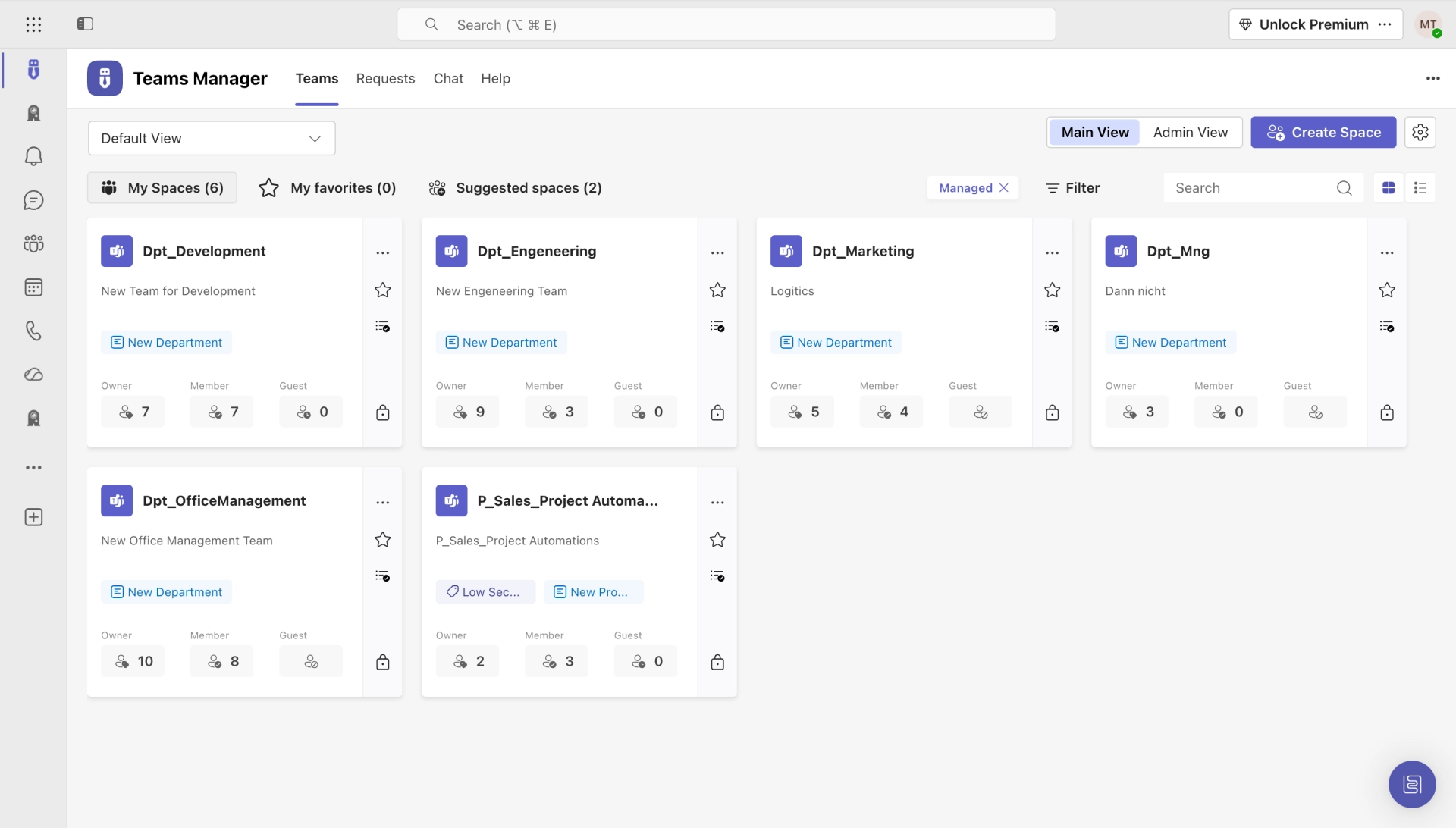
Every new project starts from an approved template: channels, lists, owners, classification, naming. One click, ready to run.
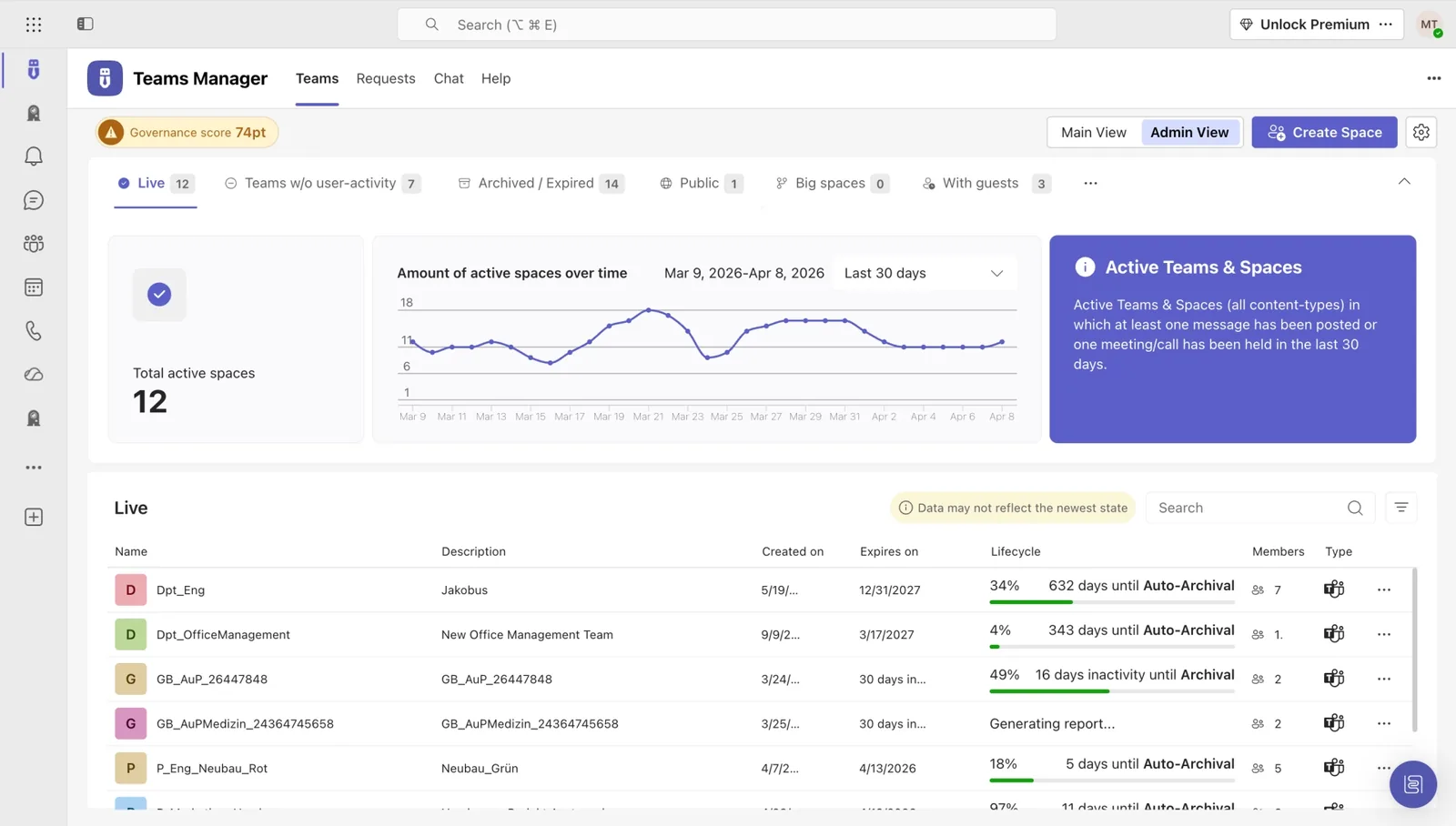
A portfolio dashboard pulls live status from every project Team. RAG, milestones, blockers, all in one place, always current.
When a project ends, the Team archives on schedule, with documents retained, owners notified, and the tenant cleaned up automatically.
A practical guide to running structured projects inside Microsoft Teams (templates, status, lifecycle), from 10+ years of customer rollouts.
The governance foundation: provisioning, naming, lifecycle for every Team, including the project Teams running on top.

The dedicated project-management workspace inside Microsoft Teams: templates, tasks, status, all powered by Teams Manager.


Hear from project and PMO leaders who standardized project Teams across their organization with Solutions2Share.
Teams Manager is the perfect complement to our governance and adoption strategy for teams. It provides a way for us to intelligently apply naming conventions, metadata, and lifecycles to teams without a request process and maintain freedom for the teams facility for trained users.

Teams Manager covers exactly what we had in mind. Everything that can be automated is now automated. I can also highly recommend the kick-off workshop.

Sine the integration of Teams Manager into our Teams client, which allows us to create teams from templates, we finally have a fixed and strict process to manage teams, while having a great overview and control over all created teams.

See how IT teams across industries use Solutions2Share to take control of Microsoft 365.

GEBRÜDER PETERS uses Teams Manager to automate project room provisioning in Microsoft Teams. 25 experts create standardized rooms with Planner, OneNote, and folder structures from 4 templates.
Read Story →A library of practical, IT-tested resources for running structured projects in Microsoft Teams.

30-page playbook on provisioning, lifecycle, naming and Copilot prep.
Read the Guide →
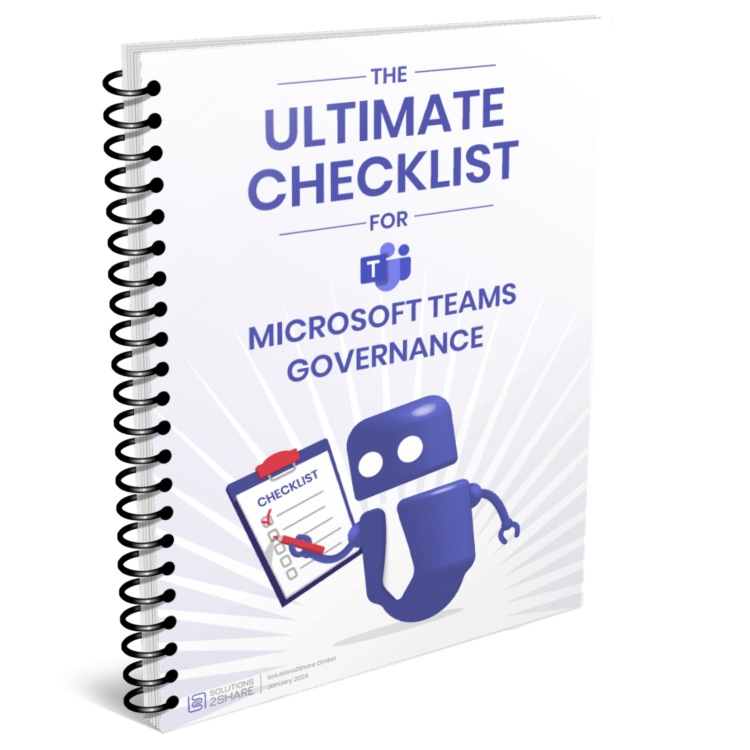
Audit-ready checklist with every governance control you need in place.
Get the Checklist →
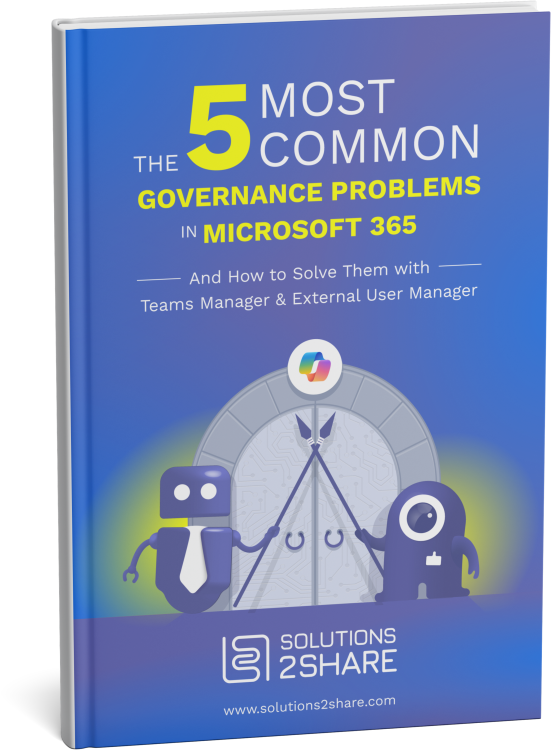
The most common pitfalls, and the proven fixes from 10+ years of rollouts.
Browse →Your people already live in Teams. Building project structure on top (templates, channels, lists, status) keeps everyone in the tool they actually use. No second platform, no context switching, no adoption fight.
Project templates auto-provision Planner boards, Lists, and channels per the project standard. Status across all three flows into the portfolio dashboard automatically. No extra reporting tool, no manual rollups.
Yes. Each template defines its own structure: Planner for sprints, Lists for backlogs, gates for milestones. Pick the right template at project launch; the rest assembles automatically.
A live overview of every active project Team: status (RAG), upcoming milestones, last activity, open risks, and ownership. Drill into any project from the dashboard. No separate reporting tool.
Projects close on schedule (by date or completion event). The Team gets archived, members get notified, documents stay retained per policy, and the project record stays in the dashboard for audit and lessons-learned.
Most customers go live with their first template in 2–3 weeks: template design in week 1, configuration in week 2, project owner onboarding in week 3. Add additional templates progressively. Solutions2Share provides starter templates and a project Teams playbook with every license.
Book a 30-minute demo. We’ll show you exactly how your project portfolio looks with template-driven Teams and real-time status.
Microsoft 365 governance and productivity solutions for modern workplaces.