Teams Governance
Teams Manager
Govern & manage Teams lifecycle
External User Manager
Control external guest access
Project Management
Projects in Teams
Plan & track projects in Teams
Microsoft SharePoint
SharePoint Site Templates
Standardize SharePoint provisioning
Templater (On-Premises)
On-premises template engine
Blocker for SharePoint
Control SharePoint creation
View all products →
Browse all four Microsoft 365 governance products
Teams Governance
Stop Teams sprawl & enforce policies
External User Management
Control external guest access
M365 Compliance
Ensure Microsoft 365 compliance
Project Management
Structure projects in Teams
SharePoint Provisioning
Standardize SharePoint sites
View all solutions →
Browse all five Microsoft 365 governance solutions
Template-driven provisioning, approval workflows, and permission control for SharePoint Online and on-premises, governed end-to-end.
Users spin up sites, lists, and libraries. Each one with its own naming, structure, and permissions. Lifecycle is gut feeling, audit trail is non-existent, and IT becomes the cleanup crew for choices nobody documented.
Pain: Pain: Hundreds of SharePoint sites with no template, no owner clarity, and no expiry rule.
Consequence: Consequence: Permissions drift, content duplicates, search becomes useless, and storage costs creep up unnoticed.
Pain: Pain: Owners share generously, sub-sites inherit silently, and external links live forever.
Consequence: Sensitive documents end up in the wrong hands, audits surface findings you didn’t expect, and remediation takes weeks.
Pain: Cloud governance tools don’t reach SharePoint Server. On-prem provisioning runs on PowerShell scripts and tribal knowledge.
Consequence: Consequence: Hybrid tenants end up with two governance models, two skill sets, and two audit trails, a recipe for compliance gaps.
Templates, workflows, and permission control, governed by the same standards everywhere.
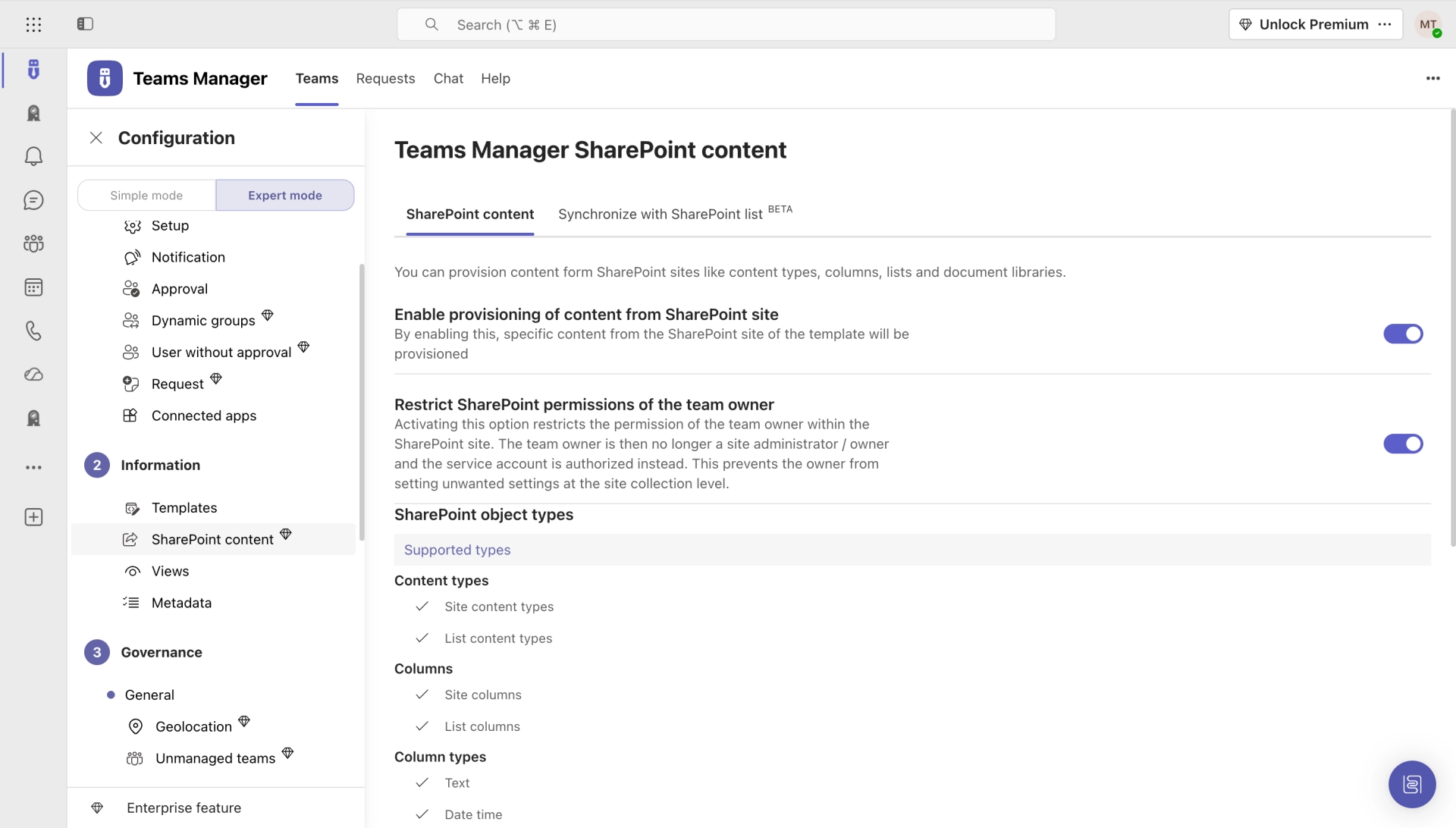
Every new SharePoint site starts from an approved template, with structure, columns, permissions, and classification applied automatically.
Site requests route through approval (owner, classification, compliance) before anything is provisioned. No ad-hoc creation.
Granular access enforcement, inheritance overrides, and lifecycle revocation across SharePoint Online and on-premises, same model.
A practical guide to templates, approval flows, permission control, and lifecycle across SharePoint Online, on-premises, and hybrid environments.
Self-service site provisioning for SharePoint Online: templates, approval workflows, and Teams integration. Powered by Teams Manager.

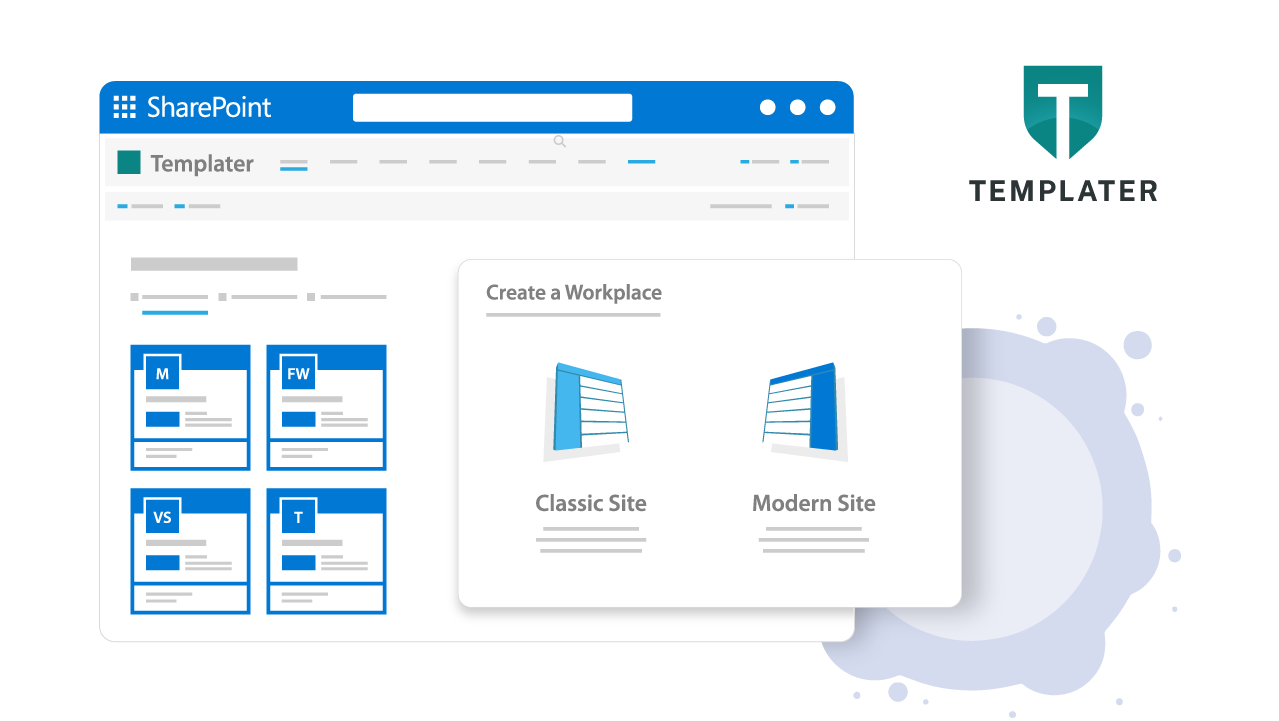
SharePoint provisioning for on-premises and Subscription Edition, same governance, fully hosted in your own infrastructure.


Hear from SharePoint admins and architects who unified provisioning, approval, and lifecycle across SharePoint Online and on-premises.
Thanks to automatic site provisioning with different templates, the collaboration and project portal is now super easy to use.

Teams Manager covers exactly what we had in mind. Everything that can be automated is now automated. I can also highly recommend the kick-off workshop.

We are saving a considerable amount of time in daily business (creating/configuring SiteCollections) and thus are able to focus on new projects and innovations.

I think the Teams Manager is an ingenious tool, which covers the current gaps of O365 teams with its functions. In addition, with colleagues from Solutions2Share you have a fast reacting partner with whom friendly communication at eye level is always fun.

The price is unbeatable! And in contrast to other providers, Teams Manager can be installed directly via the Microsoft Teams Store, which is a great solution. In just 10 minutes we were ready to go.

Native SharePoint admin and PnP scripts give IT the building blocks. We build the governance layer on top: approval workflows, template enforcement, permission control, and lifecycle, all in a UI that doesn't require PowerShell expertise.
Yes. Templater is built specifically for SharePoint on-premises (2019, Subscription Edition). Same template-driven provisioning and approval workflows as the cloud app, fully hosted in your own infrastructure.
Templates cover both modern team and communication sites plus sub-sites. Define hierarchy, column sets, libraries, permission inheritance, and classification once. Every spawn follows the standard.
Yes. Blocker for SharePoint detects broken inheritance, over-permissioned libraries, and external sharing exceptions across legacy and new sites. Bulk-correct, set rules, or quarantine, with full audit trail.
Site templates assign default sensitivity labels at provisioning. DLP policies remain in Microsoft Purview. We ensure labels are applied at creation time, with no missed classifications.
Most customers go live with their first template in 2–4 weeks: discovery in week 1, template design in week 2, approval workflow configuration in week 3, owner onboarding in week 4. We provide starter templates and a provisioning playbook with every license.
Book a 30-minute demo. We’ll show you how your tenant looks with template-driven provisioning, approval workflows, and consistent permission control.
Microsoft 365 governance and productivity solutions for modern workplaces.