Teams Governance
Teams Manager
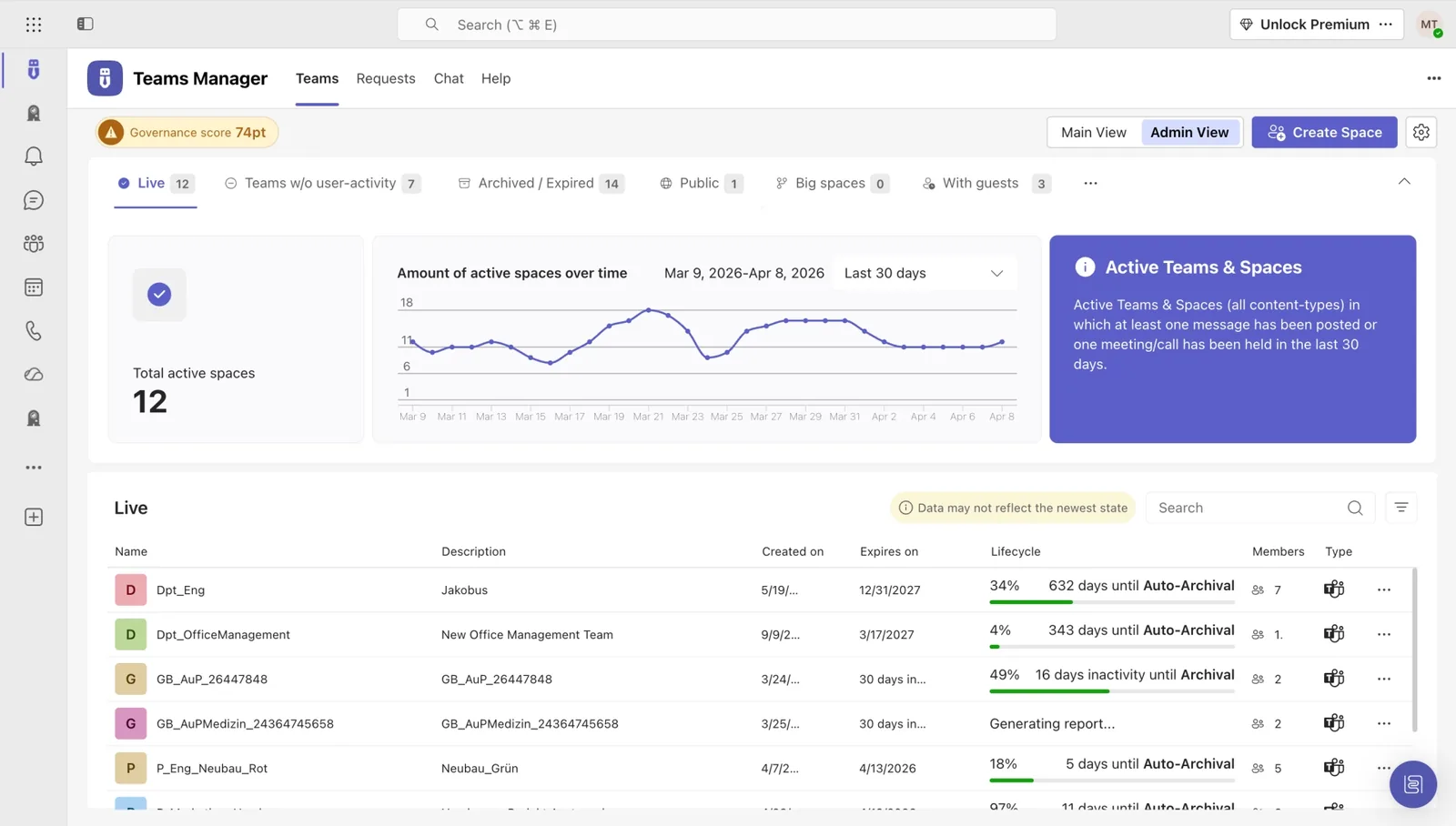
Govern & manage Teams lifecycle
External User Manager
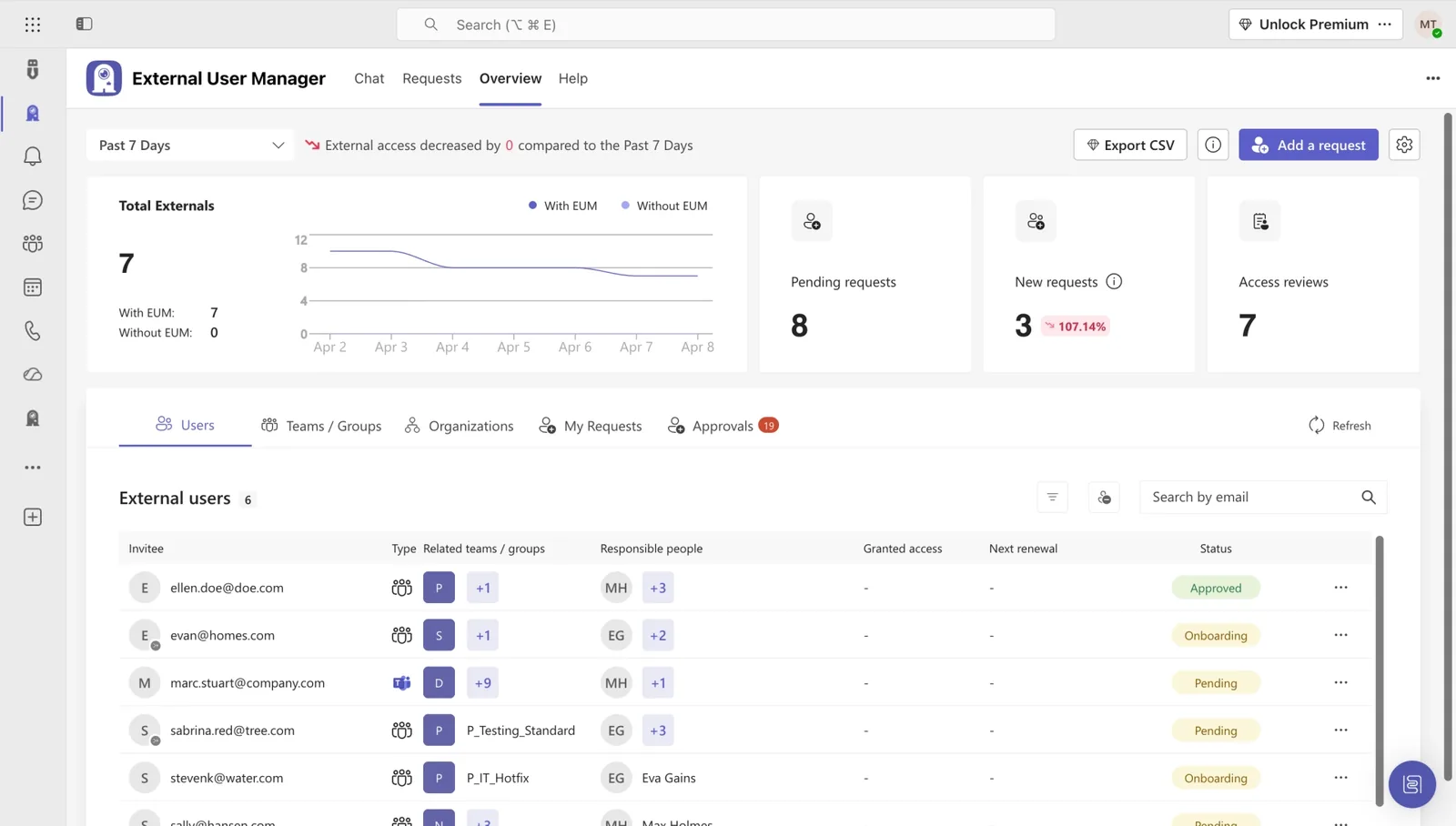
Control external guest access
Project Management
Projects in Teams
Plan & track projects in Teams
Microsoft SharePoint
SharePoint Site Templates
Standardize SharePoint provisioning
Templater (On-Premises)
On-premises template engine
Blocker for SharePoint
Control SharePoint creation
View all products →
Browse all four Microsoft 365 governance products
Teams Governance
Stop Teams sprawl & enforce policies
External User Management
Control external guest access
M365 Compliance
Ensure Microsoft 365 compliance
Project Management
Structure projects in Teams
SharePoint Provisioning
Standardize SharePoint sites
View all solutions →
Browse all five Microsoft 365 governance solutions
Automate provisioning, enforce naming policies, and retire inactive Teams on schedule, without writing a single line of PowerShell.
Teams was designed for collaboration, not governance. The moment your organization crosses a few hundred users, the cracks show: every employee can spin up a new Team, no one cleans up the dead ones, naming becomes a free-for-all, and external guests linger long after their projects end. IT carries the consequences, and the audit.
Pain: Hundreds of Teams created without approval, half of them inactive.
Consequence: Inflated license costs, growing attack surface, and a compliance footprint nobody can defend in an audit.
Pain: Provisioning, naming, classification, archival, all done by hand.
Consequence: Your best IT people spend their weeks on Teams cleanup instead of strategic projects. Backlog grows. Burnout follows.
Pain: Copilot indexes every Team it has access to, including the ones with stale permissions and forgotten sensitive content.
Consequence: A single Copilot query can surface data that should have been archived two years ago. You either delay AI rollout, or roll the dice.
Policy by default, self-service for users, full audit for IT.
Build approval workflows, naming conventions, and templates once. Apply them across every new Team, automatically.
Users request a Team in seconds. IT defines what's allowed. Naming, classification, owners, expiry, all auto-filled.
Inactive Teams archive themselves on schedule. Guest access expires when it should. Audit reports are one click away.
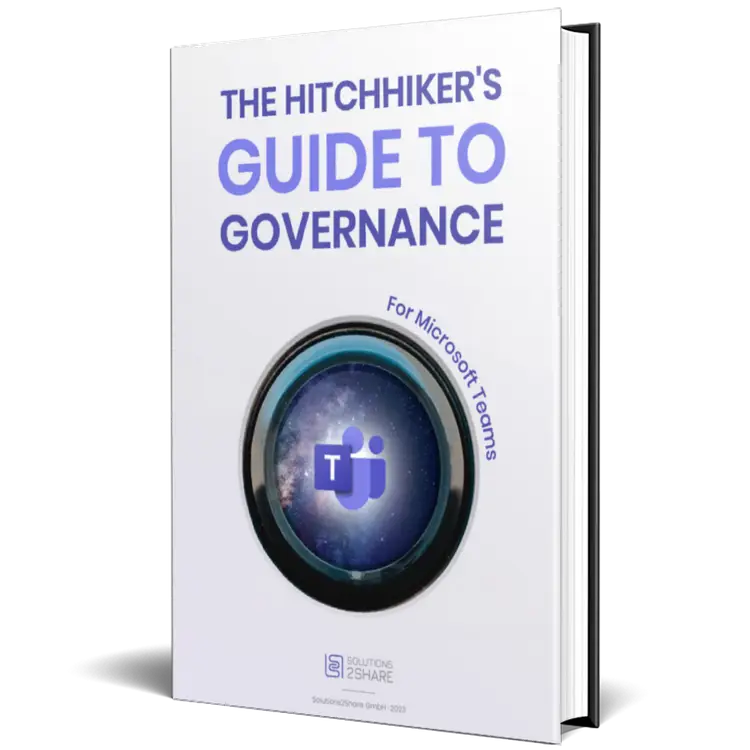
A 30-page guide on provisioning policies, lifecycle automation, naming conventions, and Copilot prep, distilled from 10+ years of customer rollouts.
Automate provisioning, enforce naming policies, retire inactive Teams on schedule.

Know exactly who from outside your tenant has access to what, and revoke it automatically when projects end.


Hear from IT leaders who replaced Teams sprawl with structured governance using Solutions2Share.
Teams Manager offers a huge relief for us through lifecycle management. The fact that team owners can regularly decide whether a team is still nededed is a good reassurance.

The Microsoft Teams system has become simpler and more structured with the Teams Manager.

For us, Teams Manager is the perfect supplement when it comes to Teams governance. It closed the gaps that are not available with native options provided by Microsoft. The use of Teams Manager has enabled us to introduce Teams in the company in a targeted and well-dosed manner.

Through Teams Manager, we implement structured guidelines and approval processes for the creation of teams and thus get a grip on teams proliferation. It is optimal that new features are added frequently.

We immediately realized that this was exactly what we needed because we were looking for a manager that offered an automated approval process and clear reporting.

External User Manager is very easy to use, super fast to install and a great addition to an extensive governance strategy even for SMBs. It is our GO TO application when it comes to guest management in Microsoft 365.

See how IT teams across industries use Solutions2Share to take control of Microsoft 365.

riha WeserGold saves 50% time in team and guest management with Teams Manager and External User Manager, automating approval processes and external access control.
Read Story →
Ernsting's family migrated from a competing governance tool to Teams Manager and External User Manager for more intuitive M365 governance.
Read Story →
Bioland manages 332 teams and 643 guests with Teams Manager and External User Manager, enforcing naming conventions and controlling guest access in Microsoft Teams.
Read Story →A library of practical, IT-tested resources for governing Microsoft Teams at scale.

30-page playbook on provisioning, lifecycle, naming and Copilot prep.
Read the Guide →
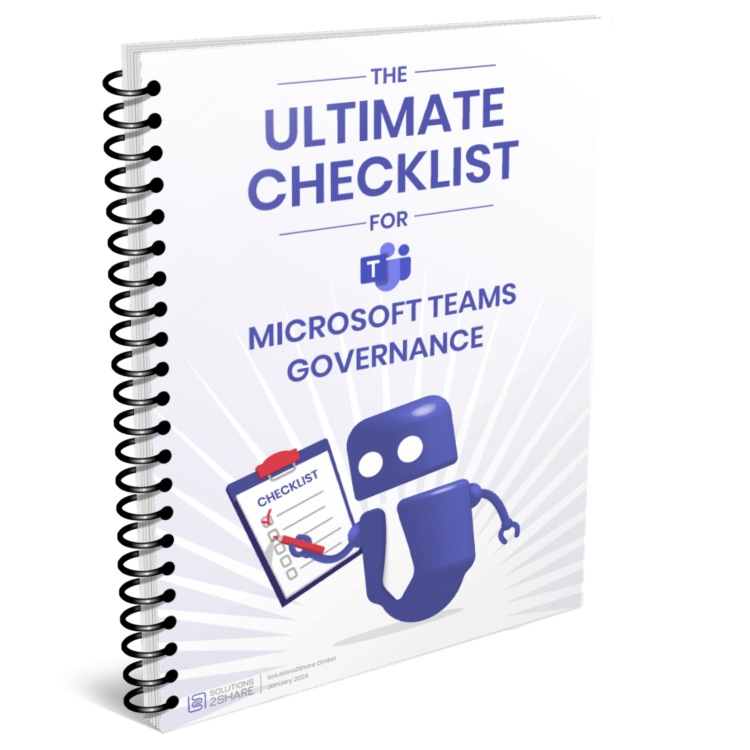
Audit-ready checklist with every governance control you need in place.
Get the Checklist →
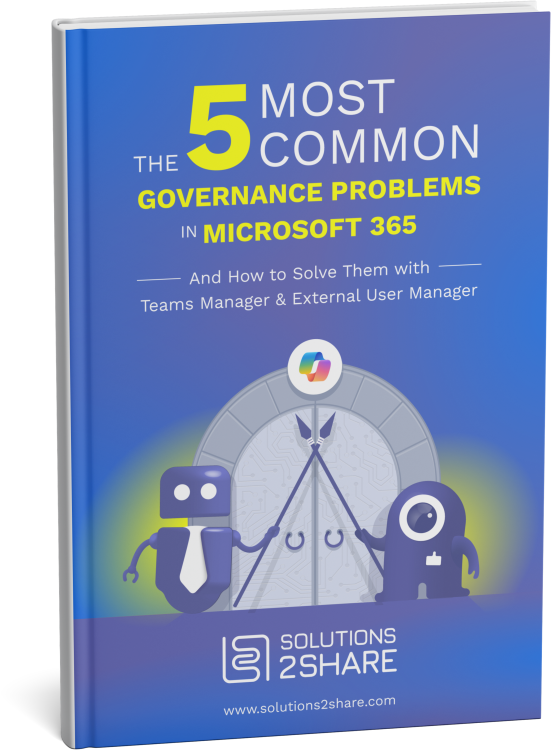
The most common pitfalls, and the proven fixes from 10+ years of rollouts.
Browse →Teams sprawl is the uncontrolled creation of Microsoft Teams across an organization, typically without naming standards, owners, or expiry rules. Over time it inflates licensing costs, creates security blind spots, and makes audits painful. Governance tools like Solutions2Share Teams Manager stop sprawl by enforcing policy at the moment a Team is requested.
Yes. Teams Manager exposes every governance action (approval flows, templates, naming rules, lifecycle, guest expiry) through a UI that IT admins can configure without scripting. PowerShell remains available for edge cases, but it's not required for day-to-day governance.
Copilot grounds its answers in whatever Teams and SharePoint content a user can access. If your tenant has stale Teams with over-permissioned content, Copilot will surface it. Fixing governance (archiving inactive Teams, tightening permissions, classifying sensitive Teams) is the prerequisite for a safe Copilot rollout.
Teams Manager is the most common migration target for ShareGate Provisioning customers. It covers the same provisioning, templating, and approval scenarios, with an additional lifecycle and external-user-management layer. Solutions2Share offers a direct migration path and a switch incentive for ShareGate customers.
Microsoft's native tools (Entra ID governance, sensitivity labels, retention policies) cover the basics but stop short of end-to-end provisioning workflows, granular guest lifecycle, or self-service request portals. Solutions2Share fills those gaps with a single, integrated layer that sits on top of M365, not replacing native controls but extending them.
Most customers go live with provisioning and lifecycle policies in 2–4 weeks. ShareGate migrations are faster, typically days. We provide implementation support, templates, and a governance playbook with every license.
Book a 30-minute demo. We’ll show you exactly how your tenant would look with governance done right.
Microsoft 365 governance and productivity solutions for modern workplaces.