SHAREPOINT ACCESS CONTROL

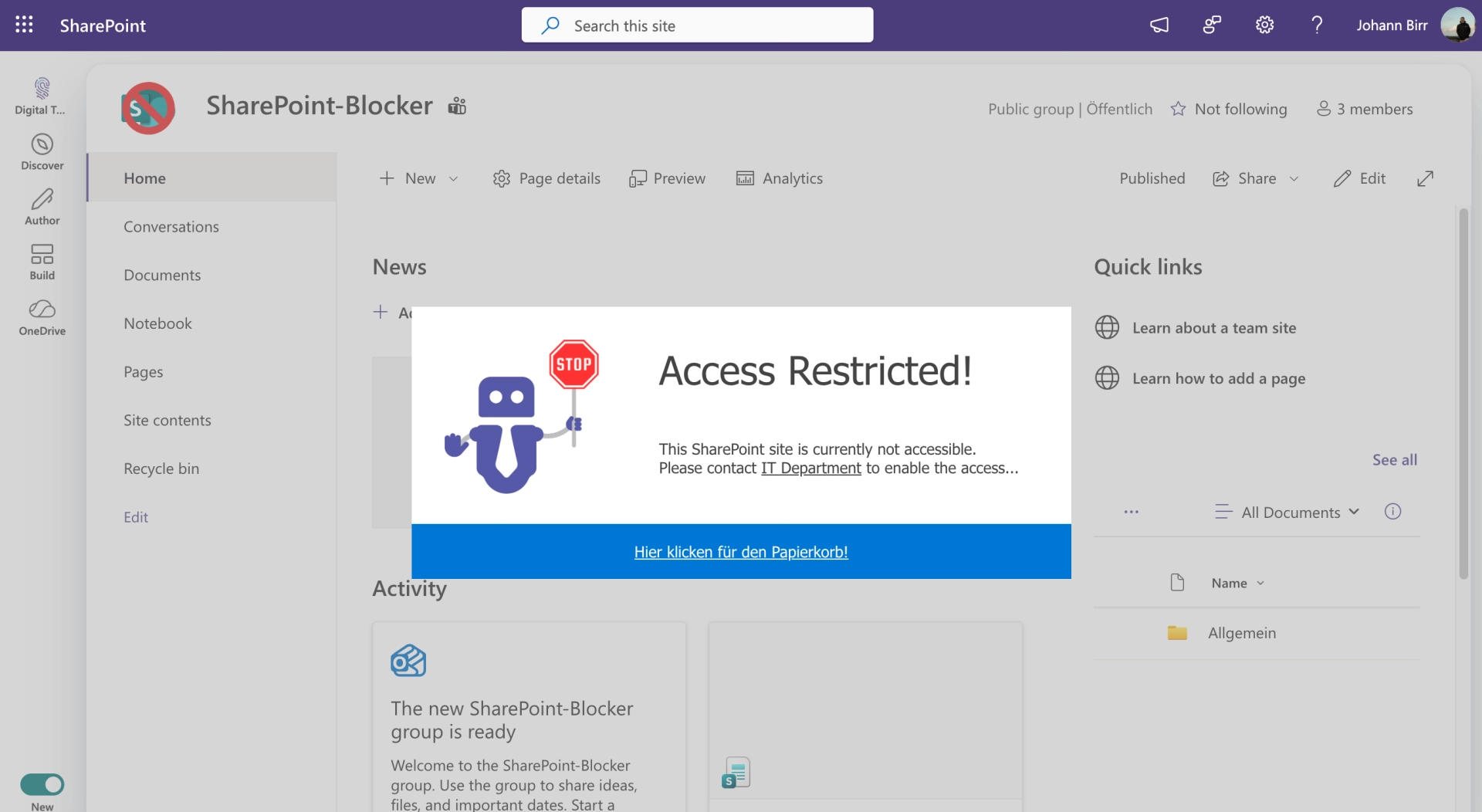
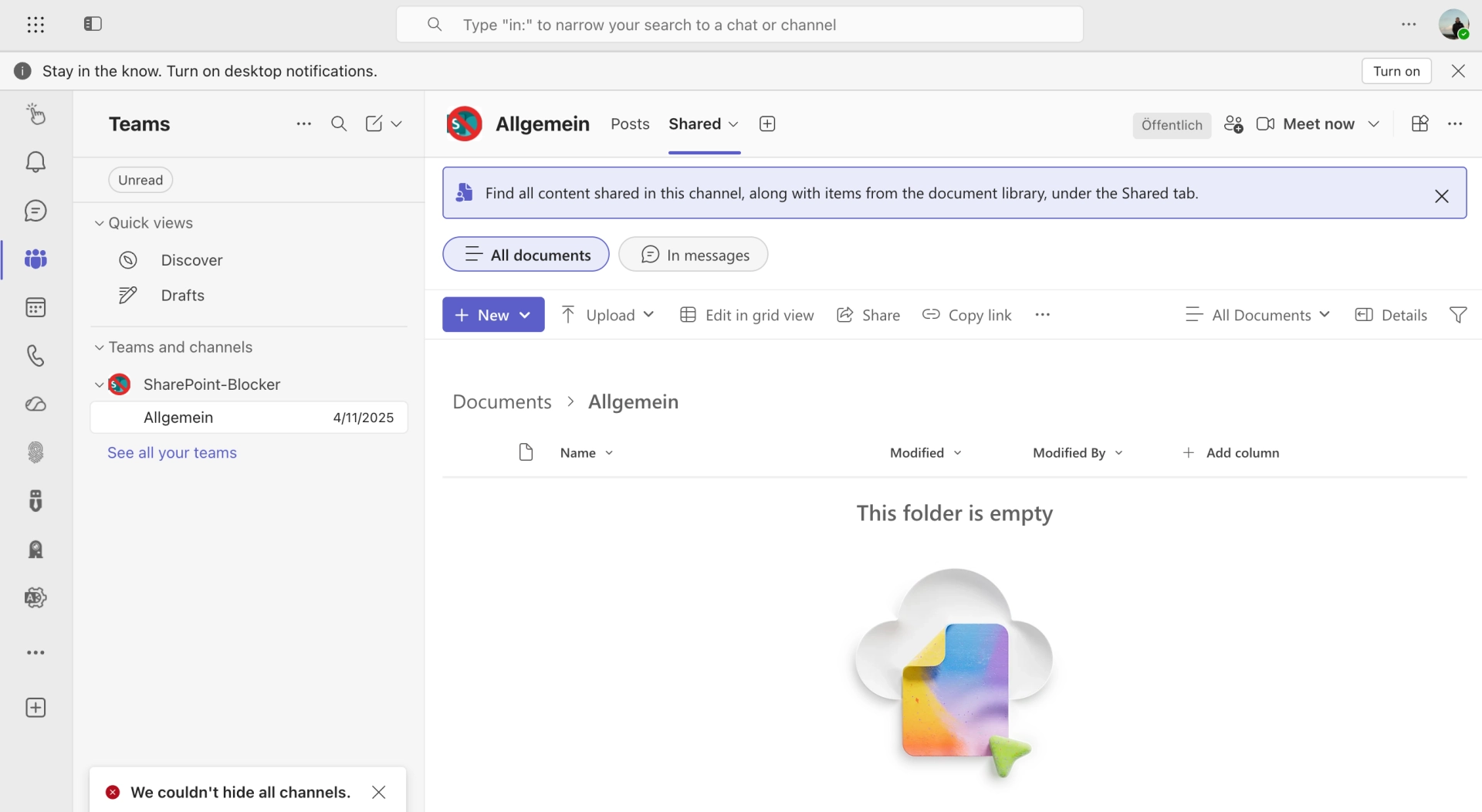
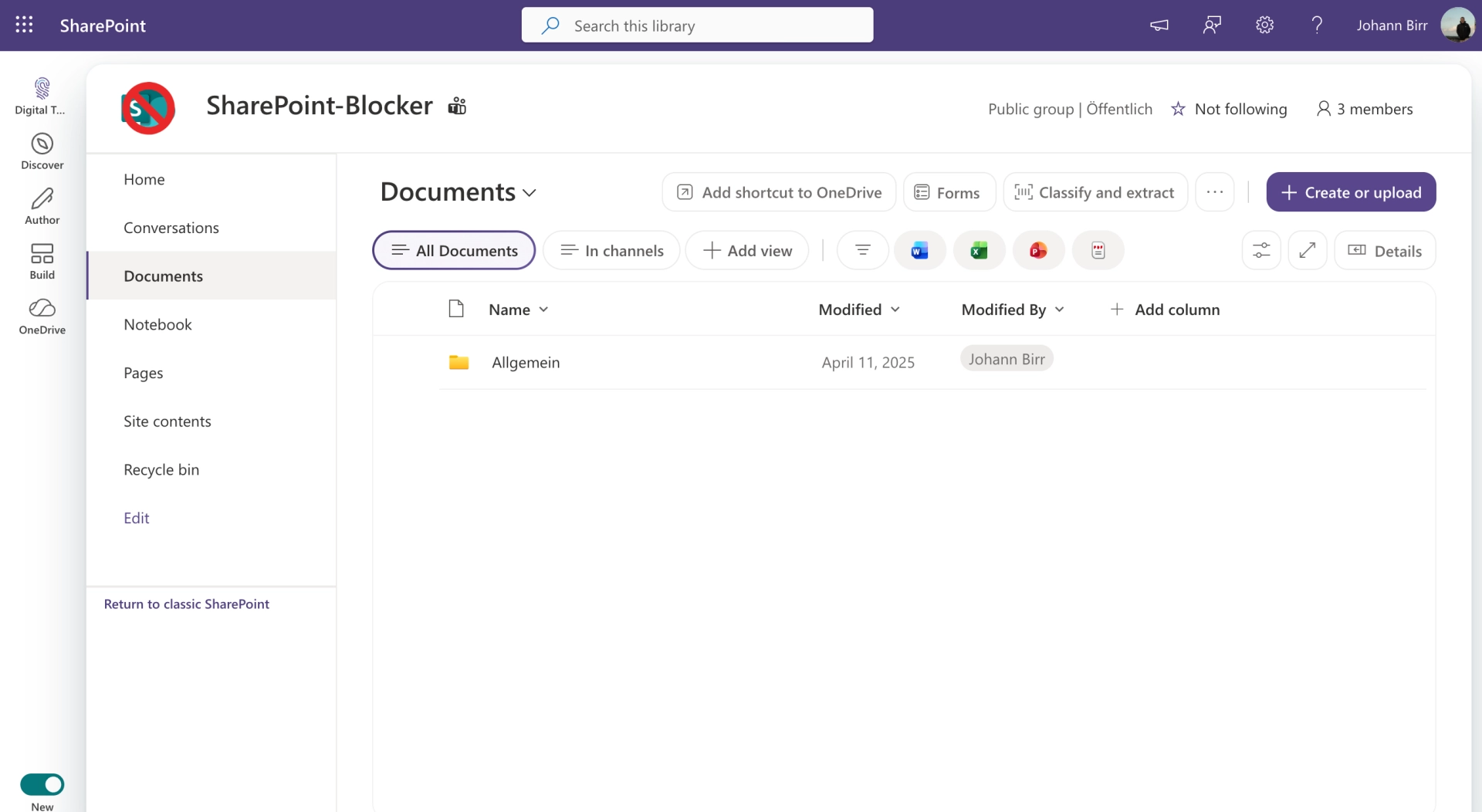
Block SharePoint access from Microsoft Teams.

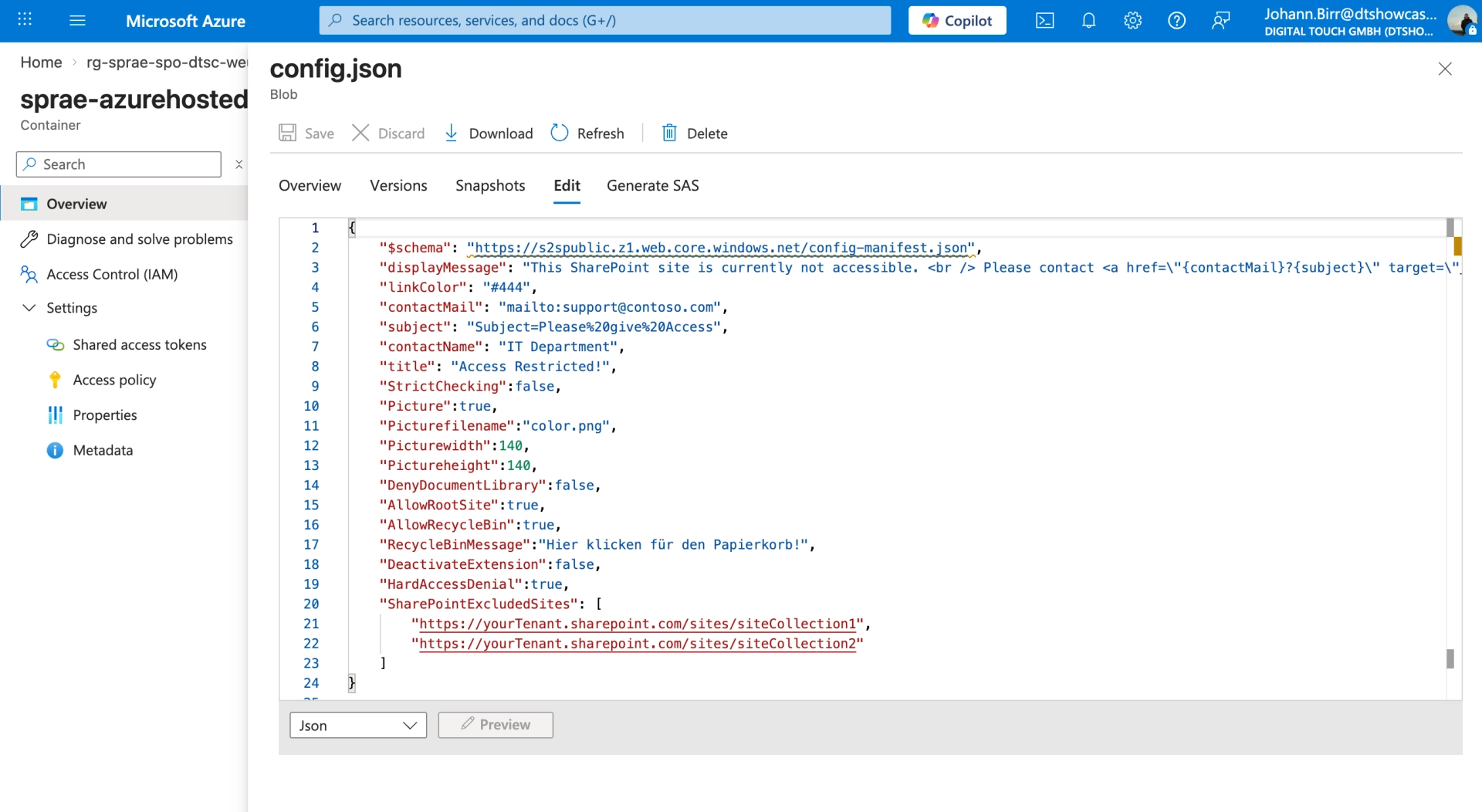
Prevent users from accessing SharePoint sites directly from Teams. Blocker for SharePoint restricts access, enforces whitelists, and keeps your environment centrally managed.

Teams Manager Dashboard showing Governance Score
Teams Manager Naming Convention Editor
Teams Manager Approval Card in Teams Chat

Built for IT teams managing Microsoft 365 environments

THE PROBLEM

Users access SharePoint without permission

When users switch from Teams to SharePoint, they land on sites they were never meant to see. Sensitive documents, confidential lists, internal project data, all just one click away.

THE SOLUTION

Block access at the source

Blocker for SharePoint intercepts the transition from Teams to SharePoint. A customizable message tells users to contact IT. No unauthorized browsing, no accidental data exposure.

How it works →
Teams Manager converting unmanaged teams with lifecycle policies
Teams Manager provisioning request options for new teams
THE PROBLEM

SharePoint sites multiply uncontrolled

Every new team in Microsoft Teams creates a SharePoint site. Before long, you have dozens of sites that nobody asked for, nobody manages, and nobody cleans up.

THE SOLUTION

Whitelist what matters, block the rest

Define a whitelist of approved SharePoint pages. Everything else is blocked automatically. Users see a clear message explaining why and who to contact, fully customizable by your IT team.

More on whitelisting →

How Blocker for SharePoint works

A simple, focused tool that gives IT admins full control over SharePoint access from Microsoft Teams.

Access interception

Blocks the transition from Teams to SharePoint automatically. Users see a customizable message instead of the SharePoint site.

Whitelist management

Define which SharePoint pages remain accessible. Everything not on the whitelist is blocked, no exceptions, no workarounds.

Custom messages

Show your own branded message when access is blocked. Instruct users to contact IT or redirect them to approved resources.

Central administration

Manage all blocking rules and whitelists from one central admin panel. No per-user configuration, no PowerShell scripts needed.

See Blocker for SharePoint in action

Get a quick walkthrough of how Blocker for SharePoint controls access to your SharePoint environment.

TRUSTED & CERTIFIED

Recognized certifications and awards that stand for quality and security.

Solutions2Share Badges — ISO 27001, Microsoft 365 Certified, G2 Awards

Frequently asked questions

Common questions about Blocker for SharePoint, from setup to whitelisting.

What does Blocker for SharePoint actually block?

Blocker for SharePoint intercepts access when users navigate from the Microsoft Teams client to SharePoint. It displays a customizable message instead of the SharePoint site, preventing unauthorized browsing of SharePoint content.

Can I allow access to specific SharePoint pages?

Yes. Blocker includes a whitelist feature that lets you define exactly which SharePoint pages remain accessible. All other pages are blocked. You can update the whitelist at any time from the central admin panel.

Can I customize the message users see when blocked?

Yes. The blocked-access message is fully customizable. You can add your company branding, explain why access is restricted, and include contact details or a link to your IT helpdesk.

How is Blocker for SharePoint deployed?

Blocker for SharePoint integrates with your Microsoft 365 environment. Setup takes minutes: configure your whitelist, customize the blocked message, and activate. No on-premises infrastructure required.

Ready to control SharePoint access?

Stop unauthorized SharePoint access from Microsoft Teams. Book a demo and see how Blocker for SharePoint keeps your environment secure.