MICROSOFT 365 GOVERNANCE

Microsoft 365 governance, without the blind spots.

Provision Teams by policy, control guest access, and see where your tenant stands across Microsoft 365. No PowerShell required.

THE PROBLEM

Microsoft 365 grows faster than any team can govern by hand.

Microsoft 365 was built for collaboration, not governance. Once you pass a few hundred users, the cracks show. Anyone can spin up a Team. Guests linger long after projects end. Permissions drift, and no one has a clear picture of the tenant. IT carries the consequences, and the audit.

Sprawl across the tenant

Pain: Teams, groups, and sites created without approval, half of them inactive.

Consequence: Inflated license costs, a growing attack surface, and a footprint nobody can defend in an audit.

Guest access no one tracks

Pain: External guests keep access long after their projects end.

Consequence: Sensitive data stays open to people outside your organization, with no expiry and no audit trail.

No clear governance picture

Pain: You can't say where your tenant stands on policies, permissions, and Copilot readiness.

Consequence: You delay your AI rollout, or launch it blind and hope nothing sensitive surfaces.

THE SOLUTION

One governance layer across your entire tenant.

See it, fix it, and keep it in check, from Teams and guests to permissions and SharePoint.

STEP 01

See where you stand

Scan your tenant read-only and get a clear picture of Teams, guests, permissions, and policy gaps.

STEP 02

Fix what matters first

Work down a prioritized list. Tighten guest access, retire dead Teams, and close your biggest exposure first.

STEP 03

Keep it under control

Policies hold as your tenant grows. New Teams follow the rules, guests expire on time, and reports stay audit-ready.

Know the gaps before you fix them.

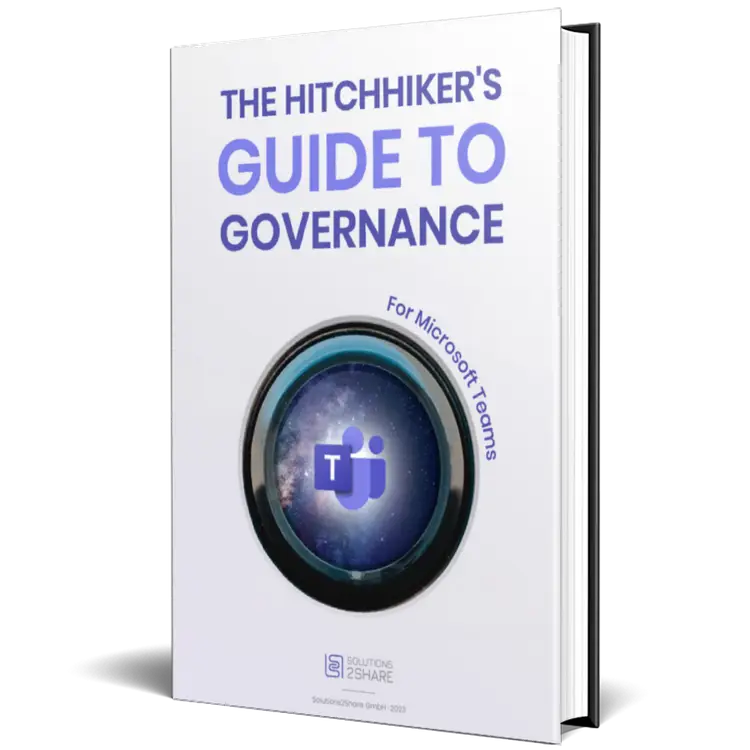
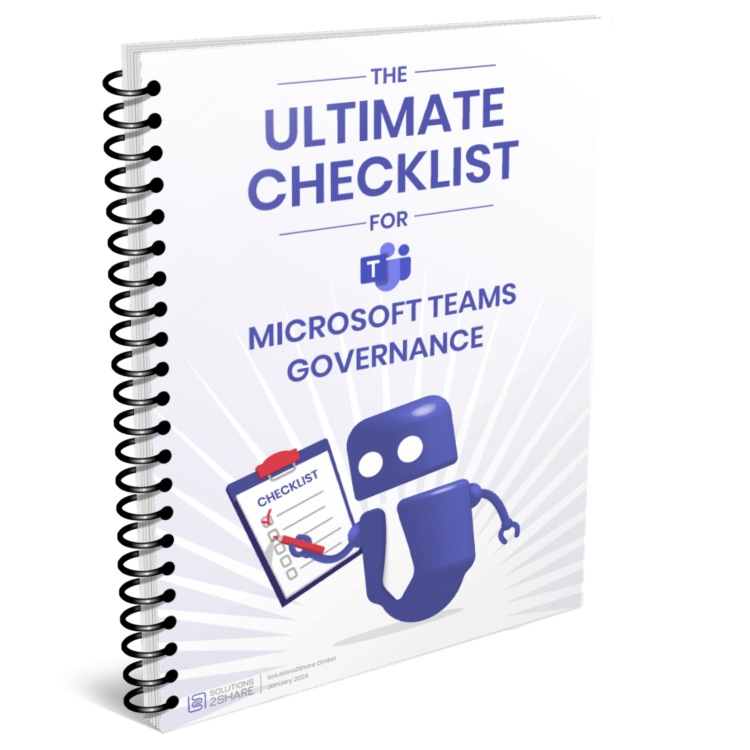
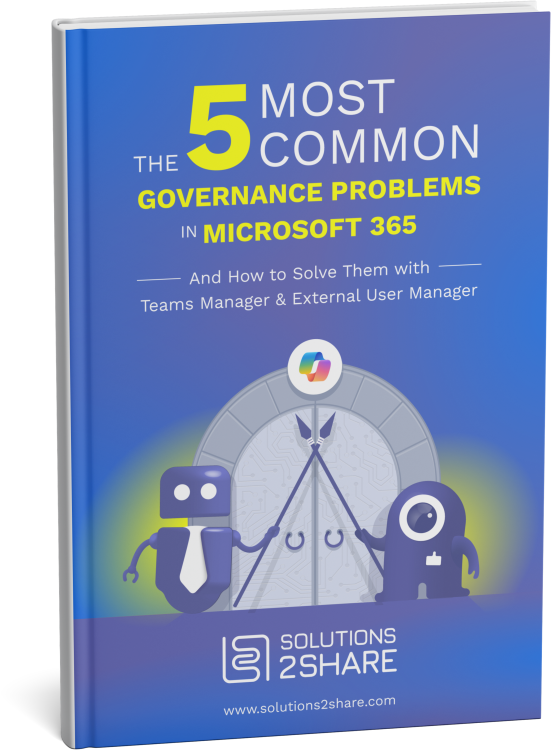
A 30-page playbook for governing Microsoft 365 end to end. Provisioning, guest lifecycle, permissions, and Copilot readiness, from 10+ years of rollouts.

THE APPS BEHIND IT

Three apps. One governance layer for Microsoft 365.

Core governance & lifecycle

Teams Manager

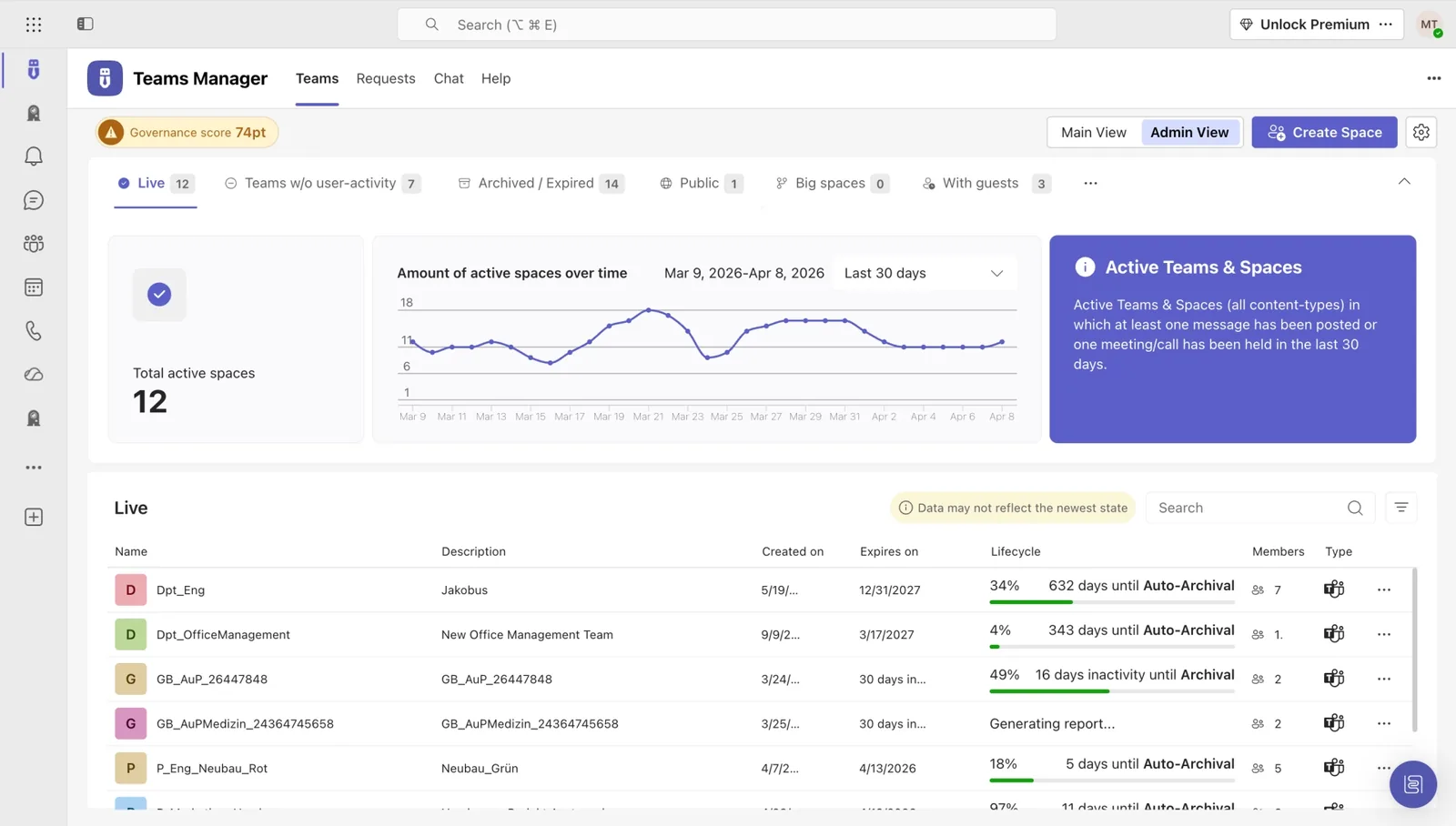
Bring Teams and groups under policy, with automated provisioning, naming, and lifecycle.

  • Approval workflows without PowerShell
  • Lifecycle automation with custom retention rules
  • ShareGate Provisioning successor with a direct migration path
Explore Teams Manager →
Teams Manager dashboard showing governance score
Guest & external access control

External User Manager

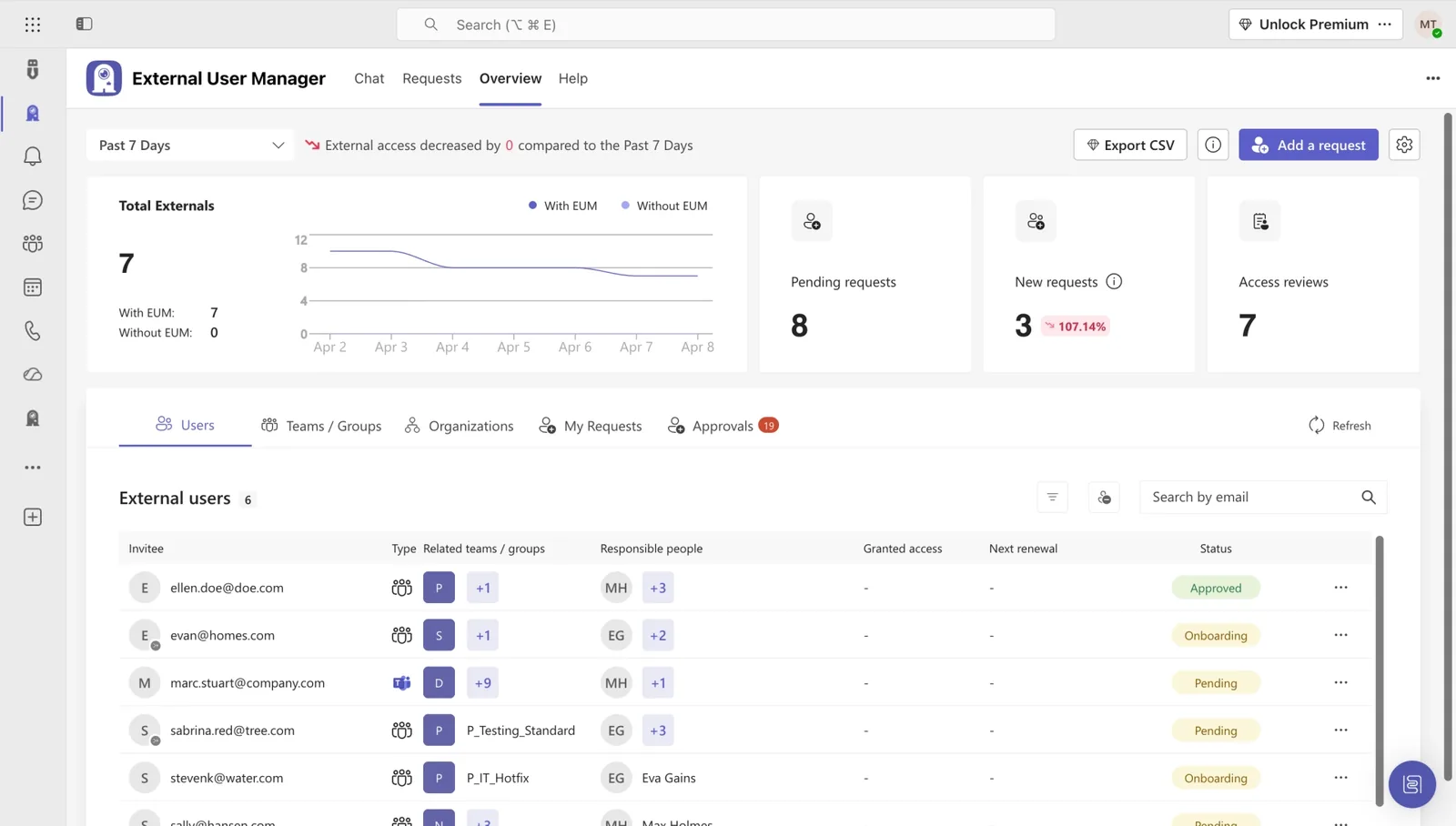
Control every external guest in your tenant, with approval, expiry, and audit-ready reviews.

  • Automatic expiry for guest accounts
  • Domain-based invitation rules
  • Audit-ready reports on every external identity
Explore External User Manager →
External User Manager dashboard overview
Governance assessment

Governance Autopilot

See where your Microsoft 365 governance stands. Scan your tenant read-only and get every gap in one clear report.

  • Read-only scan, nothing changes in your tenant
  • 123 policy checks across five scopes
  • A prioritized report you can hand upward
Explore Governance Autopilot →
Governance Autopilot tenant governance score dashboard

From Microsoft 365 chaos to governance, in their own words.

Hear from IT leaders who replaced sprawl and guest chaos with structured governance using Solutions2Share.

Through Teams Manager, we implement structured guidelines and approval processes for the creation of teams and thus get a grip on teams proliferation. It is optimal that new features are added frequently.

Placeholder
Felix Peider
Head of IT, Parking Zürich AG

With Teams Manager and External User Manager, managing Microsoft Teams runs on autopilot. We don't have to worry about anything and still have full overview and control over all guests and teams.

Placeholder
Michaël Schmitt
Network Administrator, Bioland e.V.

There are always customers who need a better and more controllable way for guests in their tenant. Especially when the responsible person for a guest is not in IT. External User Manager provides a quick and easy set of features that helps many customers with their requirements.

Placeholder
Hendrike Seidt
IT Consultant, Bechtle AG

We immediately realized that this was exactly what we needed because we were looking for a manager that offered an automated approval process and clear reporting.

Placeholder
Dimitri Morgenstern
IT System Administrator, riha Wesergold GmbH & Co. KG

I think the Teams Manager is an ingenious tool, which covers the current gaps of O365 teams with its functions. In addition, with colleagues from Solutions2Share you have a fast reacting partner with whom friendly communication at eye level is always fun.

Placeholder
Tim Benkel
Bechtle GmbH & Co. KG

With External User Manager, we know exactly which guest users have access to which channels and files. The approval process helps us keep a better overview. And the onboarding portal allows us to comply with company regulations by having our guest users sign an NDA beforehand.

Placeholder
Artur Strzalkowski
Team Lead Microsoft 365 Consulting, Digital Touch

CUSTOMER SUCCESS STORIES

See how IT teams across industries use Solutions2Share to take control of Microsoft 365.

IT-HAUS GmbH Microsoft Teams
IT service and systems provider

Structure and governance in M365 at IT-HAUS GmbH

IT-HAUS brings structure to a fast-growing Microsoft Teams environment with Teams Manager: standardized templates, a clear creation process, and automatic cleanup of inactive teams.

Read Story →
riha WeserGold Getränke GmbH & Co. KG Microsoft Teams
Beverage manufacturer

Structure and automation in M365: How riha WeserGold saves significant time

riha WeserGold saves 50% time in team and guest management with Teams Manager and External User Manager, automating approval processes and external access control.

Read Story →
Ernsting's family GmbH & Co. KG Microsoft Teams
Textile retail

Governance made easy: Ernsting's family relies on Teams Manager and External User Manager

Ernsting's family migrated from a competing governance tool to Teams Manager and External User Manager for more intuitive M365 governance.

Read Story →
View All Customer Stories →
GO DEEPER

Take the next step on Microsoft 365 governance.

A library of practical, IT-tested resources for governing Microsoft 365 at scale.

FAQ

Microsoft 365 governance: common questions answered.

What is Microsoft 365 governance?

Microsoft 365 governance is the set of policies and controls that keep Teams, groups, SharePoint, and guest access in order as your tenant grows. It covers who can create what, how long access lasts, and how you prove it in an audit. Solutions2Share adds that layer on top of Microsoft 365.

Can I govern Microsoft 365 without writing PowerShell?

Yes. Teams Manager and External User Manager expose every governance action, from approval flows and naming rules to guest lifecycle, through a UI IT admins configure without scripting. PowerShell stays available for edge cases, but it isn't required day to day.

How does Microsoft 365 governance affect our Copilot rollout?

Copilot grounds its answers in whatever content a user can access. If your tenant has stale Teams or over-permissioned sites, Copilot will surface them. Cleaning up governance first, archiving inactive Teams, tightening permissions, and classifying sensitive content, is the prerequisite for a safe Copilot rollout.

How do I find out where my tenant stands today?

Governance Autopilot scans your Microsoft 365 tenant read-only and reports where you stand on policies, permissions, and guest access. You get a clear list of gaps and what to fix first, without changing anything in your tenant.

How does Solutions2Share differ from native Microsoft 365 governance tools?

Microsoft's native tools (Entra ID governance, sensitivity labels, retention policies) cover the basics but stop short of end-to-end provisioning workflows, granular guest lifecycle, or self-service request portals. Solutions2Share fills those gaps with a single, integrated layer that sits on top of M365, not replacing native controls but extending them.

How long does a Microsoft 365 governance rollout typically take?

Most customers go live with provisioning and lifecycle policies in two to four weeks. A read-only assessment with Governance Autopilot takes minutes. We provide implementation support, templates, and a governance playbook with every license.

Ready to close the gaps across Microsoft 365?

Book a 30-minute demo. We'll walk your tenant, show the gaps, and map the fastest way to close them.