MICROSOFT 365 COMPLIANCE

Compliance in Microsoft 365, without the spreadsheet drills.

Automate retention, classify sensitive content, and prove compliance in one click, across Teams, SharePoint, and Entra ID.

THE PROBLEM

Microsoft 365 compliance wasn’t designed for the way regulators actually audit.

Sensitivity labels, retention policies, audit logs: Microsoft 365 has the building blocks. But without orchestration, your compliance posture is a patchwork of manual checks, screenshot evidence, and last-minute scrambles.

Stale Sensitive Content

Pain: Sensitive Teams and SharePoint sites linger without retention or expiry rules.

Consequence: Outdated personal data, contract drafts, and HR records accumulate, and surface to anyone who can search.

Audit-Trail Gaps

Pain: Native audit logs scatter across Purview, Entra ID, and individual workloads, with no unified view.

Consequence: When the regulator calls, your team spends days reconciling timestamps instead of answering questions.

Copilot vs Compliance

Pain: Copilot grounds answers on every accessible file, including ones a sensitivity label should have hidden.

Consequence: A single prompt can surface unlabeled confidential content, and you don't even know it happened.

THE SOLUTION

Compliance posture that holds up to an audit.

Automatic retention. Default-on sensitivity. Continuous reporting.

STEP 01

Classify everywhere

Apply sensitivity labels the moment content is created, across Teams, channels, and SharePoint sites, based on template, owner, or department.

STEP 02

Retain without reminders

Retention policies attach automatically by project type. Expired content archives itself; nothing lingers past its legal hold.

STEP 03

Audit on demand

Pull cross-workload compliance reports in one click. Domain, owner, sensitivity, last activity, filtered the way regulators ask.

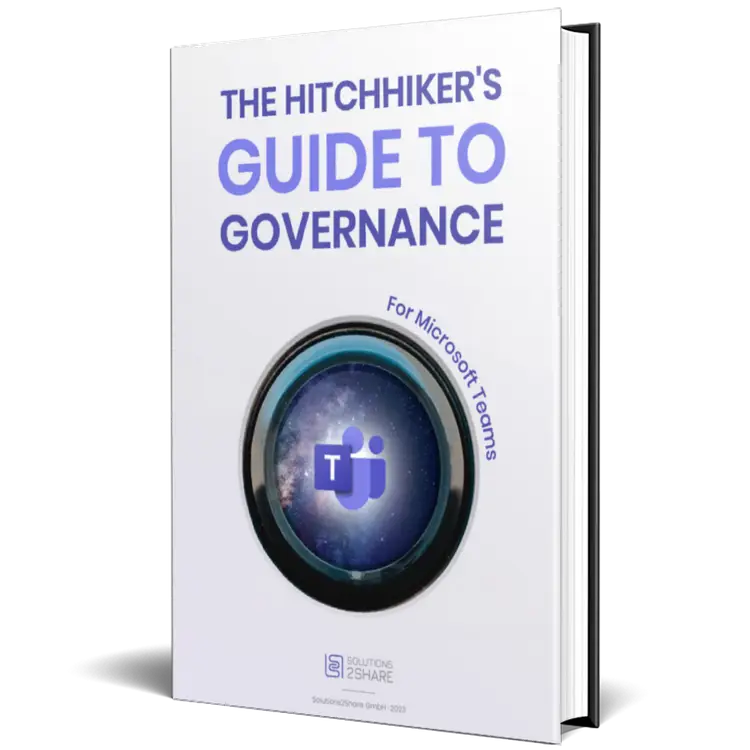
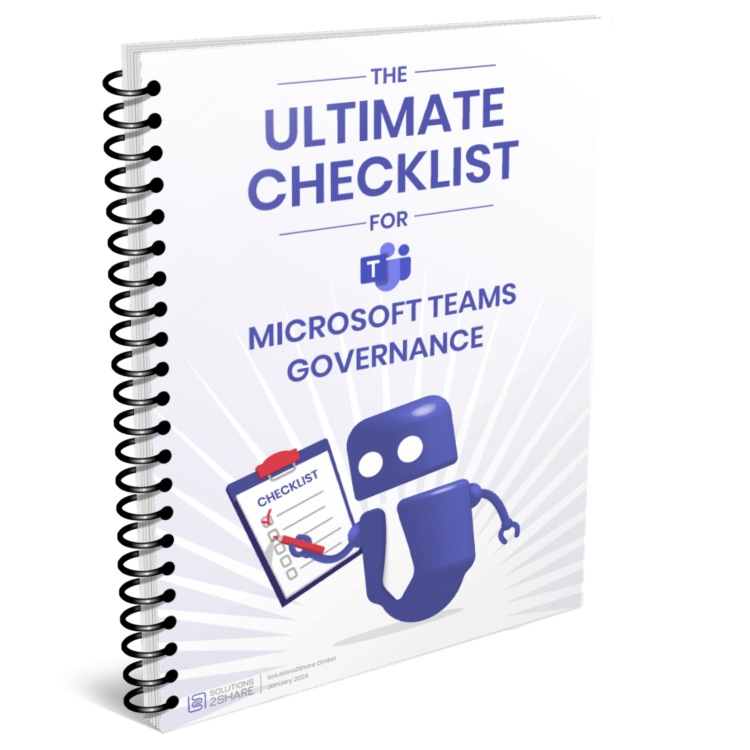
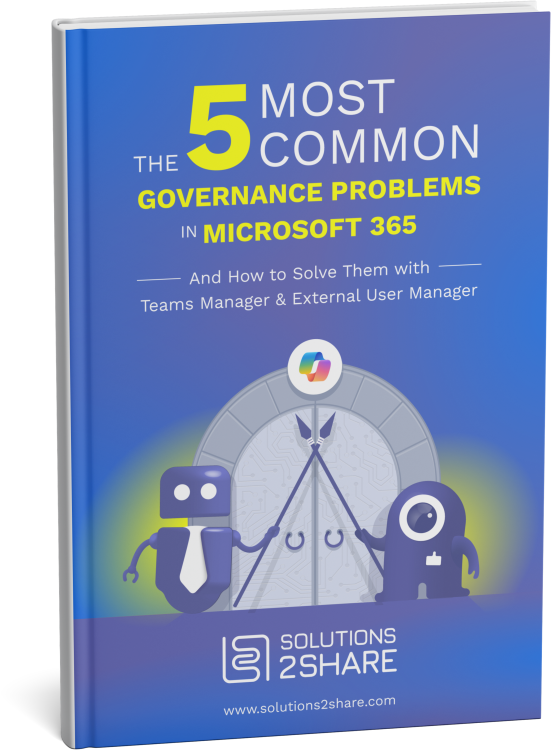
Get the M365 compliance playbook.

A practical guide to retention policies, sensitivity classification, audit prep, and Copilot readiness, from 10+ years of enterprise rollouts.

THE PRODUCTS BEHIND IT

Built on the products IT trusts for M365 compliance.

Core governance & lifecycle

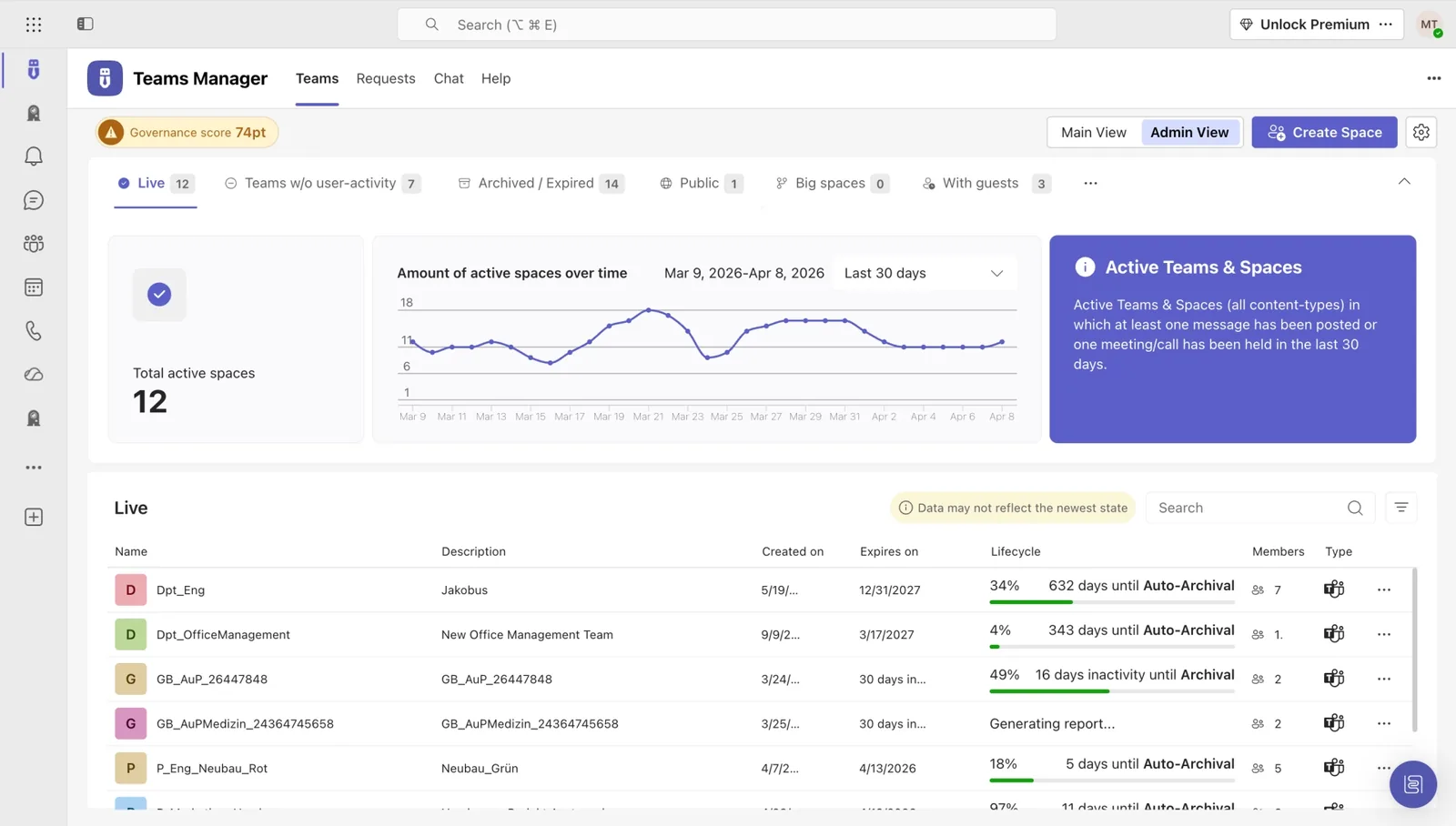
Teams Manager

Centralized governance for Teams provisioning, lifecycle, and naming: the foundation of any compliance program.

  • Approval workflows without PowerShell
  • Lifecycle automation with custom retention rules
  • ShareGate Provisioning successor with a direct migration path
Explore Teams Manager →
Teams Manager dashboard showing governance score
Guest & external access control

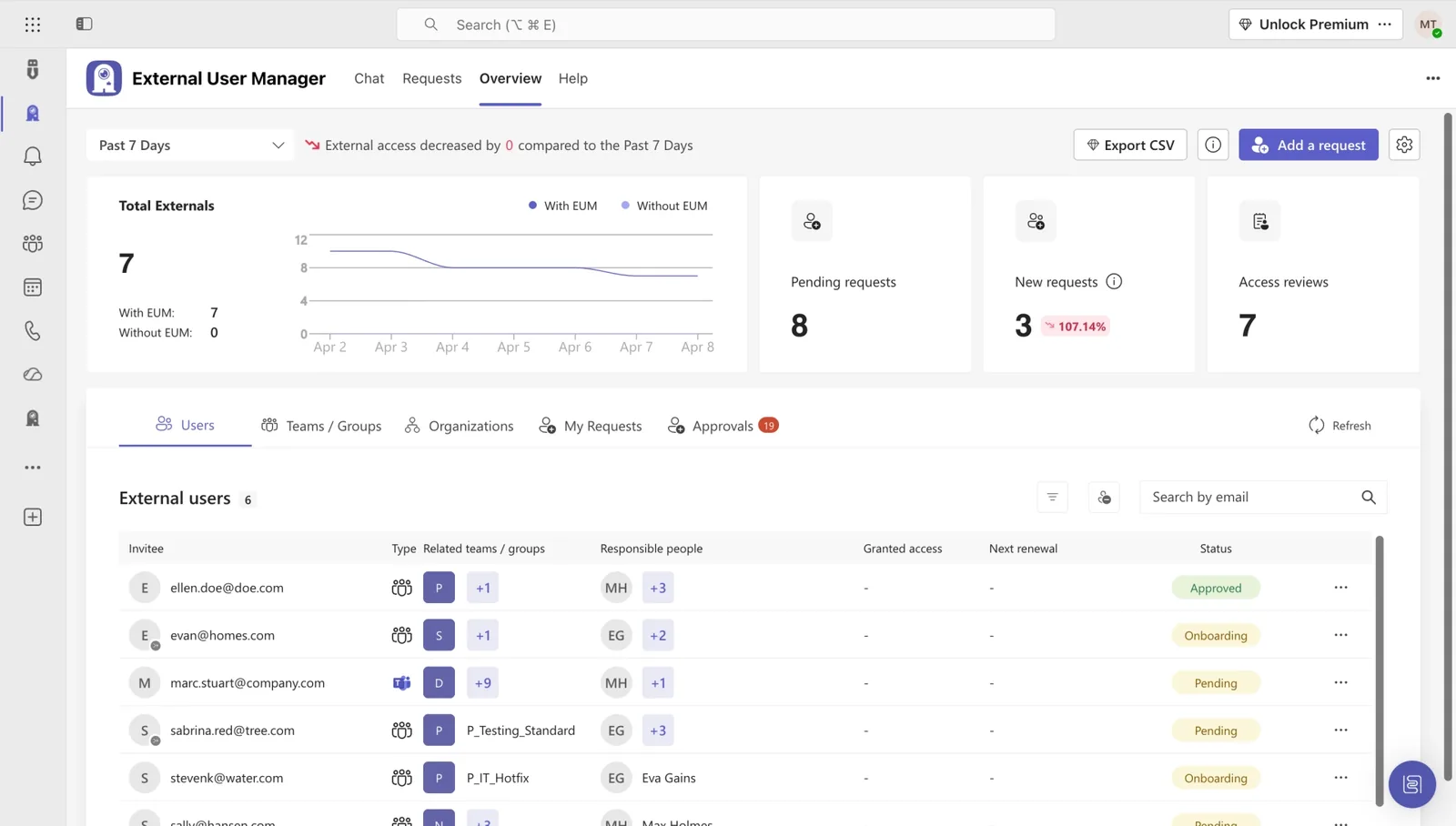
External User Manager

Guest access lifecycle with audit-ready reporting: close the most-cited compliance gap in Microsoft 365.

  • Automatic expiry for guest accounts
  • Domain-based invitation rules
  • Audit-ready reports on every external identity
Explore External User Manager →
External User Manager dashboard overview

From audit anxiety to compliance confidence: in their own words.

Hear from IT and compliance leaders who replaced screenshot evidence with structured Microsoft 365 governance.

Teams Manager offers a huge relief for us through lifecycle management. The fact that team owners can regularly decide whether a team is still nededed is a good reassurance.

Placeholder
Katharina Schepker
AEWB

Teams Manager is the perfect complement to our governance and adoption strategy for teams. It provides a way for us to intelligently apply naming conventions, metadata, and lifecycles to teams without a request process and maintain freedom for the teams facility for trained users.

Placeholder
Andreas Zinic
Freudenberg Sealing Technologies

With Teams Manager and External User Manager, managing Microsoft Teams runs on autopilot. We don't have to worry about anything and still have full overview and control over all guests and teams.

Placeholder
Michaël Schmitt
Network Administrator, Bioland e.V.

Sine the integration of Teams Manager into our Teams client, which allows us to create teams from templates, we finally have a fixed and strict process to manage teams, while having a great overview and control over all created teams.

Placeholder
Tim Baumgartl
AZO GmbH & Co. KG

The Teams Manager lifecycle in particular provides real added value: we don't produce any data waste here. Teams that are no longer needed are automatically deleted.

Placeholder
Dennis Schwoch
Board Member, DRK Kreisverband Gütersloh e.V.

With External User Manager, we know exactly which guest users have access to which channels and files. The approval process helps us keep a better overview. And the onboarding portal allows us to comply with company regulations by having our guest users sign an NDA beforehand.

Placeholder
Artur Strzalkowski
Team Lead Microsoft 365 Consulting, Digital Touch

CUSTOMER SUCCESS STORIES

See how IT teams across industries use Solutions2Share to take control of Microsoft 365.

riha WeserGold Getränke GmbH & Co. KG Microsoft Teams
Beverage manufacturer

Structure and automation in M365: How riha WeserGold saves significant time

riha WeserGold saves 50% time in team and guest management with Teams Manager and External User Manager, automating approval processes and external access control.

Read Story →
Ernsting's family GmbH & Co. KG Microsoft Teams
Textile retail

Governance made easy: Ernsting's family relies on Teams Manager and External User Manager

Ernsting's family migrated from a competing governance tool to Teams Manager and External User Manager for more intuitive M365 governance.

Read Story →
Bioland Teams Guest Management Microsoft Teams
Organic farming

How Bioland Manages Teams and Guests in Microsoft Teams

Bioland manages 332 teams and 643 guests with Teams Manager and External User Manager, enforcing naming conventions and controlling guest access in Microsoft Teams.

Read Story →
View All Customer Stories →
GO DEEPER

Take the next step on Microsoft 365 compliance.

A library of practical, IT-tested resources for sensitivity, retention, and audit-ready Microsoft 365.

FAQ

Microsoft 365 compliance: common questions answered.

How does Solutions2Share complement Microsoft Purview?

Microsoft Purview provides the core compliance services like DLP, sensitivity labels, and retention. Solutions2Share orchestrates them: applying labels at provisioning time, attaching retention by project type, and consolidating audit views. Purview is the toolbox; Solutions2Share is the operating procedure on top.

Can sensitivity labels apply automatically at content creation?

Yes. When a new Team or SharePoint site is provisioned, a label is set based on its template, owner, classification, or department. Files inherit the label automatically. No user prompts, no missed classifications.

How does Solutions2Share support GDPR right-to-be-forgotten requests?

Generate a per-individual data report covering every Team, channel, document, comment, and external invitation associated with a subject. Bulk-delete or anonymize on confirmation. Full audit trail of the request and response.

What does an audit-ready report from Solutions2Share contain?

Cross-workload activity (Teams, SharePoint, OneDrive, Entra ID), filtered by date, owner, sensitivity, or domain. Includes provisioning events, lifecycle actions, guest access changes, and label assignments. Export as CSV or PDF, signed and timestamped.

How do we prep our tenant for Copilot from a compliance perspective?

Three steps: (1) classify existing content with sensitivity labels, (2) tighten over-permissioned Teams and sites, (3) archive stale content. Solutions2Share automates all three, producing a Copilot-readiness report you can hand to your CIO before activation.

How long does a compliance rollout typically take?

Most customers go live in 4–6 weeks: discovery scan in weeks 1–2, policy configuration in weeks 3–4, owner onboarding and audit reporting in weeks 5–6. Solutions2Share provides implementation templates and a compliance playbook with every license.

Ready to defend your next compliance audit?

Book a 30-minute demo. We'll show you exactly how your tenant looks with structured compliance: retention, sensitivity, and audit-ready by default.