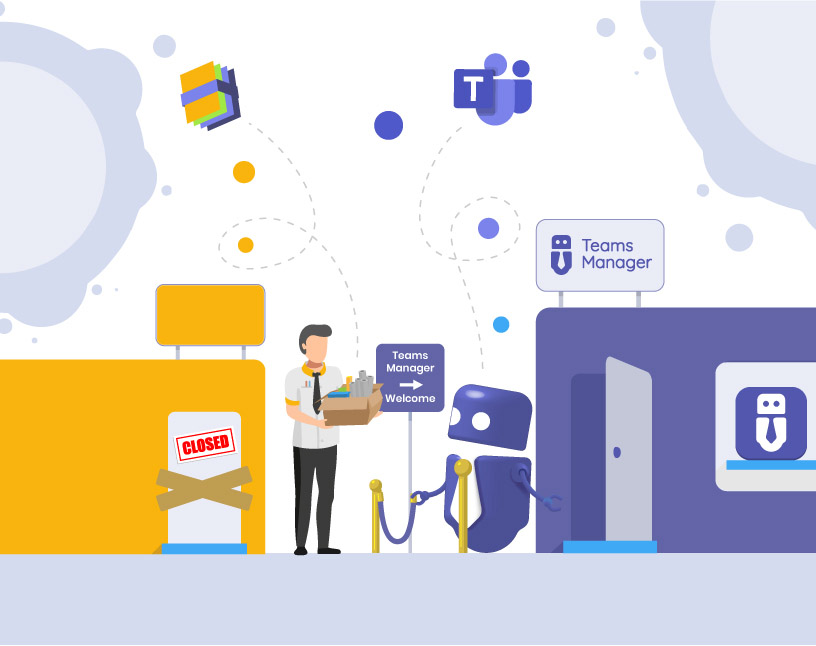
What problems do you face with Valo Teamwork today?
If you’re still using Valo Teamwork (or Staffbase Teamwork), you’ve likely run into one or more of these issues:
- Uncontrolled growth in Microsoft Teams: project teams pop up without structure, templates aren’t used, and responsibilities are unclear.
- Duplicate, unused, or abandoned teams clutter your tenant, consume storage, and make collaboration confusing.
- Rising support effort: users create teams inconsistently, IT has to intervene, processes aren’t standardized.
- Security and compliance risks, especially in regulated industries like construction, engineering, finance, or manufacturing.
- Limited or discontinued product development and support — creating long-term risks for your IT environment.
Instead of providing clarity and structure, Valo Teamwork often adds more complexity. For you as an IT admin, this means more work, less control, and growing operational risks.
Who should consider switching now?
A transition is particularly relevant for:
- IT admins, IT team leads, and Microsoft 365 owners who need clean, managed, and governed Teams environments.
- Companies with many project-based or temporary teams — common in construction, engineering, consulting, or services.
- Organizations with strict governance, naming, lifecycle, or compliance requirements.
- Teams looking for a modern, future-proof solution with native Teams integration and active product development.

How does the migration to Teams Manager work?
Switching is straightforward. Most companies follow this simple process:
- Assess your environment: Create an overview of all existing Teams, channels, OneNotes, Planners, and inactive or duplicate teams.
- Define your governance rules: Before switching, you set up:
- Templates for consistent provisioning
- Naming rules
- Approval workflows
- Lifecycle rules for archiving or deletion
- Run a pilot: Choose a department or project team to test the migration and the new provisioning process.
- Go live: Activate roles, approval workflows, templates, and automation rules across the organization.
- Monitor & manage the lifecycle: Use the Governance Dashboard to track:
- Inactive teams
- Lifecycle status
- Compliance risks
- User activity
Everything runs automatically — without manual IT intervention.
What does Teams Manager offer compared to Valo Teamwork?
| Feature | Valo Teamwork | Teams Manager |
| --- | --- | --- |
| Teams & M365 templates | available, limited development | modern, flexible, Microsoft-native templates |
| Approval workflows | limited | full request-to-provision workflow |
| Lifecycle management | partly manual | automated archive & delete cycles |
| Naming conventions | basic or limited | clear rules for Teams, Planner, OneNote, and more |
| Dashboards & reporting | limited | Governance Score Dashboard + admin reports |
| Long-term support | unclear or discontinued | active development & support from Solutions2Share |
| Microsoft Teams integration | available | fully integrated, listed in Teams App Store |
Your benefits:
- Less clutter and duplication
- Reduced support tickets
- Strong standardization
- Clear responsibility and compliance
- Automated lifecycle management
- Future-proof tool with active development
Why Solutions2Share is the right partner for your Teams governance
- Over 60,000 installations and more than one million active users worldwide
- Deep expertise in Microsoft Teams governance, lifecycle management, and M365 automation
- Trusted by mid-sized and enterprise customers in regulated industries
- German vendor with strong data protection standards
- Strong partner network for migration and rollout support
With Solutions2Share, you don’t just get a tool — you get a reliable governance partner.
What cost and benefit factors should you consider?
- Licensing: transparent and predictable
- Savings: fewer support tickets, reduced storage, less tenant cleanup
- Risks if you stay with Valo Teamwork:
- discontinued product
- rising security risks
- growing administrative effort
- inconsistent team creation
- Timeline:
- first improvements usually visible within 4–8 weeks
- full rollout typically 3–6 months depending on environment size
- Special offers: migration discounts or partner promotions may apply
Your next steps
If you’re looking to take back control of your Teams environment, now is the right moment:
👉 Book a free Teams Manager demo
👉 Request a free analysis of your current Teams environment
👉 Start your migration and benefit from available partner offers
We’re here to support you at every step. Feel free to reach out: sales@solutions2share.com
By replacing Valo Teamwork with Teams Manager, you move to a modern, reliable, and future-proof governance solution for Microsoft Teams. We guide you through the entire process and help you bring order, structure, and clarity back into your M365 environment.